DOWNLOAD IS NOT SUPPORTED IN WEB STORE!
Use the latest version of 9Apps to download APK&OBB file of games in one click!
DOWNLOAD 9APPS

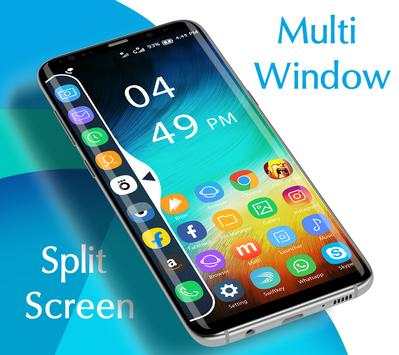
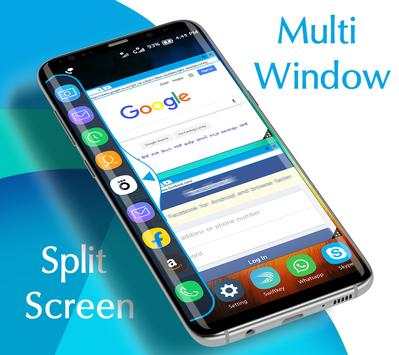
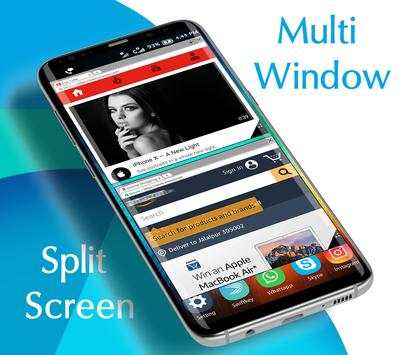
Multi Window Split Screen Launcher is the app by which we can An App By Which You Can Create Shortcuts Of Your Installed Apps Icon Into Multiple Window Tray. And By Clicking On These Shortcuts, You Can Easily Switch From One Task To Another During Your Current Task.
How to use Split Screen Multi Window :
- Just simply toggle Switch on Main page to enable and disable the split screen window.
- Expand and Collapse the split screen window by taping
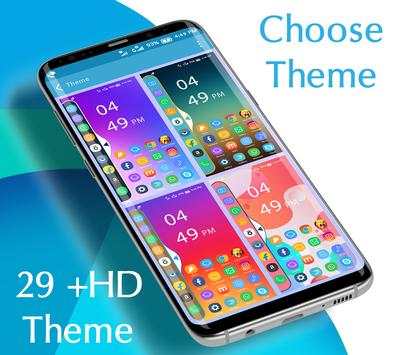
- Select and apply different themes from theme selection page.
- You Can Select Many Different Default Themes.
- You can hide and unhide On long pressing multi window Sidebar icon. (Follow Help )
- Click on add app button to add your favorite apps shortcuts in split screen window.
- No root required
- Long press on item and drag drop for re-arrange icons.
- To remove any app from split screen window just simply press and hold on the app and a remove option will pop-up on the app shortcut.
- Adjust the expanding and collapsing speed from the settings.
Sidebar Multiwindow,You Can Also Create Shortcuts Of Your Installed System Apps Icon Into MutiWindow Tray.
It is just a side launcher with your favorite applications.


![Make Any App Work with Split Screen in 30 Seconds [Quick Tip] screenshot 4](https://i.ytimg.com/vi/YO38H9uBxC4/mqdefault.jpg)