








DOWNLOAD IS NOT SUPPORTED IN WEB STORE!
Use the latest version of 9Apps to download APK&OBB file of games in one click!
DOWNLOAD 9APPS
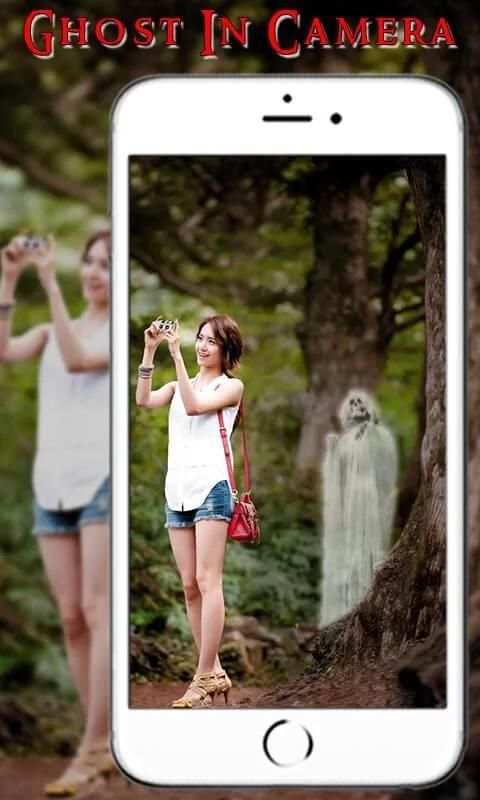
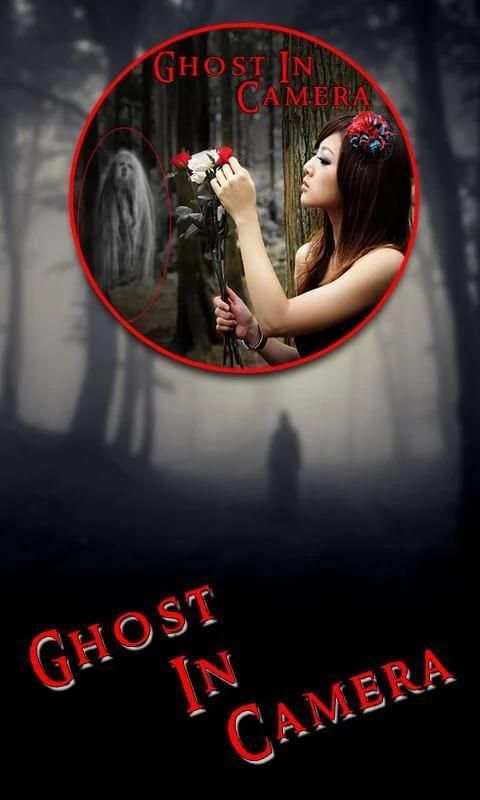
Click a selfie with Ghost using this ghost in camera or bhoot camera. This ghost in camera application helps you to place a ghost image on your photo and option to resize the ghost image or set the brightness of the ghost to fix on your photo perfectly. Download this ghost in camera application and make these images as your profile pic of facebook or whatsapp dp.
How to your this Ghost in Camera or Bhoot Camera
1. Download and install this ghost in camera application
2. Click a selfie or select a photo from photo gallery
3. Select the ghost of your choice and adjust the ghost on your photo
4. Resize the ghost of desired size
5. You can adjust the ghost image brightness and make it perfectly match with your image
6. Save these images and share them with your friends
7. All the saved images can be viewed from my creation folder on the first page of this application
Share this application with friends and family members and do not forget to rate our application


App size reduced
UI made better
User experience made better


