

DOWNLOAD IS NOT SUPPORTED IN WEB STORE!
Use the latest version of 9Apps to download APK&OBB file of games in one click!
DOWNLOAD 9APPS

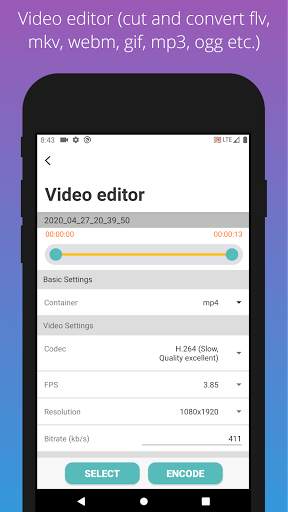
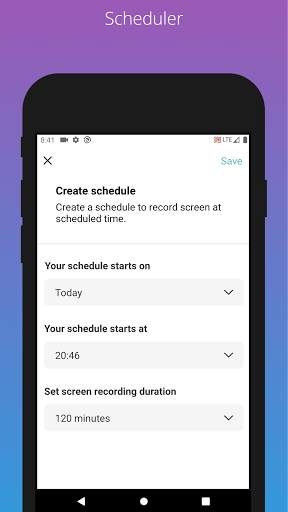
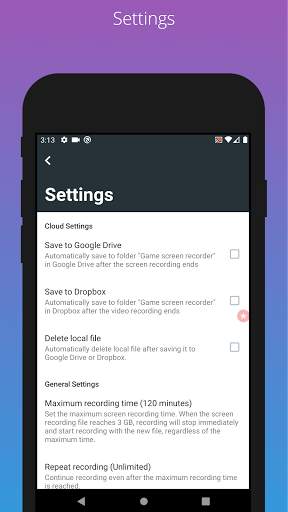
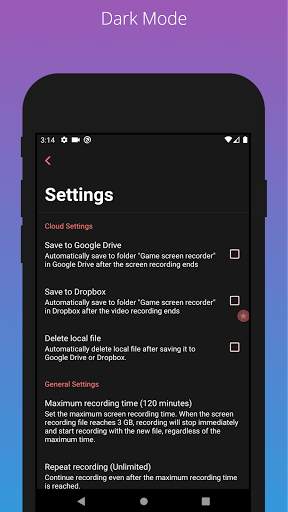
It is extremely easy to use and has a clean user interface. This tool is free to use and can be used to record your game and even stream it simultaneously on streaming platforms. It can record 1080p video at 60 FPS, which is the best you can get even in most of the paid video recording tools. There are lots of options for you that you can use to further tweak the quality of the output as your requirements.
[Main Features]
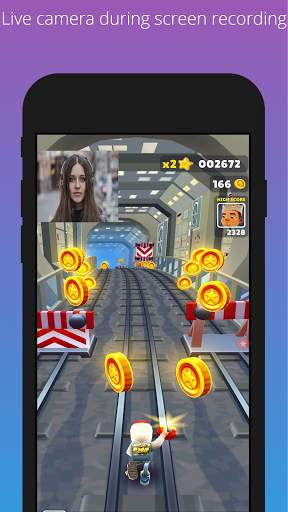
Support camera while screen recording
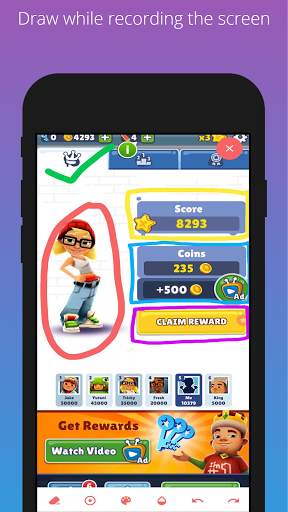
Can draw while recording the screen
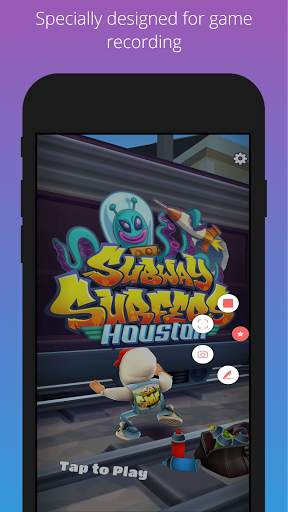
Specially designed for game recording
Record internal audio of another application
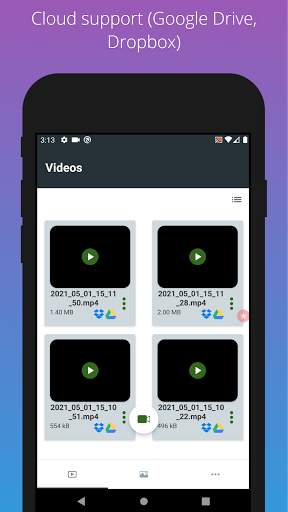
Cloud support (Recorded videos are automatically uploaded in Google Drive, Dropbox)
Video editor (Can cut video and convert to flv, mkv, webm, gif, mp3, ogg and opus formats simultaneously)
Volume buttons can be used to start or stop recording. (Press volume up button three times within two seconds to start. Press volume low button three times within two seconds to stop.)
Power button can be used to start or stop recording. (Press the power button three times in two seconds to start or stop recording.)
Shake the phone to start or stop screen recording.
Schedule to record screen at specific times
Unlimited recording duration. Easily set the time duration you want to record
Supports “auto stop recording” when device storage is low
Secure well-coded app
Supports multiple languages
Can compress files with password.
Share recording files.
Delete recording files.
Password protected.
All feedback and feature requests can be sent to the following email nahid.coolncoolapps@gmail.com.



Facebook Lite
4.02.5MB

Temple Run 2
4.4122.1MB

Offline Music Mp3 Player- Muso
4.535.9MB

Candy Crush Saga
4.491.1MB

imo beta -video calls and chat
4.394.0MB

Mushroom Takeover
4.569.0MB

Quikr – Search Jobs, Mobiles,
4.120.8MB

ShopClues
3.816.4MB

Dearmet: Video Chat, Live Talk
4.043.4MB

Talking Tom Cat
3.963.0MB