DOWNLOAD IS NOT SUPPORTED IN WEB STORE!
Use the latest version of 9Apps to download APK&OBB file of games in one click!
DOWNLOAD 9APPS

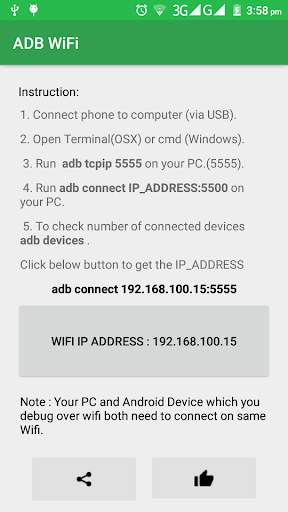
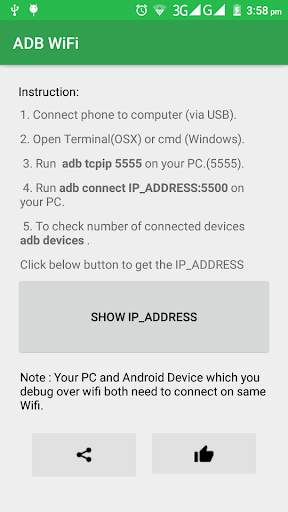
ADB WiFi makes it easy to debug your apps directly on device via WiFi TCP/IP connection. No need to use USB cable. After enabling ADB over WiFi, to connect your computer to the device open the console and run
1. Connect phone to computer (via USB).
2. Open Terminal(OSX) or cmd (Windows).
3. Run
adb tcpip 5555
on your PC.(5555).
4. Run adb connect IP_ADDRESS:5500
adb connect 192.168.100.6:5555
5. To check number of connected devices adb devices.
Note : Your PC and Android Device which you debug over wifi both need to connect on same Wifi.