










DOWNLOAD IS NOT SUPPORTED IN WEB STORE!
Use the latest version of 9Apps to download APK&OBB file of games in one click!
DOWNLOAD 9APPS

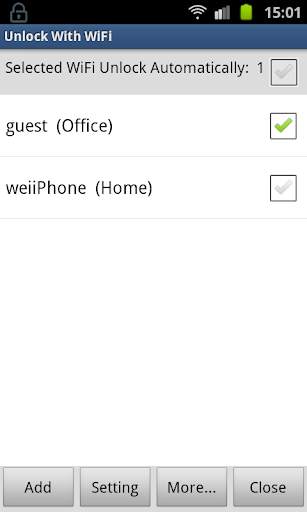
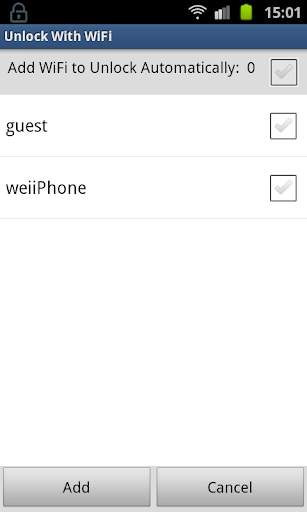
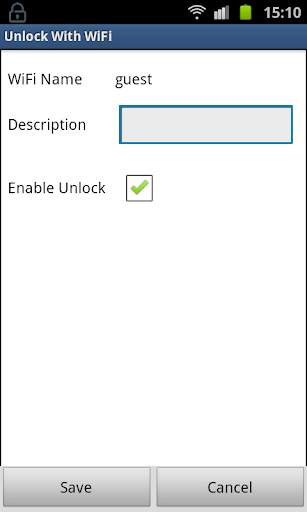
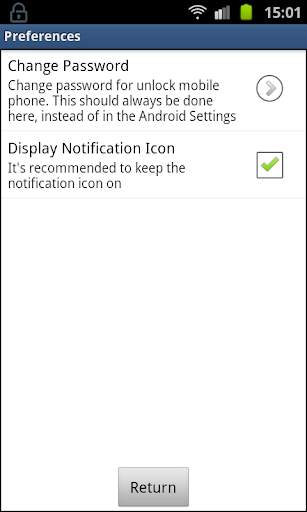
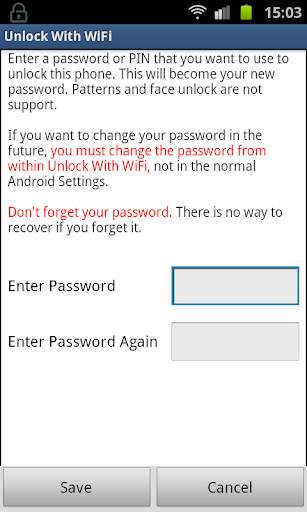
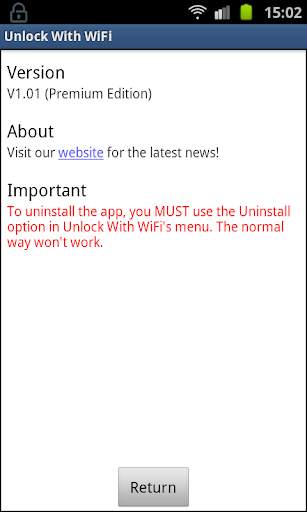
Automatically unlock phone when it connect to designated WiFi.
How it works:
When you're at home or in your office, your phone is safe and you don't need to be typing in your password all the time. When you're connected to designated WiFi network, your phone will unlock automatically. Then when you leave, and the designated WiFi disconnects, the phone will lock again and protected with password. If somebody steals or finds your phone, they can't unlock it. The smart unlock is the leading password convenience app on the market.
IMPORTANT
NO ROOT REQUIRED
To uninstall this app, you must select Uninstall from the menu inside the app. The normal way won't work if device admin mode is enabled.
To change the password or pin you MUST use the password settings within Unlock With WiFi. If you change the password or pin via Android Settings, Unlock With WiFi might change it back!
WARNING:
This app doesn't work on some phones
Do not install this app on the SD card. It will not be secure if you do.
It won't work on phones that have full device encryption enabled.
Only PINs and passwords can be used. Patterns and face unlock are not supported.
This app uses the Device Administrator permission. This is necessary to lock/unlock the device.



Fix bug


