












DOWNLOAD IS NOT SUPPORTED IN WEB STORE!
Use the latest version of 9Apps to download APK&OBB file of games in one click!
DOWNLOAD 9APPS


App Instructions:
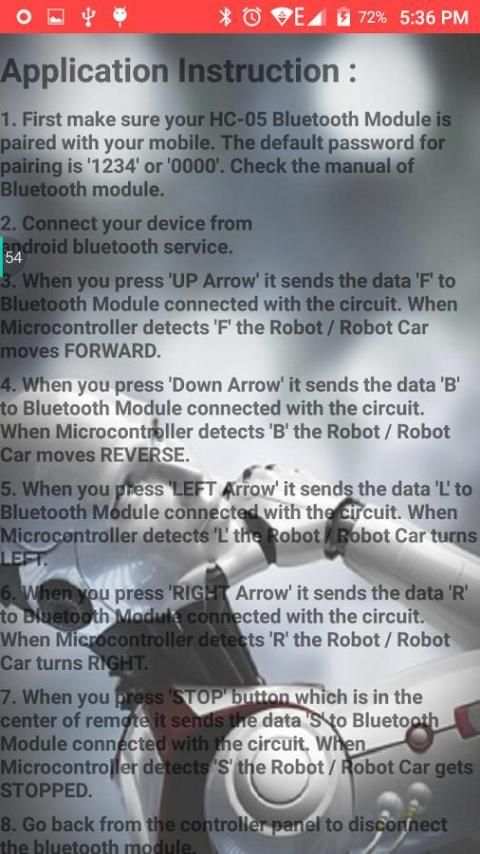
1. First make sure your HC-05 Bluetooth Module is paired with your mobile. The default password for pairing is "1234" or "0000". Check the manual of Bluetooth module.
2. Connect your device from android bluetooth service.
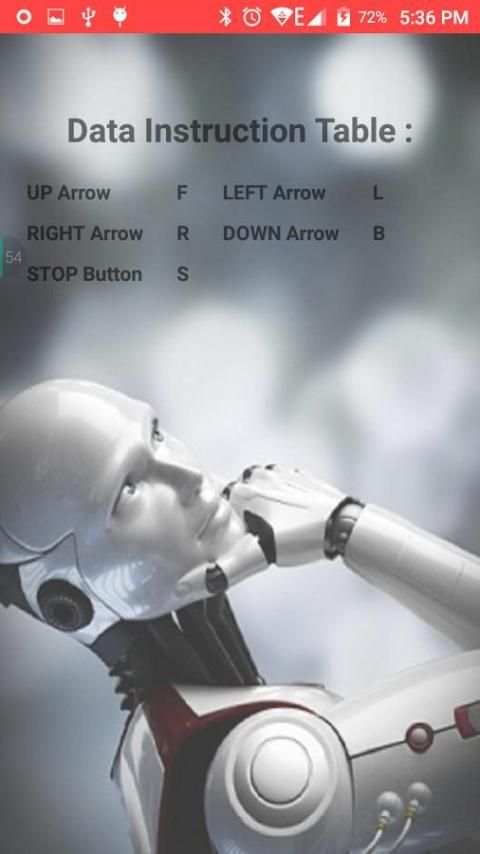
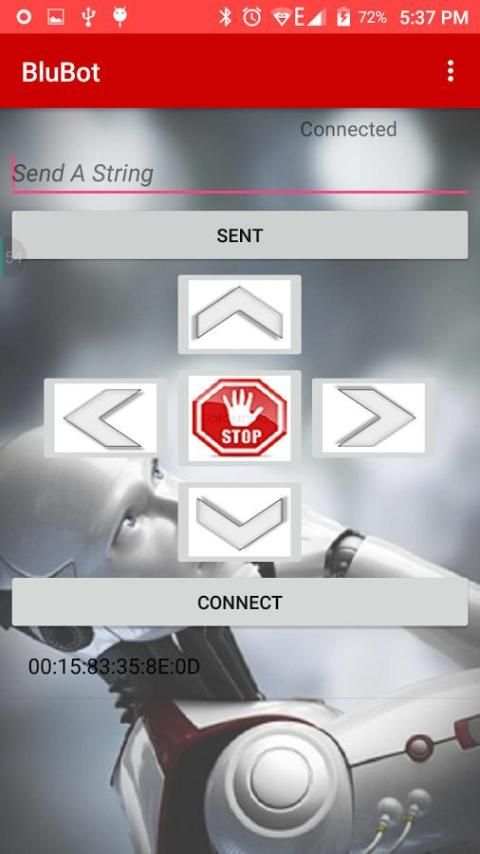
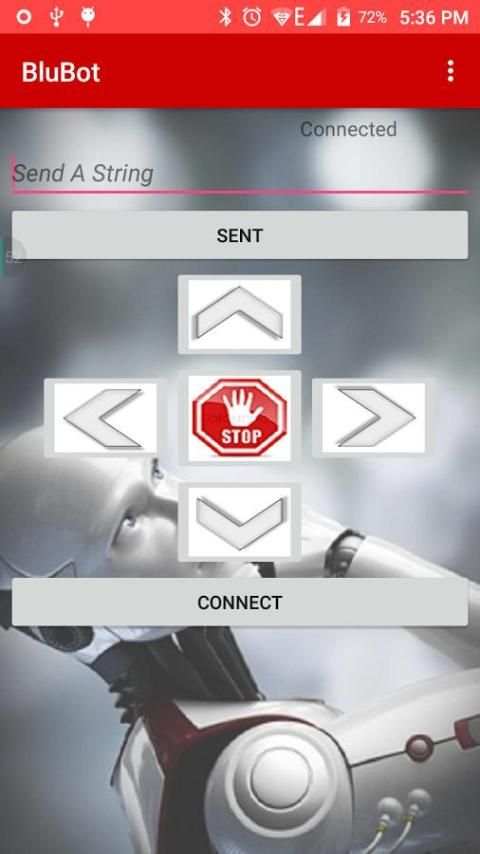
3. When you press "UP Arrow" it sends the data "F" to Bluetooth Module connected with the circuit. When Microcontroller detects "F" the Robot / Robot Car moves FORWARD.
4. When you press "Down Arrow" it sends the data "B" to Bluetooth Module connected with the circuit. When Microcontroller detects "B" the Robot / Robot Car moves REVERSE.
5. When you press "LEFT Arrow" it sends the data "L" to Bluetooth Module connected with the circuit. When Microcontroller detects "L" the Robot / Robot Car turns LEFT.
6. When you press "RIGHT Arrow" it sends the data "R" to Bluetooth Module connected with the circuit. When Microcontroller detects "R" the Robot / Robot Car turns RIGHT.
7. When you press "STOP" button which is in the center of remote it sends the data "S" to Bluetooth Module connected with the circuit. When Microcontroller detects "S" the Robot / Robot Car gets STOPPED.
8. Go back from the controller panel to disconnect the bluetooth module.


