










DOWNLOAD IS NOT SUPPORTED IN WEB STORE!
Use the latest version of 9Apps to download APK&OBB file of games in one click!
DOWNLOAD 9APPS

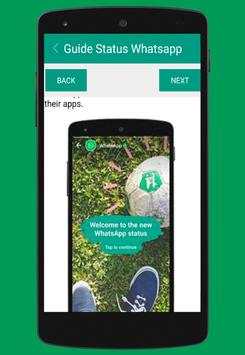
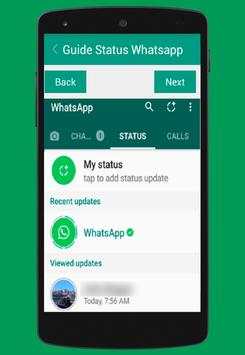
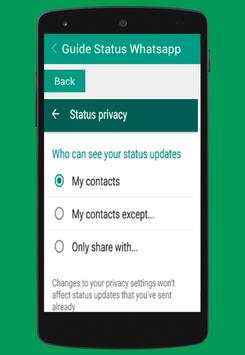

Here is a nice guide on how to use status on whatsapp.In this first you'll first see your own updates in the green bar. Below that, you can see your friends' new updates and viewed updates.
Here can add a status update by click on new update button on the bottom right corner which opens the cam . At the bottom, you will find all your recent photos, videos and GIFs in a strip. So you can click on a photo or hold for video or add an existing item.
Once added, you can tap on the status tab and see how many people have view your status
Here Comple guide for how to update whatsapp status on tablet and whatsapp status on pc.
this is the best way for guide all persions.this Latest version of whatsapp supports gif images and videos for profile pics or dps .


