









DOWNLOAD IS NOT SUPPORTED IN WEB STORE!
Use the latest version of 9Apps to download APK&OBB file of games in one click!
DOWNLOAD 9APPS
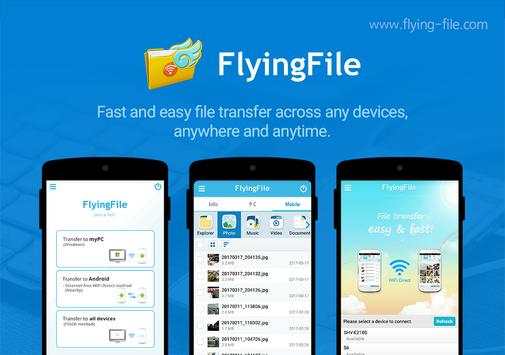
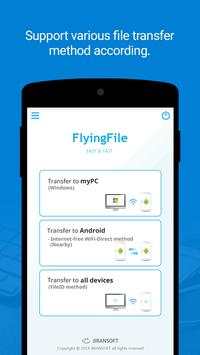
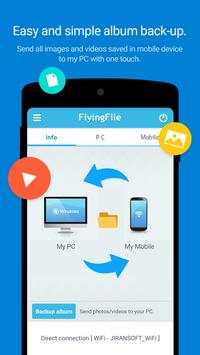

◆ FlyingFile supports the easiest and fastest file transfer between all devices.
1. When transferring many photos stored on the smartphone to PC
2. When transferring a large movie or music file stored on PC to smartphone.
3. When transferring photos, music, videos, etc. to a new smartphone by changing the smartphone
4. Need to share photos and videos taken with family, friends
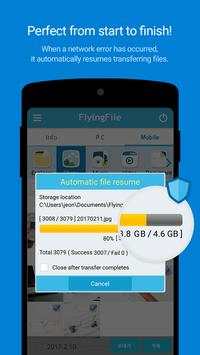
5. Auto retransmission function for stable file transfer
6. Support various file transfer method according to network environment
7. Supports category(photo, music, video, document) and explorer modes
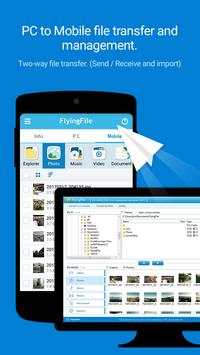
◆ Transferring files between my PC and Android device
1. Real-time file transfer by connecting PC and mobile of same account
2. Wireless connection without USB cable
3. Supports sending / receiving files as well as importing files remotely
4. Support automatic retransmission when file transfer fails
5. Multi-file and large file transfer support
6. Folder transfer support
7. File management support for mobile on PC
◆ Transferring files between android devices
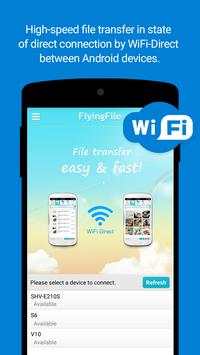
1. High-speed file transfer in state of direct connection by WiFi-Direct between Android devices
2. File transfer without using the Internet (WiFi/3G/LTE)
3. Transfer multi files and large files at up to 250Mbps
File Transfer by 'FileID'
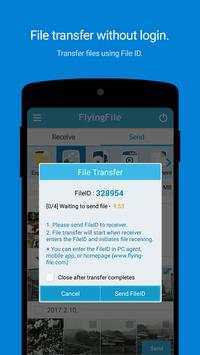
1. Real-time file transfer between all devices using fileID
2. Supported by PC agent, mobile app, and web browser(www.flying-file.com)
3. Support multi file and large file transfer
FlyingFile app installation requires.
• Required access
- Storage:
Use to transfer or save files in a flying file
- Location information:
Required for file transfer using Wifi-Direct.


