














DOWNLOAD IS NOT SUPPORTED IN WEB STORE!
Use the latest version of 9Apps to download APK&OBB file of games in one click!
DOWNLOAD 9APPS
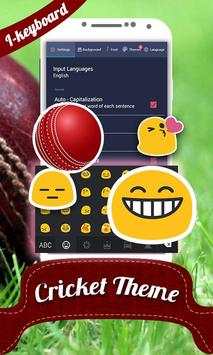
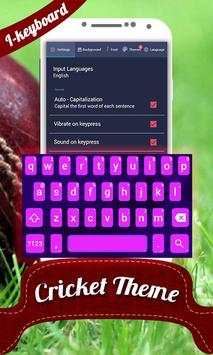
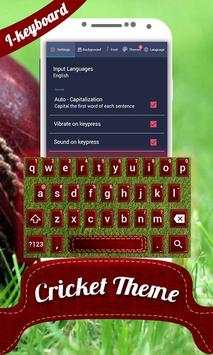
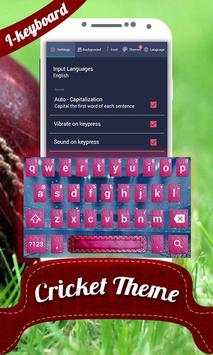
Cricket Photo theme for "iKeyboard Photo Themes n Emoji". To active this keyboard on your phone please download the "iKeyboard Photo Themes n Emoji" from our Google Play Store account.
How to activate iKeyboard :
Step 1: Open the app iKeyboard.
Step 2: Click on “Enable Keyboard” and select iKeyboard.
Step 3: Click on “Set Input Method” and select iKeyboard.
Step 4: Your Keyboard is activated and now you can customize your with different keyboard themes. You can place your own photos as background of your keyboard.
Personalize and customize your keyboard :
- Set Cricket Photo theme for your iKeyboard.
- You can set your photo as background for your selected keyboard.
- 5 key designs of Cricket Photo themes with different backgrounds.
Enjoy the t20 world cup with Cricket Photo Keyboard.


