








DOWNLOAD IS NOT SUPPORTED IN WEB STORE!
Use the latest version of 9Apps to download APK&OBB file of games in one click!
DOWNLOAD 9APPS
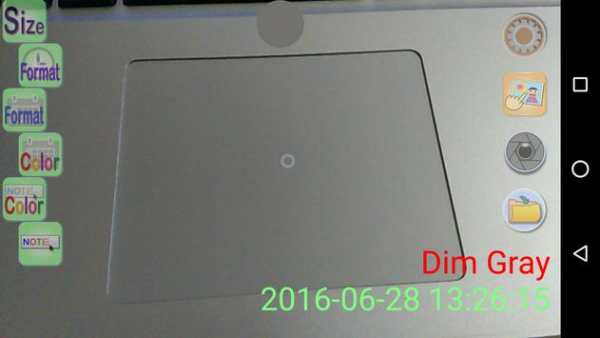
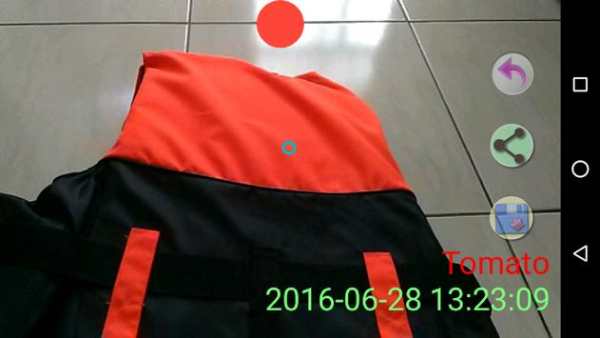
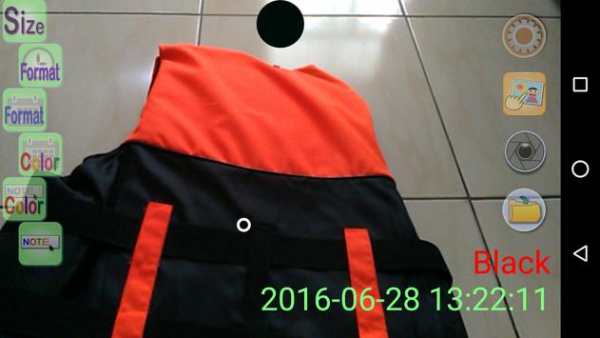
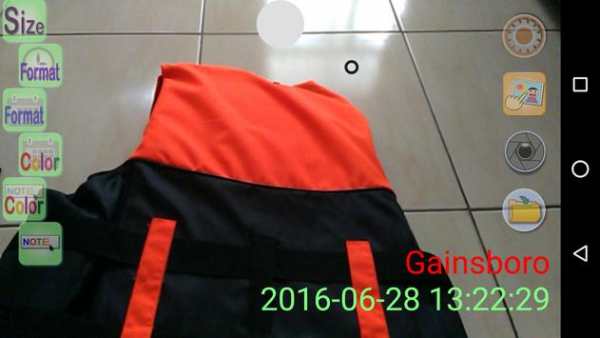
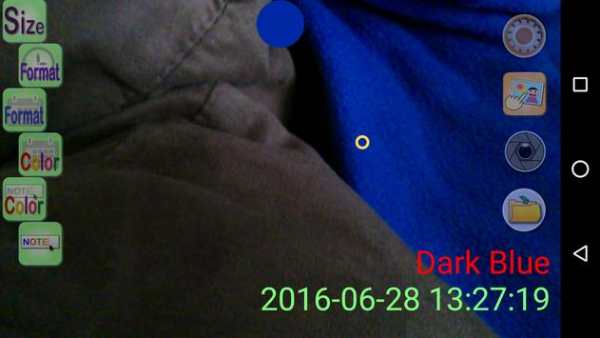
Color Camera can help you to figure out the color name or color code you touch on screen. You can change the color and size of date string, or change the date / time format. Moreover, you can add a note on date string, and you can change color of note.
You can type @name in note string to display color name. Type @code to display color code. And type @hexcode to display color code in hex mode.
You can drag to move the position of Date / Time / Note! If you drag them out of screen, you can reinstall this app to restore to default position.
You can also set camera relative function in setting page, such as flash turn on/off, self timer, special effect, camera resolution...
After you finish your shot, you can save it, or share it to your friends directly by press share icon. You can also browse the pictures you took using the its Picture browser.
P.S. You can also hide date or time information by setting its format to invisible. (Top item of format choice) And type in the time or date you want to display by clicking Note icon.
Click screen, the camera will auto focus.


Update libraries and move advertisement banner from bottom left to top left.


