
2 Account for whatsap options
SIMPLE TO USE
There are few simple steps you need to do to have two whatsa in one phone or the same whatsap on 2 phones. With few simple taps you can use whatsap normally but from 2 phones or from 2 accounts. All normal functions are kept and you can easily send messages, pictures, videos etc.
1. Install and Open Whats WA App on device (Phone/Tablet) you want
2. Open whatsap on your main phone (the account you want)
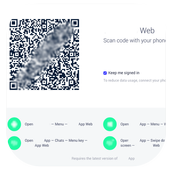
- On Android: Scroll to the Chats screen -> Menu -> whatsapp Web.
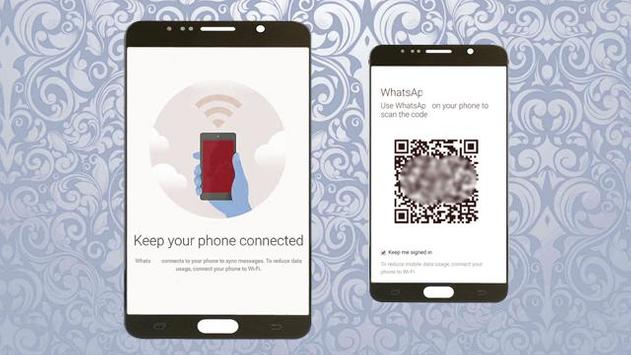
3. After clicking "whatscan", you should see a camera QR scanning screen.
4. Now scan the QR code displayed on whatsweb
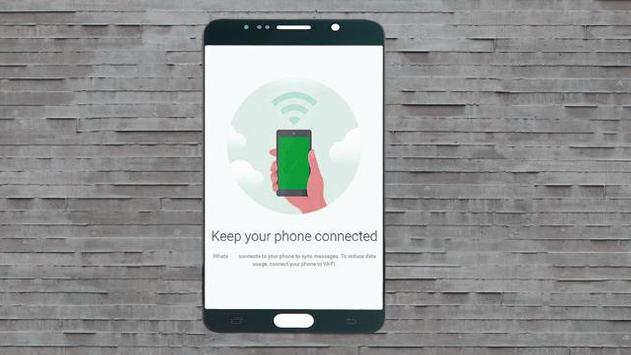
5. Done! Sync complete! Now you can access the same whatsapp account on both devices!
6. Enjoy 2 whatsap in 1 device!
fix bugs

9Apps 4.9














