









DOWNLOAD IS NOT SUPPORTED IN WEB STORE!
Use the latest version of 9Apps to download APK&OBB file of games in one click!
DOWNLOAD 9APPS
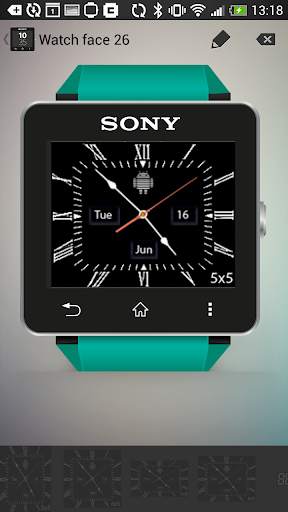
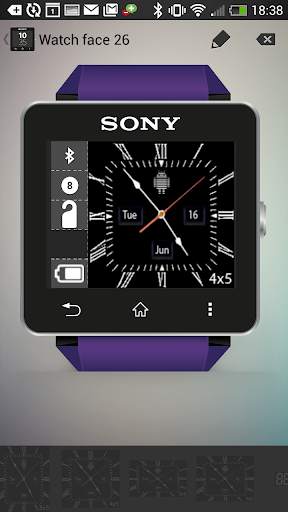
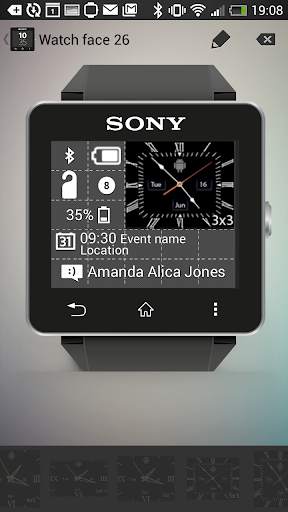
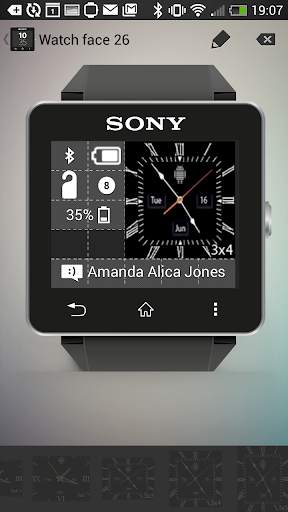
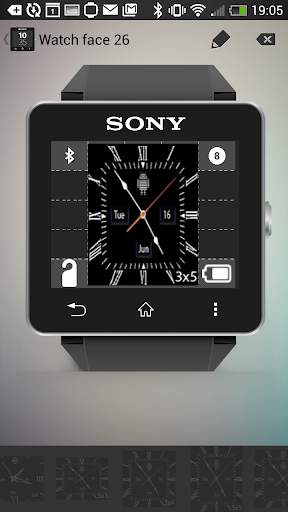
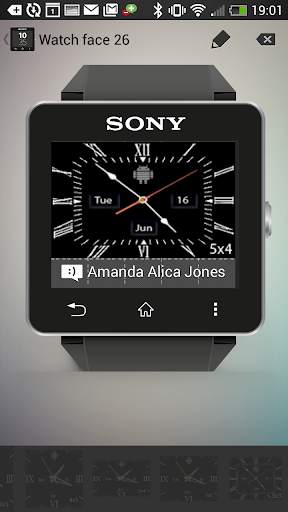
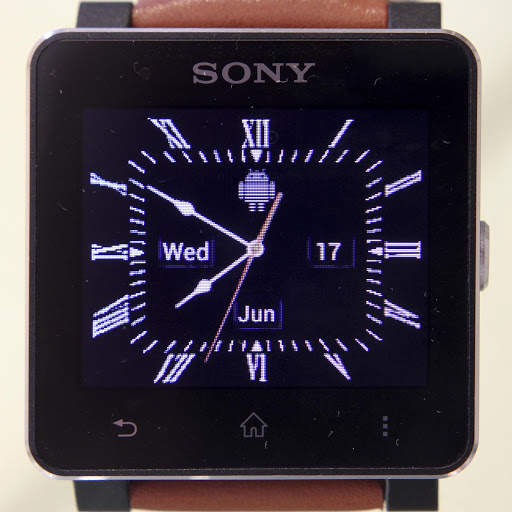
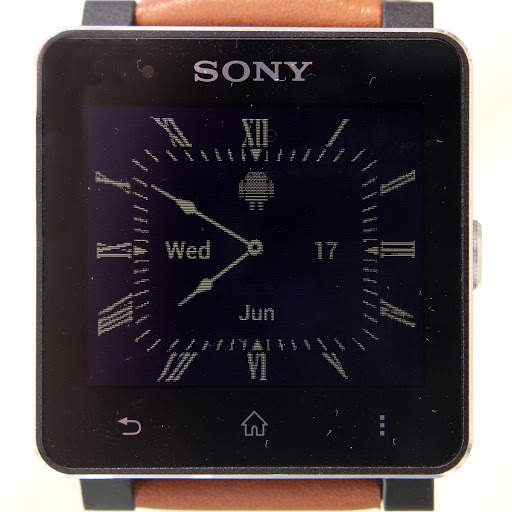
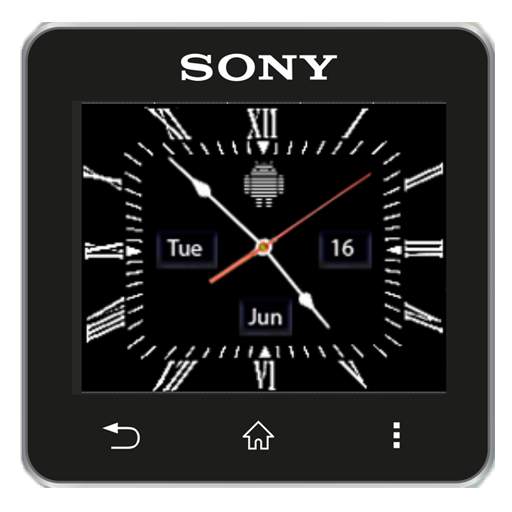
Analog clock watchface widgets for Sony SmartWatch2 based on a traditional luxury oxford design. Optimised for low power mode and 6 optimised widget sizes allow for additional widgets. Every face includes day of the week, month and day of the month too.
Installation instructions:
1. Download app via Google Play
2. Click the 'SmartWatch 2' notification in the notifications bar to open the SmartWatch 2 configuration app
3. Click 'Edit watch faces' button
4. Create a new watchface or edit an existing one
5. Click 'Clocks'
6. Choose the new watchface from the list of watchfaces selecting the size you want - the sizes are displayed on the previews
7. Enjoy!
Works really well with NeFa studio's WatchFace Widgets SmartWatch2 app to create really feature rich watchfaces.
Thanks to Naheel from XDA forums for providing the guide on how to make custom watchfaces.
Smart Connect extension for SmartWatch 2
Smart extension for SmartWatch 2 clocks
Sony and the Sony logo are trademarks or registered trademarks of Sony Corporation.
This app is in no way associated with, endorsed by, or affiliated with, SONY or Sony Mobile.
The Android robot is reproduced or modified from work created and shared by Google and used according to terms described in the Creative Commons 3.0 Attribution License.
Additional 4x4 size watch face


