









DOWNLOAD IS NOT SUPPORTED IN WEB STORE!
Use the latest version of 9Apps to download APK&OBB file of games in one click!
DOWNLOAD 9APPS

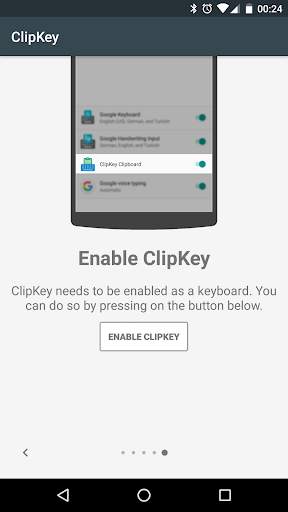
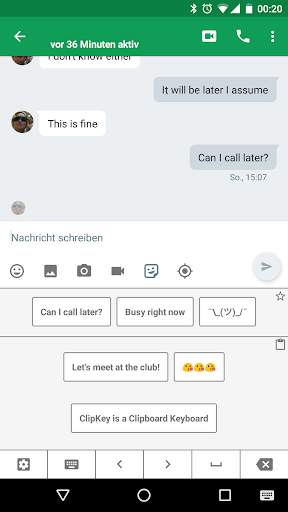
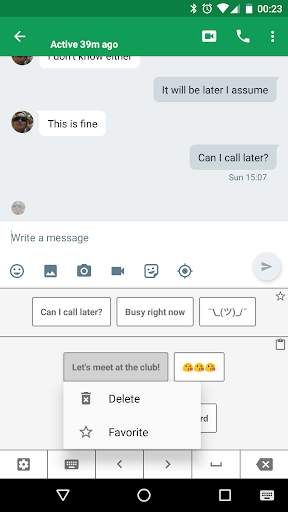
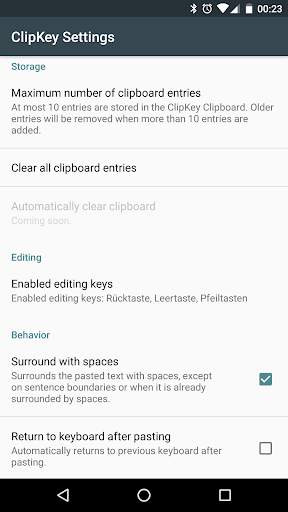
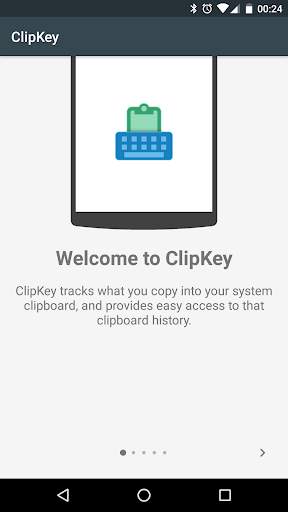
ClipKey is a clipboard manager intended to be used in conjunction with a default or third-party keyboard.
ClipKey keeps track of what you copy into your system's clipboard. Its clipboard history then allows you to easily access what you copied previously and paste it wherever you want.
Opening the ClipKey Clipboard is as simple as selecting it from your system's keyboard switching menu.
You can further increase accessibility to frequently used clips, by adding them to ClipKey's favorites - recommended for ASCII graphics like ¯\_(ツ)_/¯
Permissions:
*Network access* is required for showing ads in the settings activity. It is not used otherwise.
*Run at startup* is required for detecting changes to the system clipboard in a more robust manner.
Be aware:
There is no special permission required for reading the system's clipboard content. Every app has access to the clipboard, regardless of whether ClipKey is installed. Be cautious to never copy sensitive or private texts to your clipboard.



v1.3.2
* Simplified opening of ClipKey keyboard (globe key support due to popular demand).
* Increased maximum number of stored clips to 200 (see in-app settings).
Introducing ClipKey Premium!
* enables app-specific favorites feature
* removes in-app advertisement
* more premium features to come soon


