













DOWNLOAD IS NOT SUPPORTED IN WEB STORE!
Use the latest version of 9Apps to download APK&OBB file of games in one click!
DOWNLOAD 9APPS

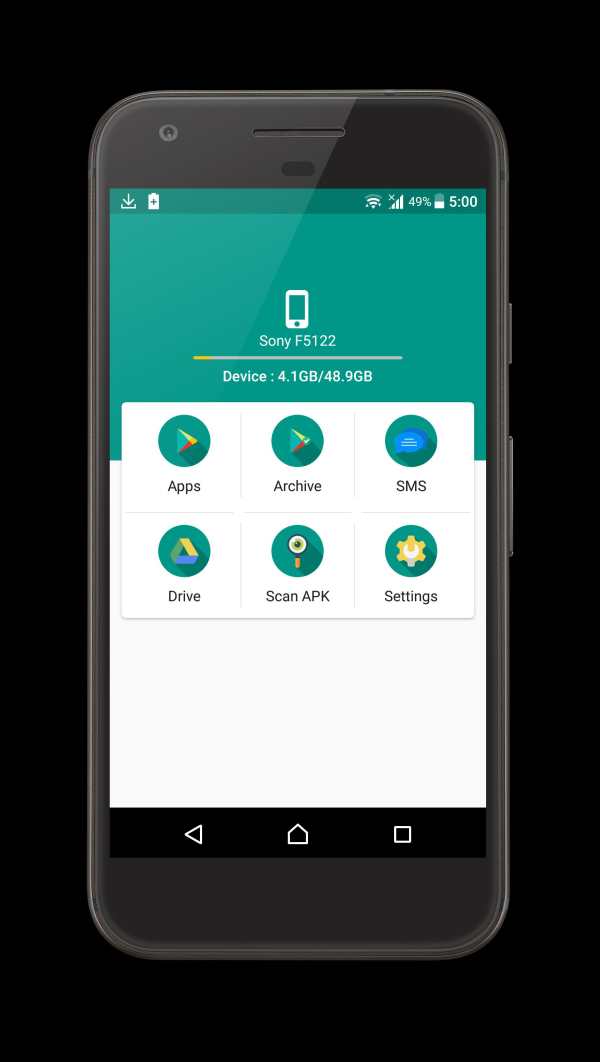
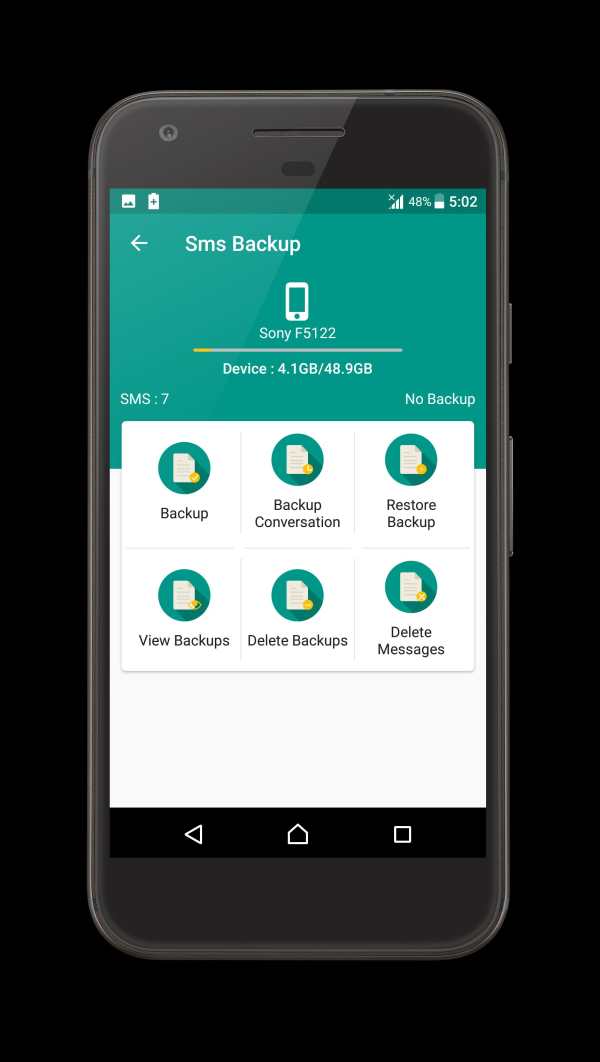
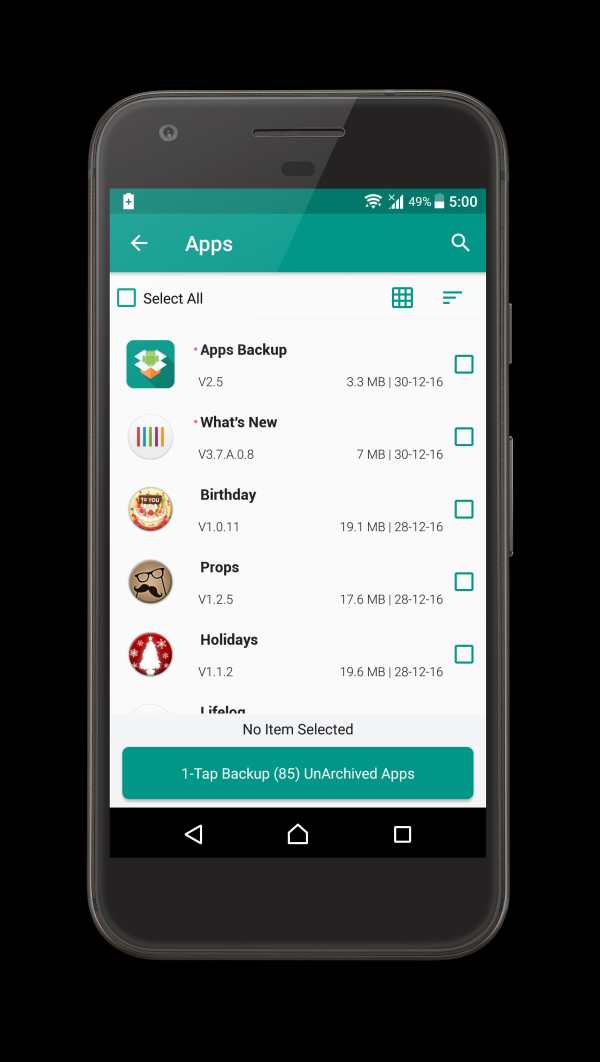
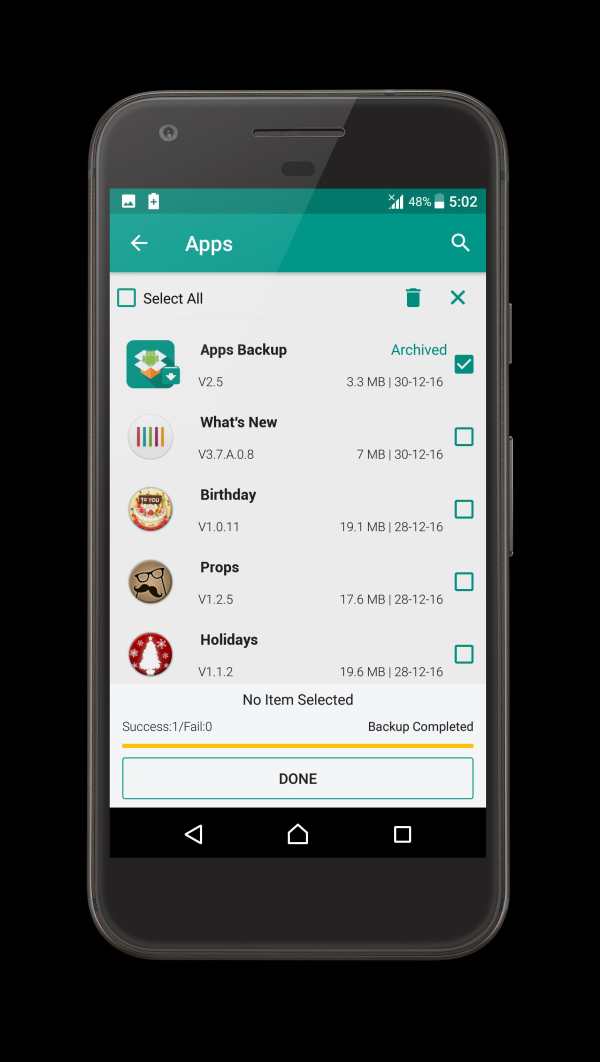
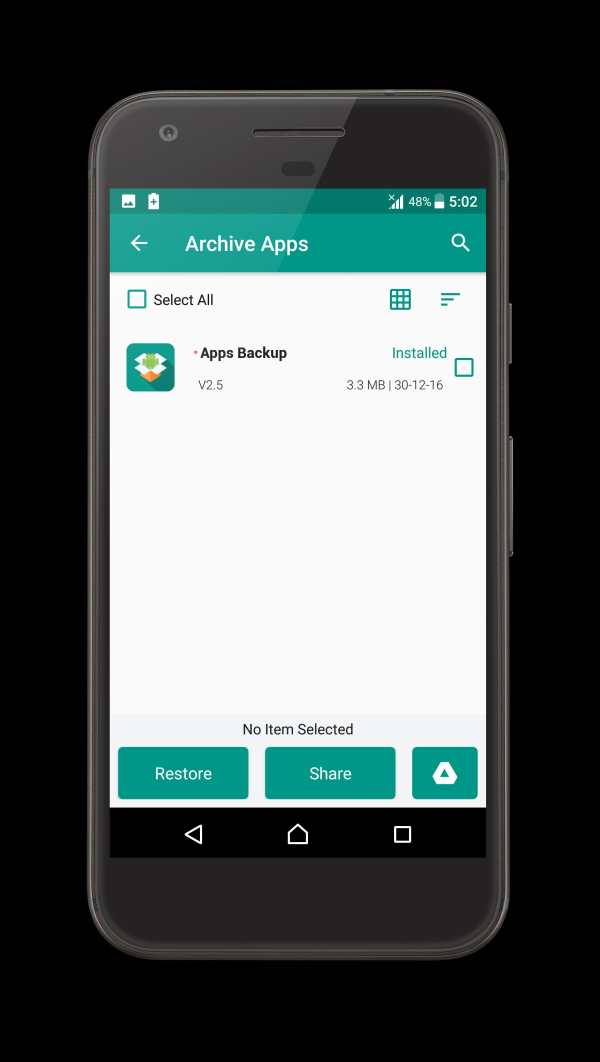
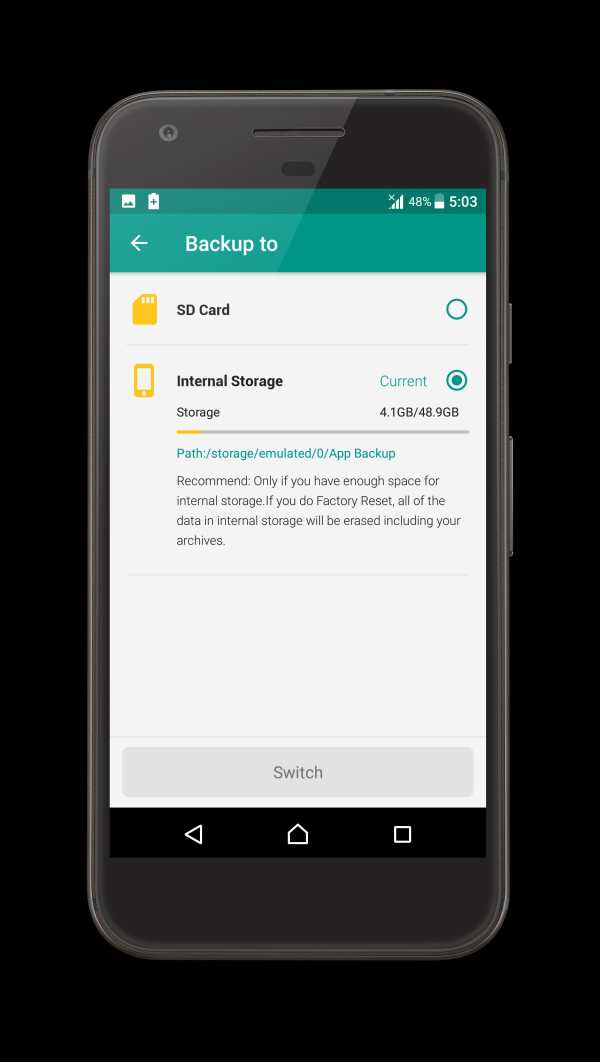
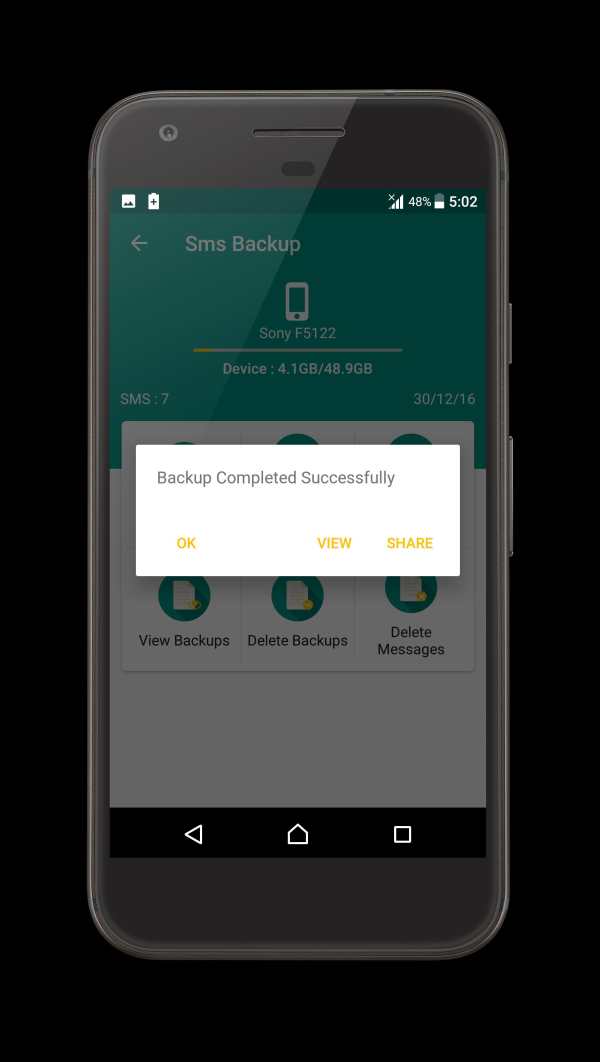
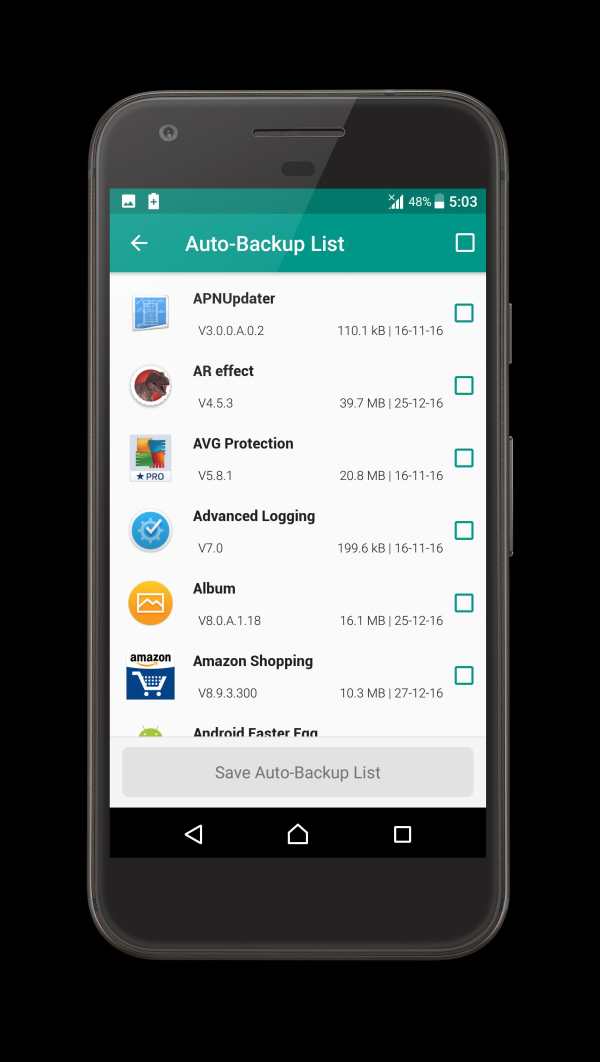
Apk Backup is an App Backup & Restore app used to backup and restore apps for android.
You can save space of your phone by backup and remove some apps that are not frequently used.
Create backups to SD Card, Email, Dropbox, Google Drive, One-drive or Box account.
Features:
- Backup apps to SD card
- Send app between devices via WiFi and Bluetooth and using any other app
- Batch backup
- Restore apps from SD card
- Batch restore
- Quick uninstalling
- Sort apps by name, install date, size
- Auto backup on install
- Search app from Google market
- Send apk file by email
- Share market link
- App manager
*** Notice: Apk Backup cannot backup data or settings of apps for you, but it only backup the apk files.
FAQ:
-----
Q: Why can't I restore apps?
A: Go to "System Settings"->"Applications", enable the "Unknown sources" setting, then you can restore apps from SD card.
Q: How can I send the archived app to drop box?
A: It requires the Dropbox already installed in your phone, click "Archived" Tab, long click on the app that you want to send, then click "Dropbox".
***Any question, please send feedback to us by clicking "menu"->"feedback" in the app***
Fixed apk install on Nougat devices
Crash fixed for auto backup
Bug fixes


