
DOWNLOAD IS NOT SUPPORTED IN WEB STORE!
Use the latest version of 9Apps to download APK&OBB file of games in one click!
DOWNLOAD 9APPS
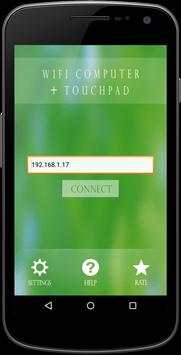
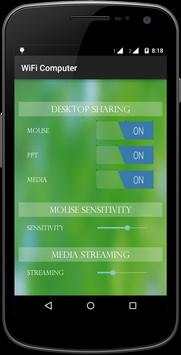
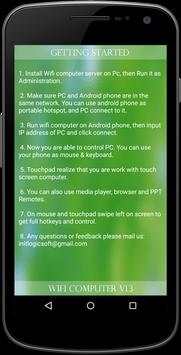
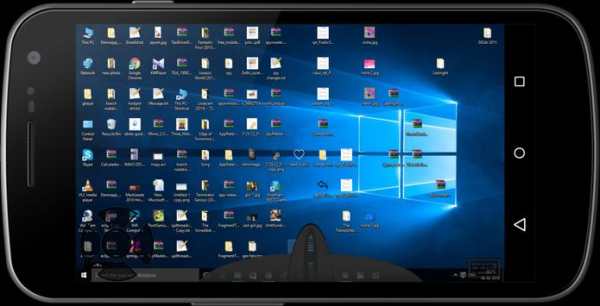
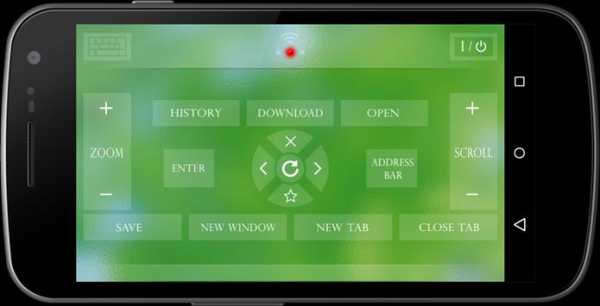
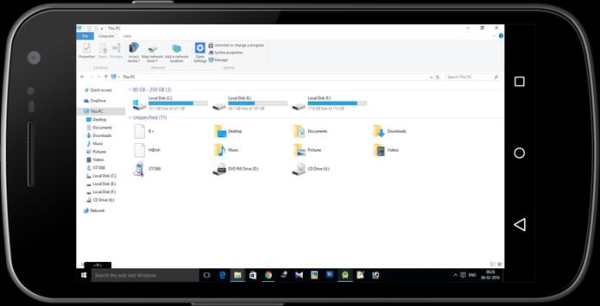
Wifi Computer turns your phone/tablet into a wireless mouse, keyboard and touchpad or as PPT, Media player and Browser remote for your PC. It enables you to control your PC, effortlessly through a local network connection.
How does it work?
1. Download Wifi computer server program from: http://initlogic.in/wificomputerserver.zip
2. Install program on Pc, then Run it as administrator.
3. Make sure PC and Android phone are in the same network. You can use android phone as portable hotspot and connect to PC.
4. Run app on Android phone, then input IP address of PC and click connect.
Keyword:
Wifi computer, Mouse, keyboard


![Windows 10: Fix Mouse and Touchpad Too Slow Problems [Speed Up] screenshot 4](https://i.ytimg.com/vi/fAAy1pIetnw/mqdefault.jpg)



Facebook Lite
4.02.5MB

Quikr – Search Jobs, Mobiles,
4.120.8MB

Mushroom Takeover
4.569.0MB

Talking Tom Cat
3.963.0MB

ShopClues
3.816.4MB

Offline Music Mp3 Player- Muso
4.535.9MB

Temple Run 2
4.4122.1MB

Candy Crush Saga
4.491.1MB

Dearmet: Video Chat, Live Talk
4.043.4MB

imo beta -video calls and chat
4.394.0MB