
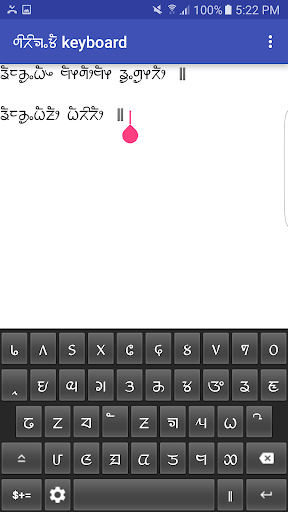
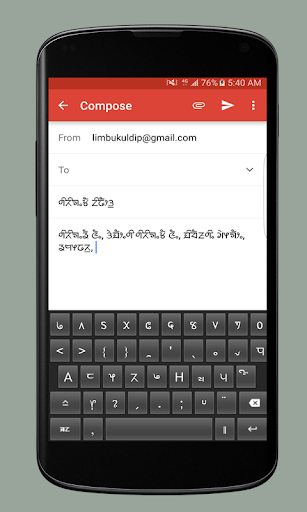
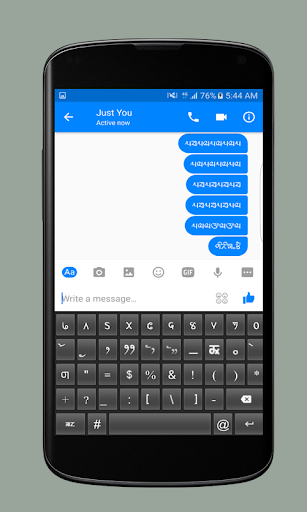
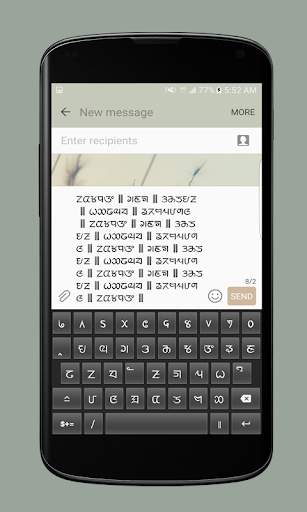
Sirijunga Keyboard is developed as a means to help Limbu people type in Sirijunga script in their android devices. There are altogether three layouts. The layouts of the keyboard are being kept in its simplest form to make typing easy and comfortable.
Guide for Installing:
1. Download the app.
2. Go to settings > Language and Input > Default Keyboard > Choose Keyboard > Sirijunga Keyboard.
3. Set Default Keyboard to Sirijunga Keyboard.
4. That's it. Sirijunga Keyboard is enabled.
Bug Fix.


9Apps 4.9













