









DOWNLOAD IS NOT SUPPORTED IN WEB STORE!
Use the latest version of 9Apps to download APK&OBB file of games in one click!
DOWNLOAD 9APPS

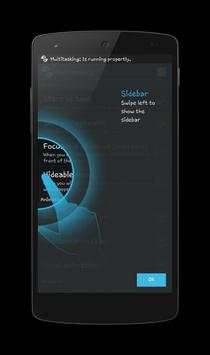
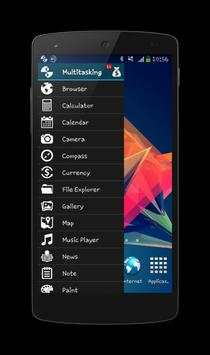
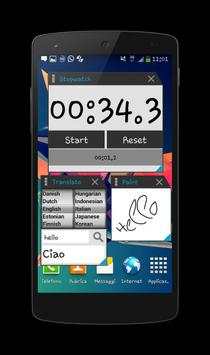
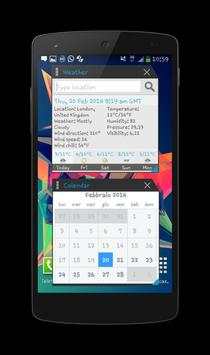
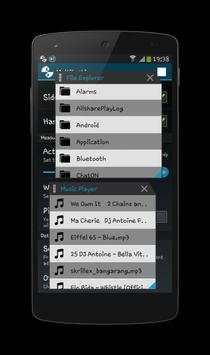
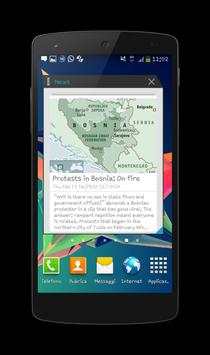
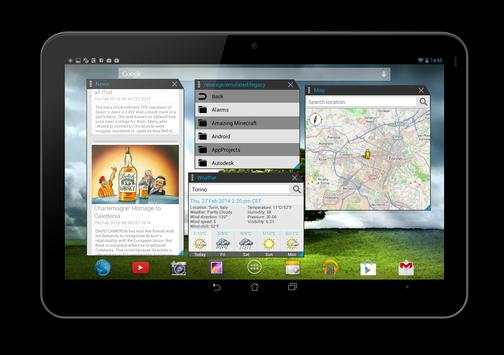
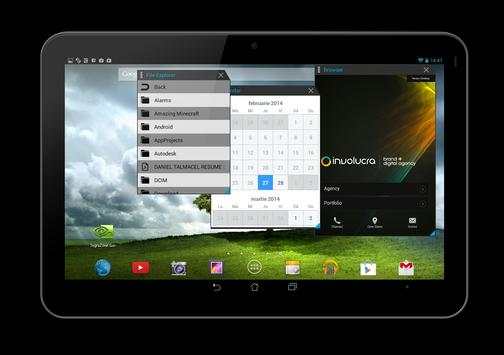
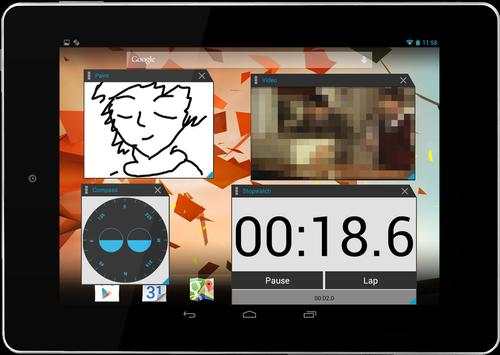
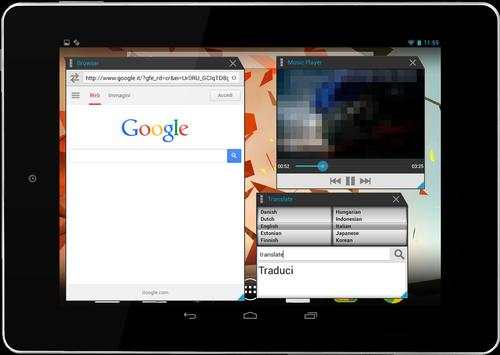
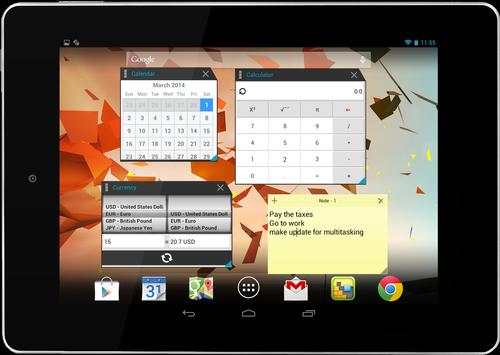
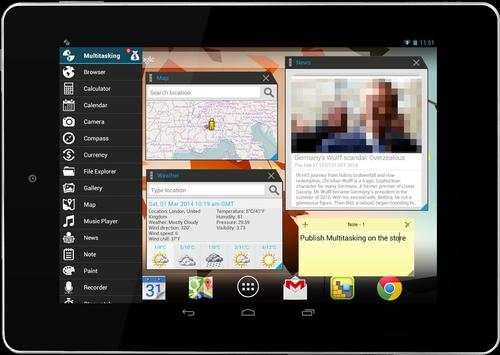
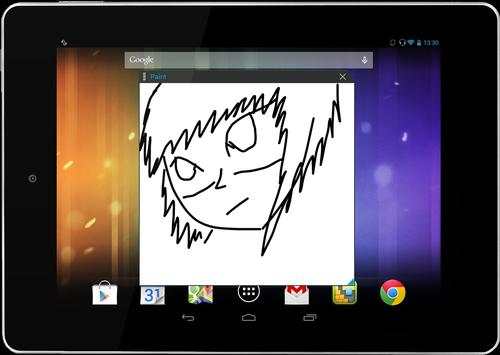
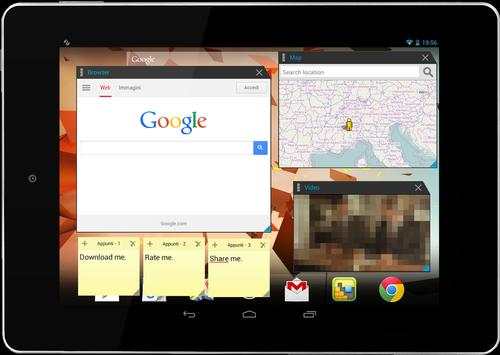
You can use this app to open multiple tools simultaneously.
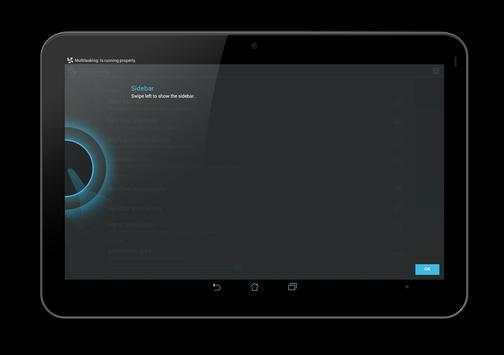
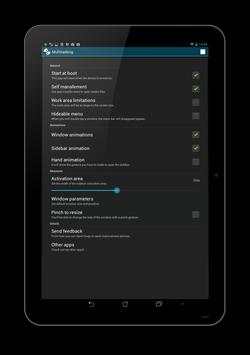
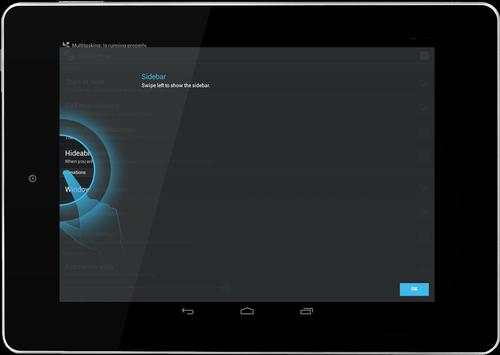
Multitasking is composed by the settings menu, the sidebar and the floating tools. To access the tools bar do a swipe gesture to the right.
The windows can be modified in various ways:
- they can be resized;
- they can moved anywhere on the screen;
- they can be used in fullscreen mode;
- they can be minimized into the notification bar;
INTRODUCING “Multitasking” CALLER ID!
"Multitasking” caller ID helps you identify numbers real-time while the call is happening - even the ones not in your phonebook. No more number guessing or avoiding unknown callers – “App Name” caller ID prepares you for the call. If your local pizza vendor doesn’t pick up the phone when you’re calling, “App Name” caller ID will suggest alternative nearby places. You can always adjust your caller ID settings in the settings menu.
During the development phase the following libraries were used:
1. Standout (https://github.com/pingpongboss/StandOut)
2. Showcase View (https://github.com/amlcurran/ShowcaseView)
3. WheelWidget (https://github.com/yankovskiy/WheelWidget)
4. HoloColorPicker (https://github.com/LarsWerkman/HoloColorPicker)
For any problems do not hesitate to contact us:
E-mail: oryoncorp@gmail.com
Facebook: https://www.facebook.com/OryonCorpApk





bug fixes


