












DOWNLOAD IS NOT SUPPORTED IN WEB STORE!
Use the latest version of 9Apps to download APK&OBB file of games in one click!
DOWNLOAD 9APPS
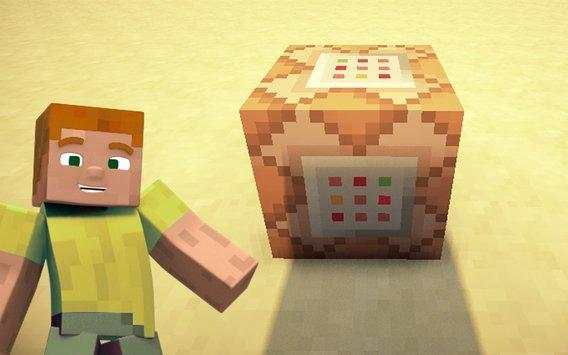
The Command Block is incredibly useful because it can be used for executing text commands in Minecraft. And its only triggered when theres a redstone signal active. The block can process javascript and custom commands found in other mods.
Its one of those features which the PC version of Minecraft has by default but is not likely to be an official part of Pocket Edition for a long time.
How does it work?
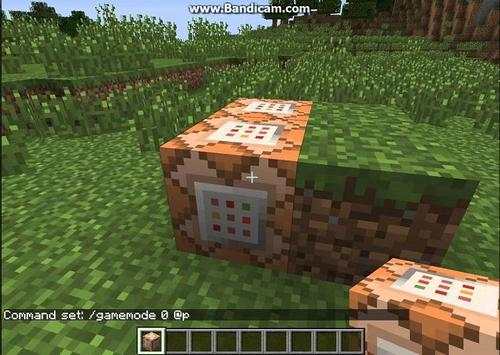
The Command Block (ID 137) can be obtained by using the creative inventory. Its a block which when triggered by a redstone signal can execute both javascript and custom mod commands.
In this example we will be using the commands available in the SimpleCommands mod to explain how you can use redstone and the Command Block to switch time between day and night.
Begin by placing down the first Command Block which will be used for activating night-time. Tap on the block to set the command to use. Here you can also enter JavaScript, e.g.: javascript: Level.setRainLevel(1); this would turn on rain
Then place down the second Command Block and lets set it to execute the day command.
Now use the levers to trigger the redstone signal. The redstone signal will then transmit power to the Command Block which will in return execute the command it is setup to execute.
This application is not affiliated in any way with Mojang AB. The Minecraft Name, the Brand and the Assets are all property of Mojang AB or their respectful owner. All rights reserved. In accordance with http://account.mojang.com/documents/brand_guidelines


