









DOWNLOAD IS NOT SUPPORTED IN WEB STORE!
Use the latest version of 9Apps to download APK&OBB file of games in one click!
DOWNLOAD 9APPS

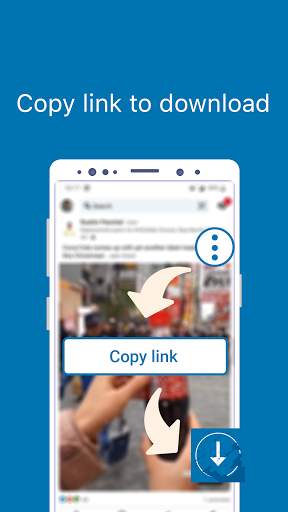
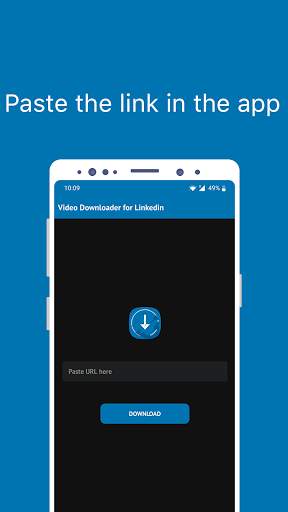
Video Downloader for Linkedin allows you to download videos from Linkedin links.
It is the first app that can save videos from Linkedin. Save your favourite videos with 2 steps.
HOW TO USE:
1. Open Linkedin
2. Copy Video Link
3. Open Video Downloader for Linkedin and paste the link
4. Your video will be saved on your gallery within a few seconds.
4. Start using it now, don't miss the video you like.
Where is the Insta video saved after downloading?
After the video download is complete, you can find your video on your gallery.
- Video Downloader for Linkedin is not affiliated with Linkedin. It is a tool to download video from Linkedin.
Disclaimer:
* Please get the PERMISSION from the owner before you download a video.
* We are not responsible for any intellectual property violation that results from an unauthorized downloaded video.
* We respect the rights of Linkedin.


Bug fixed ! Enjoy it ...


