












DOWNLOAD IS NOT SUPPORTED IN WEB STORE!
Use the latest version of 9Apps to download APK&OBB file of games in one click!
DOWNLOAD 9APPS

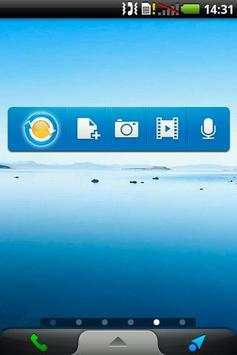
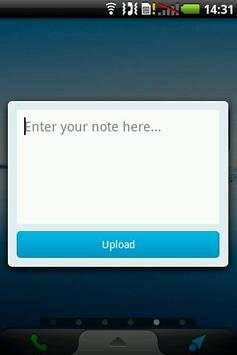

WebStorage Widget is an ASUS WebStorage home screen widget. This handy little widget will allow you to quickly upload your notes, pictures, voice recordings and videos directly to your personal cloud storage.
Due to Android operating system’s limitation, users will not be able to access ASUS WebStorage directly from the home screen widget if it is installed on the SD card. WebStorage Widget is designed to overcome this limitation allowing users to freely install ASUS WebStorage anywhere they want and still be able to use this Widget.
How to add WebStorage Widget to your home screen
After ASUS WebStorage is installed, simply tap and hold the home screen to bring up the “Add to Home Screen” option. Select “Widgets” from the drop down list and chose ASUS WebStorage Widget to add it to the home screen.
WebStorage Widget is only compatible with ASUS WebStorage version 1.1.42 and above.
bug fixes


