











DOWNLOAD IS NOT SUPPORTED IN WEB STORE!
Use the latest version of 9Apps to download APK&OBB file of games in one click!
DOWNLOAD 9APPS
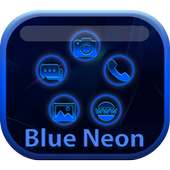
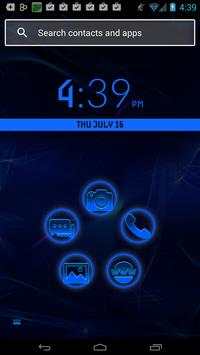
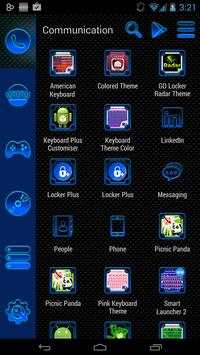
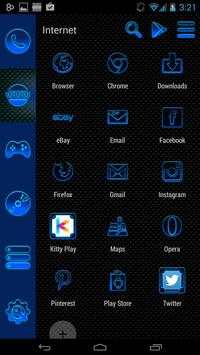
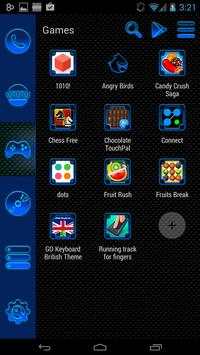
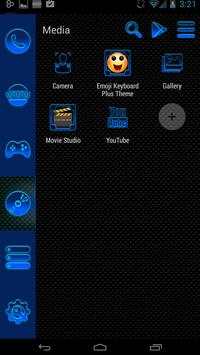
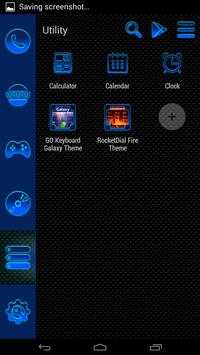
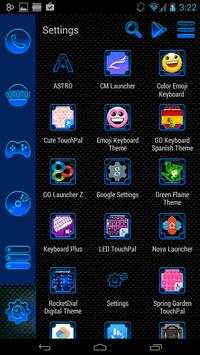
Check out this new Smart Launcher Blue Neon theme for free!
This is not a standalone application, you need to install Smart Launcher on your smartphone. You can download Smart Launcher from Google Play Store.
How to install this theme:
Menu -> Preferences -> Theme -> Installed -> Blue Neon Launcher Theme
Manually change icons:
1.On the home screen: long press on the icon you want to edit -> we drag your icon to icon "pencil" -> click on the application icon -> From iconPacks -> Blue Neon theme -> Next, select the desired icon and you are done!
2.Edit icons in the menu: Long press on the icon you want to edit -> Menu -> Edit icon -> From iconPacks -> Blue Neon theme -> Next, select the desired icon. Done!
Features:
100 icons that support automatic change!
Beautiful HD icons that are awesome on any screen
Bugs and errors:
If the theme failed, please change the theme to default first, then try it again. If you have any other errors, bugs or suggestions please contact us at this email: denise19902@gmail.com
This season feel cool and have fun with the awesome Smart Launcher Blue Neon. Get creative and customize your gadget with just a simple download, the Smart Launcher Blue Neon will make it look like new. Stand out even in the dark this glowing , gorgeous theme will put you in the center of attention. Why settle for a dull look when you can be fabulous? Just try the new Smart Launcher Neon Blue theme, you will love it. Get ready for any challenge with the Smart Launcher Blue Neon theme and share it with all your friends.


