









DOWNLOAD IS NOT SUPPORTED IN WEB STORE!
Use the latest version of 9Apps to download APK&OBB file of games in one click!
DOWNLOAD 9APPS

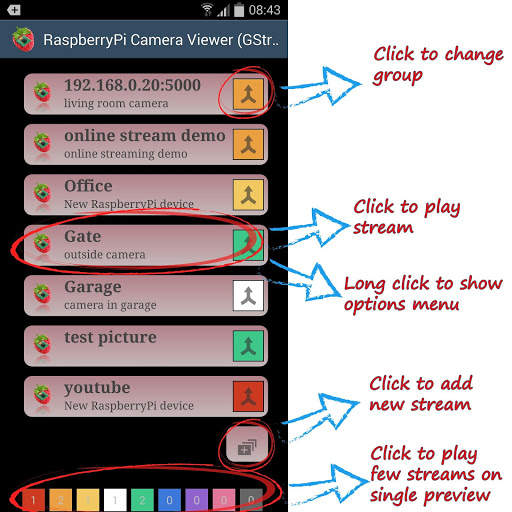
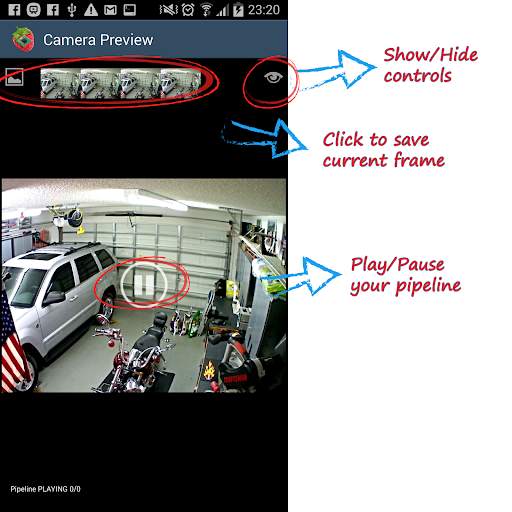
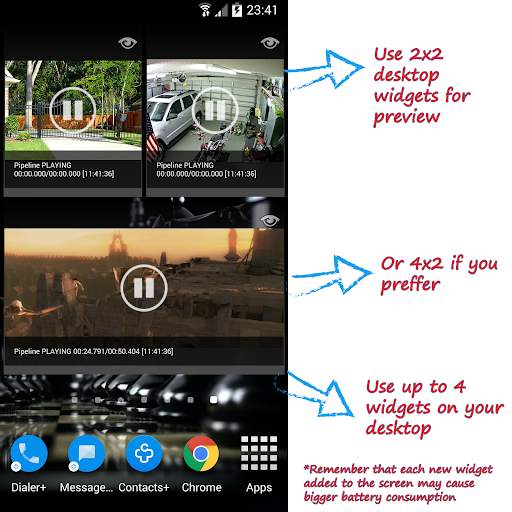
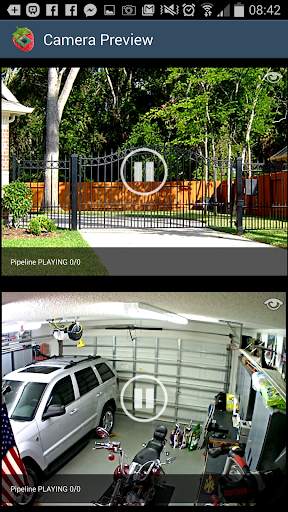
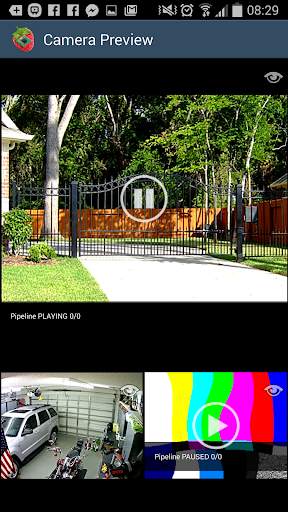
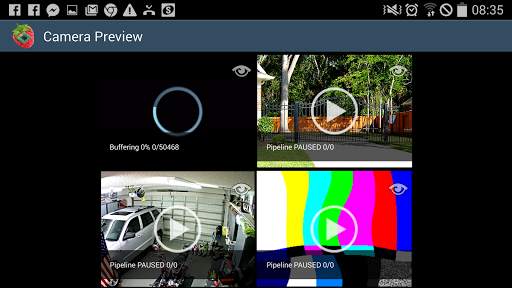
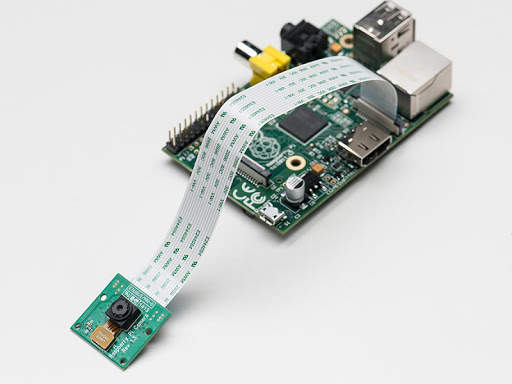
Application has been originally designed to view camera stream from hardware Raspberry Pi cameras. To build the stream, gstreamer has been chosen as the best open source multimedia framework. During the time number of desired features and configuration options grow, so application is morphing into gstreamer viewer. In current version you are able to build any pipeline (in gstreamer format) and view it on any Android device
Starting from version 4.0 you can create your own plugins. More details on github: https://github.com/pzuk/raspberry-pi-camera-viewer-plugins/
You can also easily embed RaspberryPi Camera Viewer to your Android application
More details on github: https://github.com/pzuk/raspberry-pi-camera-viewer-embedded-example
Current version is backward compatible with previous versions, so if you still want to watch stream from your RaspberryPi only, please follow points below:
1. Connect RaspberryPi Camera board
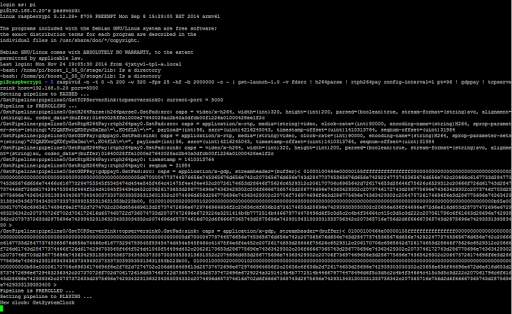
2. ssh to your Raspberry Pi and launch:
raspivid -n -t 0 -h 200 -w 320 -fps 25 -hf -b 2000000 -o - | gst-launch-1.0 -v fdsrc ! h264parse ! rtph264pay config-interval=1 pt=96 ! gdppay ! tcpserversink host=192.168.0.20 port=5000
where host=192.168.0.20 should be replaced by your RaspberryPI IP address.
Low latency version:
1. Connect RaspberryPi Camera board
2. ssh to your Raspberry Pi and launch:
raspivid -t 0 -hf -n -h 480 -w 640 -fps 15 -o - | nc -l -p 5001
3. Open RaspberryPi Camera Viewer and launch pipeline:
tcpclientsrc host=192.168.0.20 port=5001 ! queue2 max-size-buffers=1 ! decodebin ! autovideosink sync=false
More information about low latency experiment with Android, Raspberry Pi and Gstreamer: https://pzuk.wordpress.com/2015/12/29/android-raspberry-pi-camera-low-latency-via-gstreamer/


