DOWNLOAD IS NOT SUPPORTED IN WEB STORE!
Use the latest version of 9Apps to download APK&OBB file of games in one click!
DOWNLOAD 9APPS
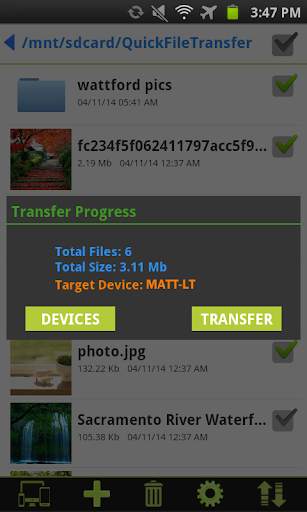
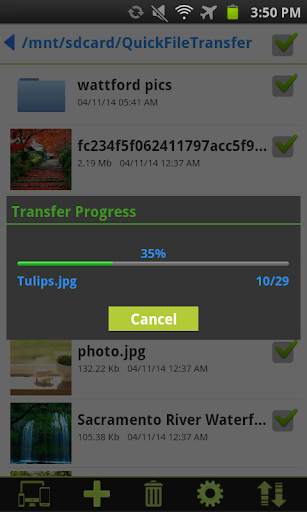
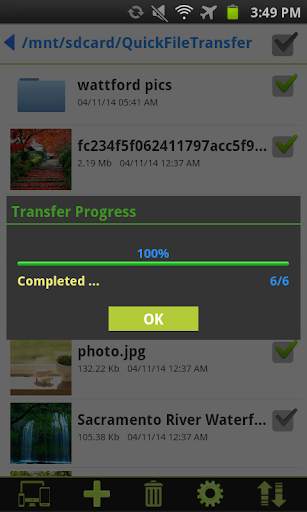
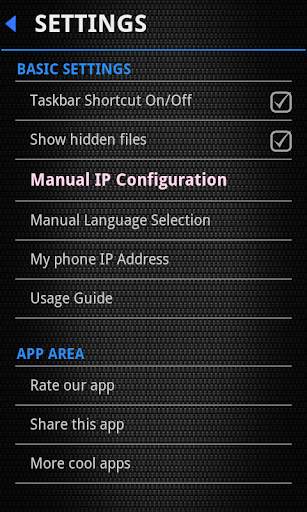
Quick File Transfer
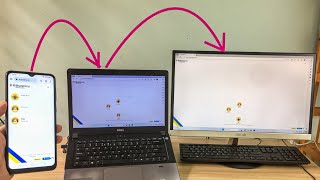
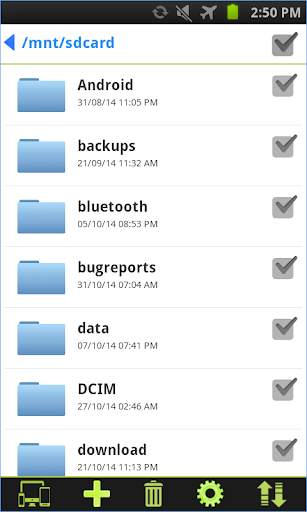
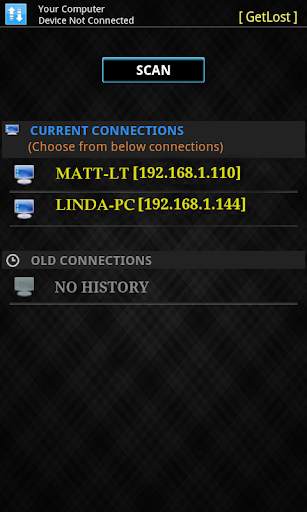
is a smart file sharing application. It is used to transfer files and folders between android phones and windows computers on your local network. It is very easy and fast to use. No need to enter IP address and port numbers. Devices are discovered automatically on your local network.
No need of USB cables. No Bluetooth required.
All you need to do is:-
1. Install our windows server application in windows computer from the link provided below.
https://www.spikesroidapps.com/QuickFileTransfer.html
2. Download this android application in your android device
3. Connect the devices to same Wi-Fi network.
4. Send and receive files and folders of any size between android phones, between android phone and windows computer.
Chrome browser might flag the server file,Ignore the warning and proceed as per below video
http://www.youtube.com/watch?v=xD2D9xoOcWo&feature=youtu.be
How to use:-
https://www.youtube.com/watch?v=AwKZTzCpIXo&feature=youtu.be
"Windows Firewall" might lead to connection issue. How to fix it??
http://www.youtube.com/v/ftYrD0r37CU
FEATURES:-
✓ Transfer files and folders between android phones
✓ Transfer files and folders between android phone and windows computer
✓ Rich file browser for creating, deleting, sharing and renaming the files and folders
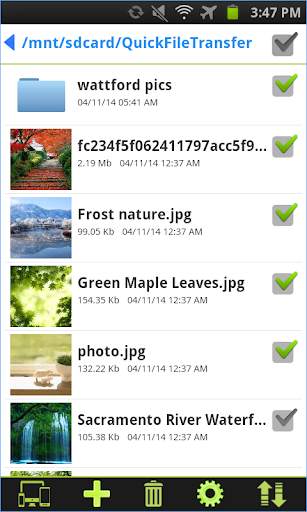
✓ Multiple files selection option
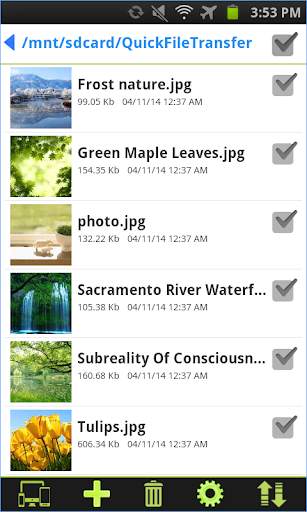
✓ Thumbnails are provided for image and video files
✓ Manual language selection
✓ Create new folders