










DOWNLOAD IS NOT SUPPORTED IN WEB STORE!
Use the latest version of 9Apps to download APK&OBB file of games in one click!
DOWNLOAD 9APPS
PLEASE READ THIS TEXT IN FULL BEFORE INSTALLING:
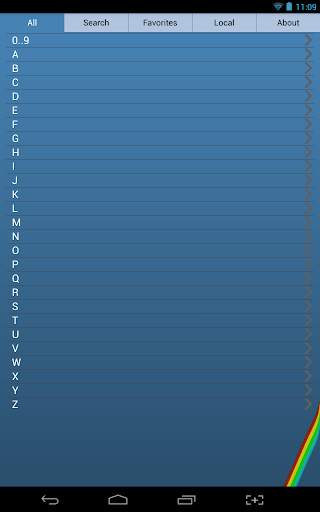
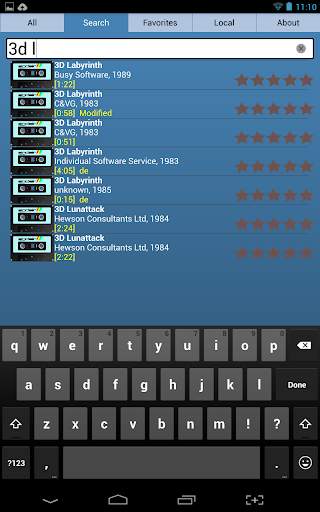
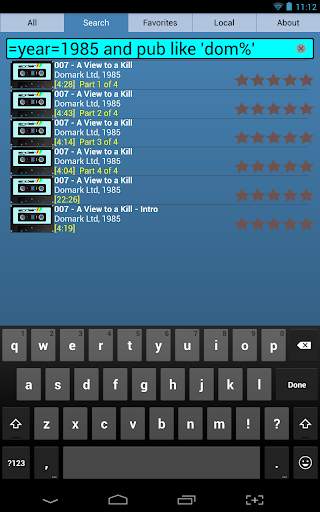
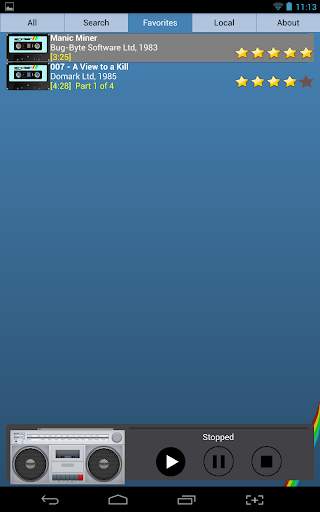
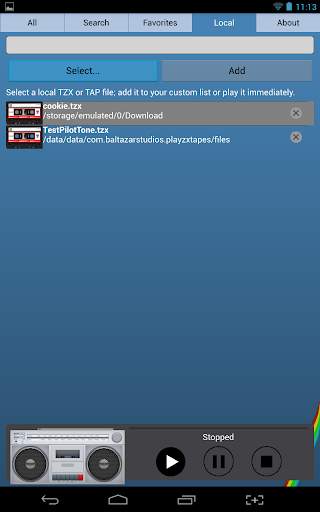
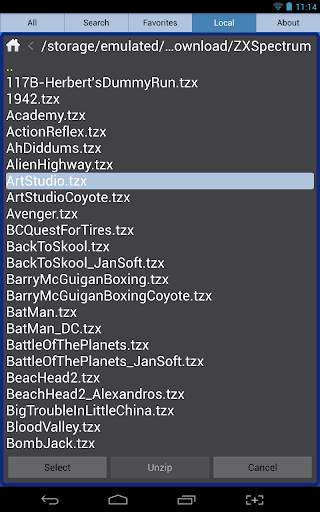
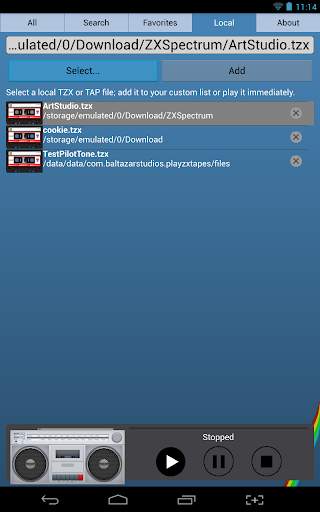
Select from thousands of Sinclair ZX Spectrum games and play them through the headphone jack to load them onto your Speccy. You can also select your local (on the device) TAP or TZX files, convert them to sound files and play them. This way you can load games for not only the ZX Spectrum micro but also any other retro computer that have compatible audio jacks.
IMPORTANT:
1. This is not an emulator, *it* will not play those games! You need an actual ZX Spectrum.
2. If you cannot browse and select your own files, it is likely caused by new Android permissions that Google changed with their newer development kits.
Please try this: Go to "System" -> "Apps & Notifications" -> Select "PlayZX" app -> scroll down to "Permissions" and allow "Storage" permission.
3. Make sure that your Android device is *not* connected to USB (for example, to charge it), while using this app. (Electrically, its ground needs to be floating with respect to the ZX Spectrum power supply)
4. Put your Android device in "Do Not Disturb" mode (*not* the Airplane mode as it needs internet access). This will prevent random notifications to disturb the signal output.
5. Use a good quality, preferably short, audio cable. For best results, use a stereo cable and turn the option to invert one stereo channel. Play with the volume: you may get different results on your phone vs. on your tablet, for example.


