











DOWNLOAD IS NOT SUPPORTED IN WEB STORE!
Use the latest version of 9Apps to download APK&OBB file of games in one click!
DOWNLOAD 9APPS
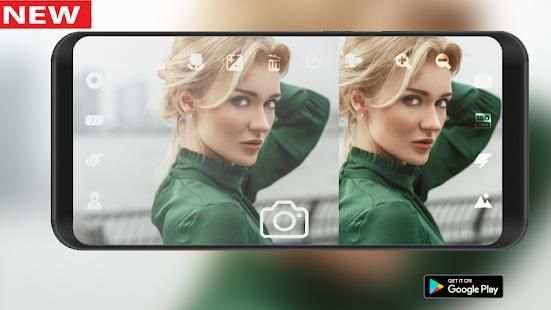
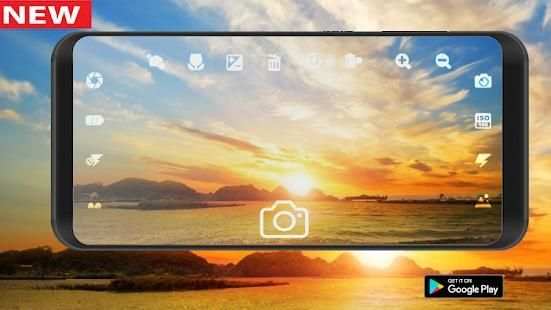
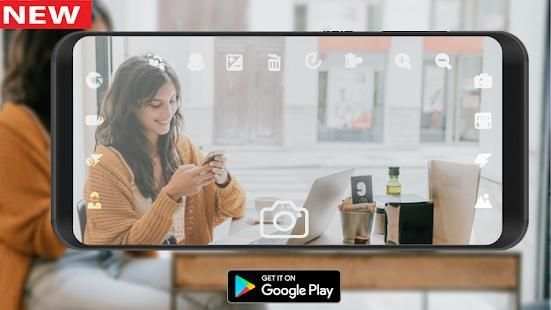
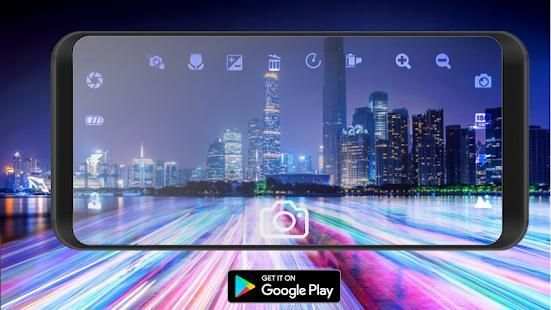
Create high-resolution HD photos with excellent effects, photos and videos designed for videos and videos.
Auto Blur Background, mirrorless camera like DSLR Camera Blur Background app has lots of photo blurring, bokeh tools. Using them you can easily make your own DSLR Bokeh Effect. It has manual and shape blur features. Use your finger and touch on unwanted part of your photo that you want to blur and keep your special part focused on.
mirrorless Blur Camera is app to capture image with blur focus perticular objects. Bring DSLR-like Photography to your smartphone. This app allow you to take best picture and edit photo and make your photo background Blur and make your picture more beautiful.
Features:
- Video recording with perfect audio output (4K HD recording quality is supported)
- Burst mode interval.
- Zoom in / Zoom out with multi-touch gesture and single-touch control.
- With DSLR HD Camera, take photos with voice command.
- Perfect face detection with dslr camera hd.
- color DSLR effects.
- light metering mode - matrix, center - weighted, spot
- 4K recording quality and possibility to change frame rate and bitrate.
- flash mode - auto, on, off, torch DSLR.
- ISO settings.
- Countdown Timer.
- Auto Lighting Optimizer.
- Focus setting.
- Control the Contrast, Blur, Brightness.
- Exposure compensation and ISO.
- Picture mode settings: landscape, beach, snow, Action, sunset, night portrait, continuous pictures, party, candlelight, fireworks and other.
Mirrorless Camera Blur Effect is a photography app to make your photo with best effective blur styles.


