









DOWNLOAD IS NOT SUPPORTED IN WEB STORE!
Use the latest version of 9Apps to download APK&OBB file of games in one click!
DOWNLOAD 9APPS
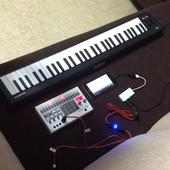
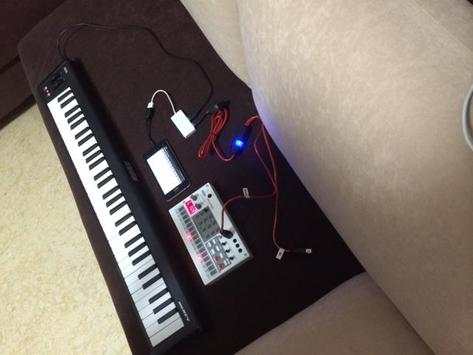
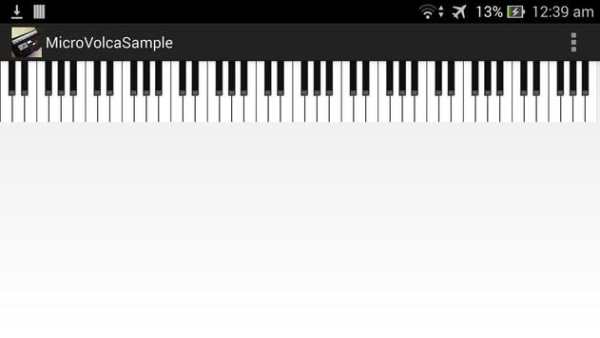
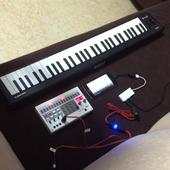
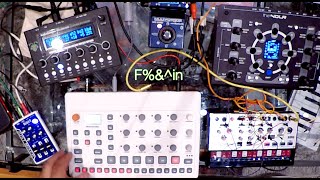
Since there are many request to play chromatically on Volca Sample, I have manage to create a simple app. You can connect your midi keyboard. I used Korg microKey 61. And play piano on your volca sample. Cost of the app is free. The setup is shown in the photo above.
You will need
1. OTG cable $1 at amazon
2. usb to midi cable $24 at amazon
3. a 4 port usb hub. No need if you are using Korg microKeys as it already have 2 usb slot.
Alternatively you can buy the above accessories direct from me so that you can be sure they will work.
For the sample, you can use factory default 74 which is a electric piano sound on the volca sample. For me, I use my another app to record A4(440Hz) note from my piano and transfer to my volca sample. You can download it here at
Volca Sample Transfer - https://play.google.com/store/apps/details?id=com.appspot.volcasampletransfer
After you have a sample, you can tweat it on the volca sample. As you play on your keyboard, the sound will be based on your adjusted parameter!
The app auto configures your midi in and midi out devices. Alternatively, you can download the device button app "Midi Connect" to manually configure your midi.
Have fun!



- add a button to configure midi in and midi out device.


