









DOWNLOAD IS NOT SUPPORTED IN WEB STORE!
Use the latest version of 9Apps to download APK&OBB file of games in one click!
DOWNLOAD 9APPS
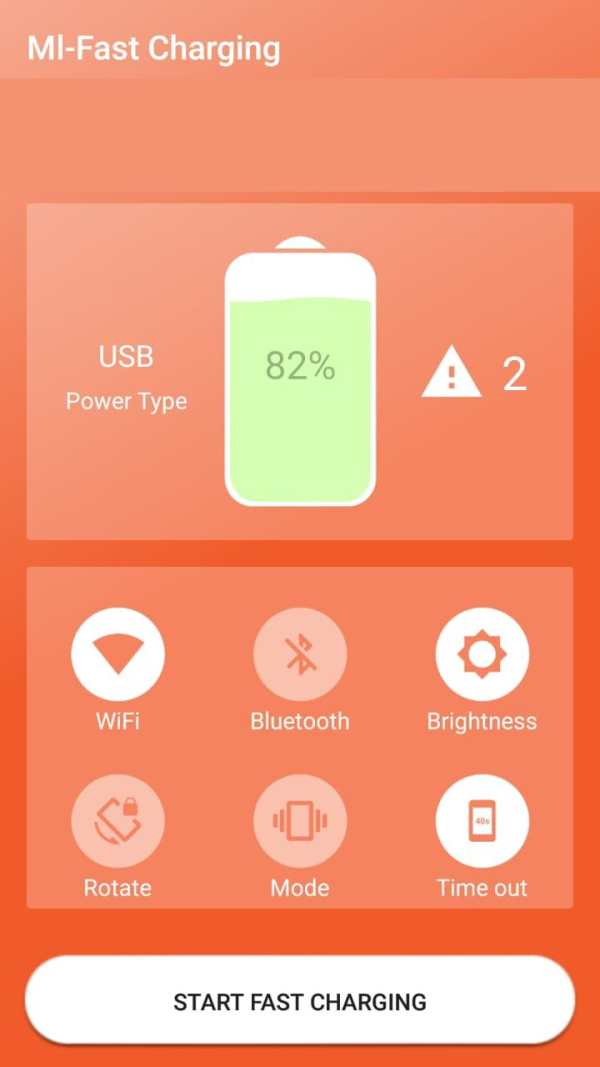
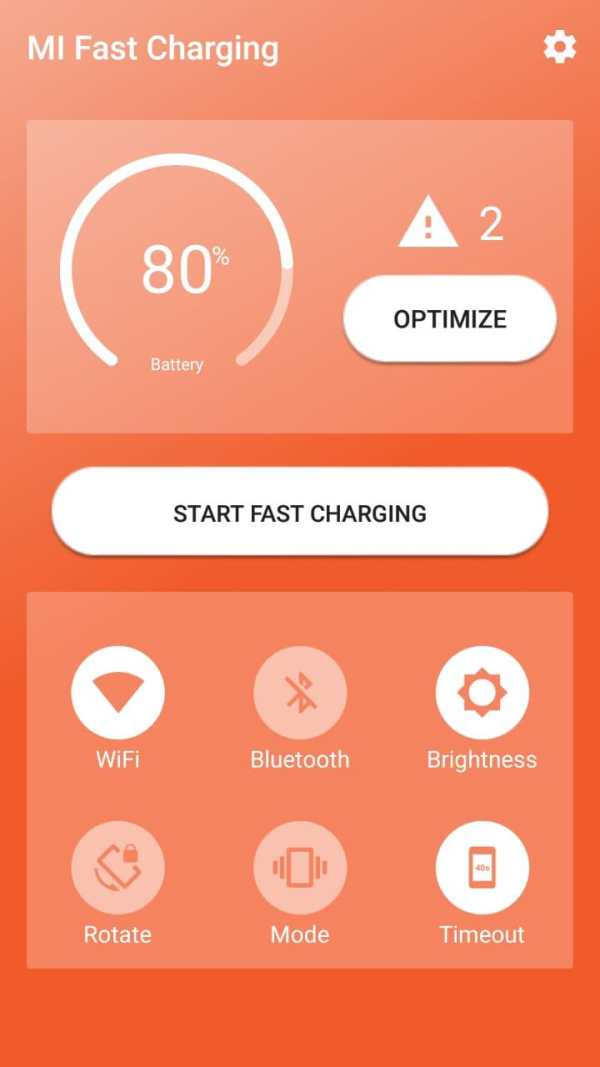
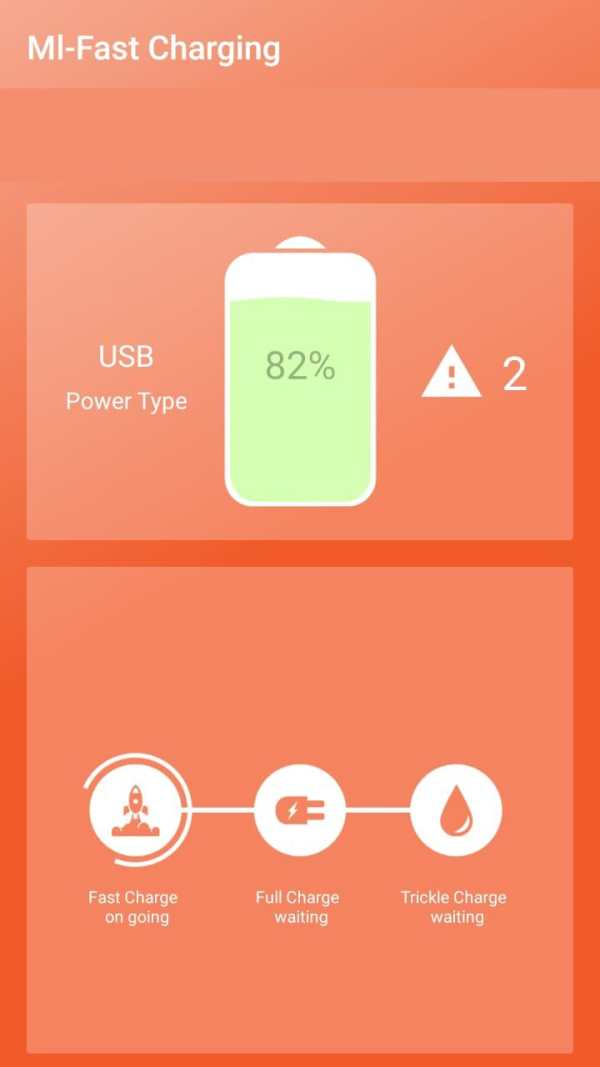
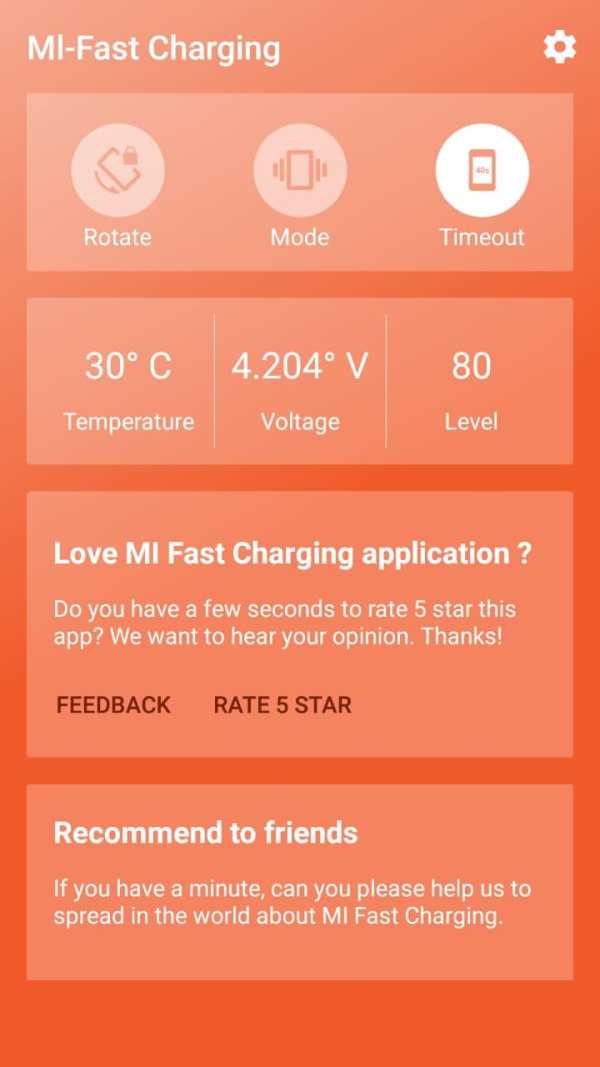
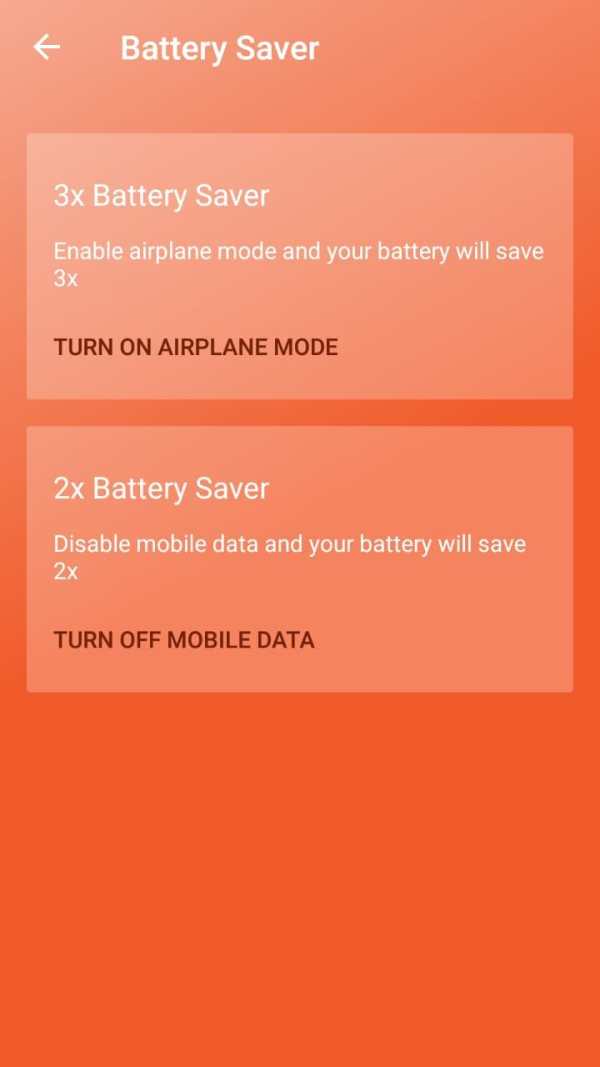
Fast Charging app optimized for XlA0MI-Based Phone. Enable your phone to support Android Fast Charging feature, especially if your phone not supported fast charging feature.
--- IMPORTANT! ---
Before you install this app, remember this: to speed-up your charging time, you must not operate the phone during charging time and kill the apps that running on background because this app need some memory space to work properly. If you are not doing this, then the charging time will not so fast because you run another apps. AND after you have installed this app, don't forget to turn OPTIMIZE features by click on "OPTIMIZE" button and ALLOW ALL PERMISSIONS that this app requesting. if you DENY the permissions, again this app not work properly and caused forced close! Don't close the app during charging time, it's very important.
we know on several devices this app maybe crash, because of some reasons. The big reason is because we're not profilling with all mi-phone devices due limitations of device that we have. But we are currently profilling all mi-phone devices as can as possible.
** NOTE **
This app strongly recomended for XlA0MI-Based Phone because we're optimized this app with XlA0MI-Based Phone hardware and software behaviour. But, if you want try this app to non-XlA0MI-Based Phone it's possible to work well depends on your smartphone device is similiar to XlA0MI-Based Phone behaviour.
We recomended that you not to open another app while you charging your phone and enable fast charging feature from this app to optimized charging time.
--- HOW TO USE ---
1. Automatically. Open Mi Fast Charging App, and close it. Whenever you plug your phone to power source, application will show you pop-up to start fast charging, just click it!. Remember, if this app not show autmatically when you plug to power source, please follow option no 2
2. Manual. This option might be run if your phone not displaying fast charging popup because several conditions. You can run it manually by open Mi Fast Charging App, choose "Start Fast Charging", and choose button "Start Fast Charging". That.s it.
3. Remember to grant all permission and enable OPTIMIZE feature by clicking OPTIMIZE button in the app.
4. Do not close app during charging time.


* Optimizing charging time
* New user interface


