










DOWNLOAD IS NOT SUPPORTED IN WEB STORE!
Use the latest version of 9Apps to download APK&OBB file of games in one click!
DOWNLOAD 9APPS

Cast your Webpage to your Chromecast - For free!
ATTENTION: YOU CANT'CLICK
It's as simple as it sounds:
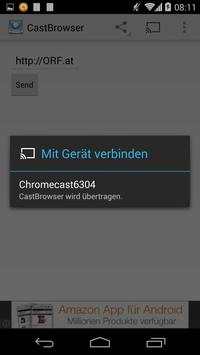
1.) Connect your App to your Chromecast
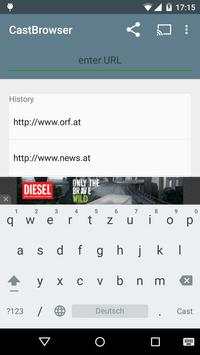
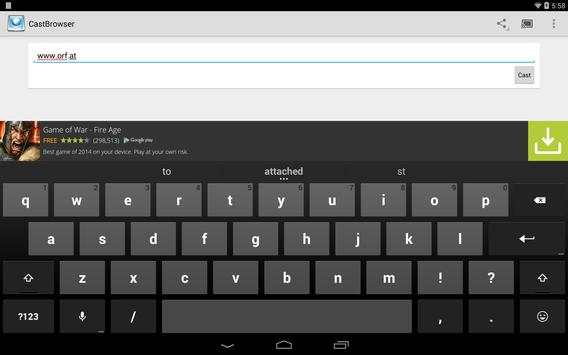
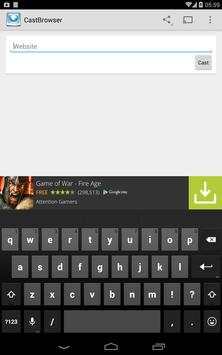
2.) Enter URL
3.) Press "Send"
4.) Done - Your Webpage will now be displayed on your Chromecast
Enjoy to use your Chromecast as a Internet-Browser
Happy streaming!
Current release is in Development. It's quite likely that it crashes ^^
FAQ:
How can i scroll?
- It's not p
How can i click?
- It's obviously not possible to provide a proper click navigation on Chromecast(tm)
Why i cannot display every webpage?
- Because the Browser of the Chromecast is limited and doesn't provide every technology


![[TVCast for Chromecast] How to cast Browser screenshot 3](https://i.ytimg.com/vi/spU93l0Ew-Y/mqdefault.jpg)
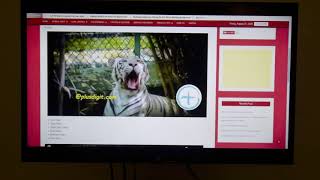

Now with preview (and possible navigation)


