











DOWNLOAD IS NOT SUPPORTED IN WEB STORE!
Use the latest version of 9Apps to download APK&OBB file of games in one click!
DOWNLOAD 9APPS
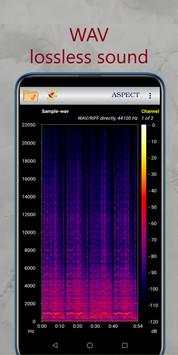
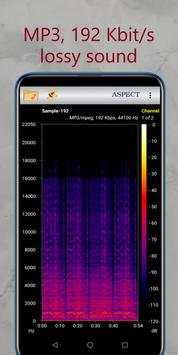
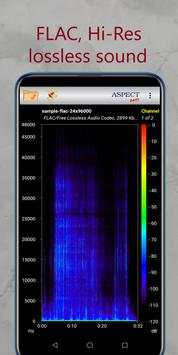
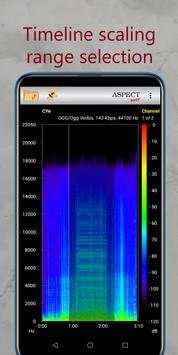
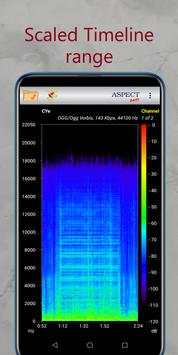
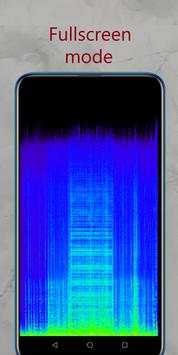
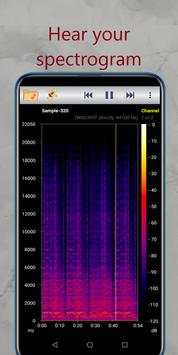
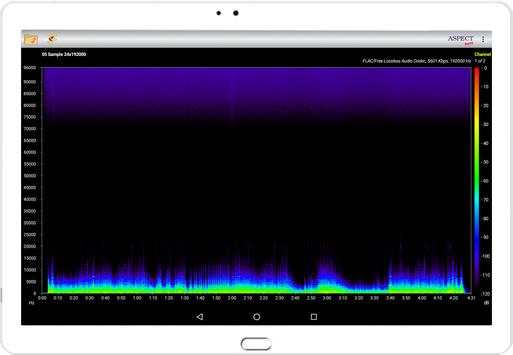
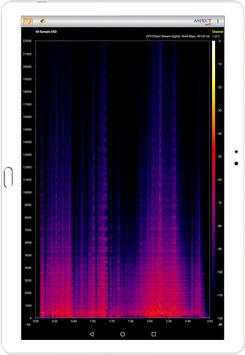
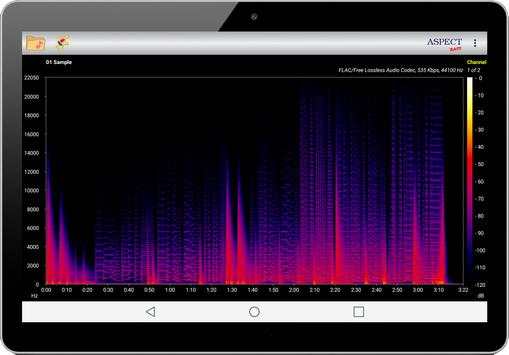
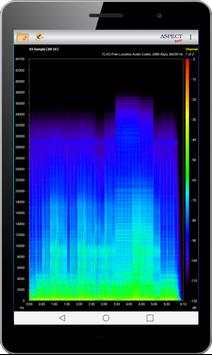
Aspect helps you to analyze your local audio files by building their spectrogram.
Spectrogram will show the differences in the frequency range when lossless encoding an audio signal and when lossy encoding.
For MP3 and OGG files, it is also easy to see the effect of the coding bit rate on the presence of high frequencies in the audio signal.
Features:
- Allows you to select the decoding method of the audio signal - through the codecs supplied with the device or through the codecs of the BASS project (see the page “About”).
- Supports audio file formats:
3GP, FLAC, M4A (aac), MP3, MP4, OGG, OPUS, WAV
and in the case of choosing BASS additionally:
AIFF, APE, DSF, M4A (alac), MPC, WV
- Allows you to select the color palette of the spectrogram.
- Shows the audio signal parameters.
- Shows the characteristics of the codec used to decode the audio signal.
- Allows you to select an audio channel.
- Builds a spectrogram in both standard and full-screen mode (without axes and action bar), both in portrait and landscape orientation of the screen.
- Allows you to listen to the Spectrogram or its selected part in Zoom Mode.
- In the Zoom Mode, you can select and examine a part of the spectrogram in more detail and repeat this process as long as the duration of the selected section is more than 1 second.
- Automatically adjusts time and frequency scales.
- No Ads.
Bug Fixes
Announcement
Aspect Pro is now available for beta testing


