











DOWNLOAD IS NOT SUPPORTED IN WEB STORE!
Use the latest version of 9Apps to download APK&OBB file of games in one click!
DOWNLOAD 9APPS

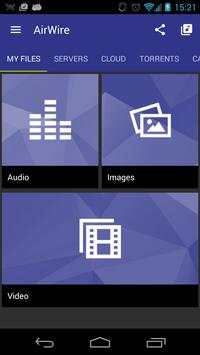
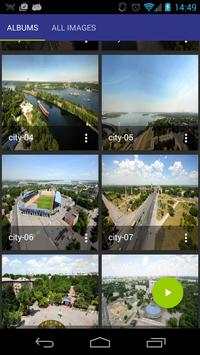
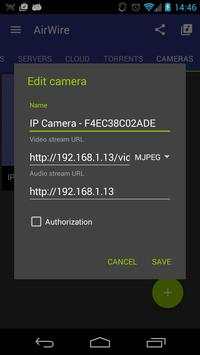
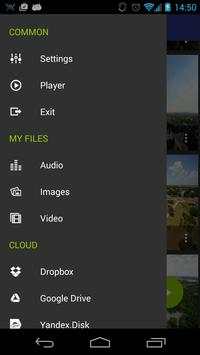
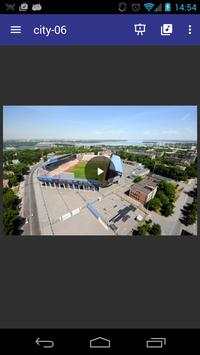
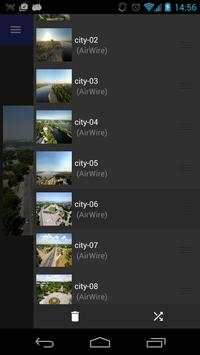
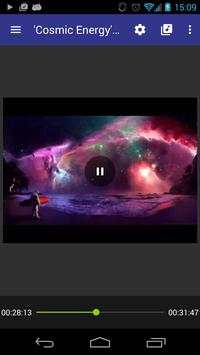
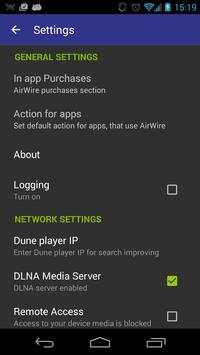
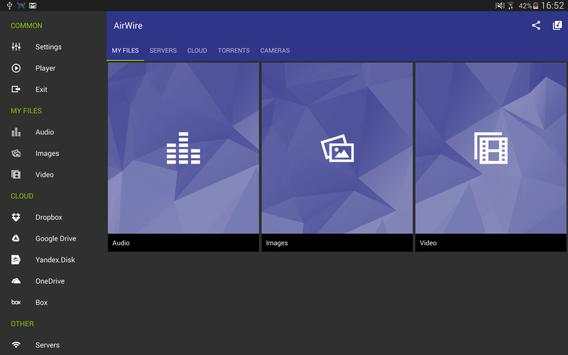
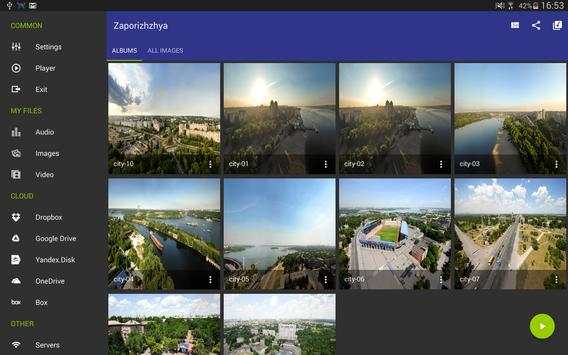
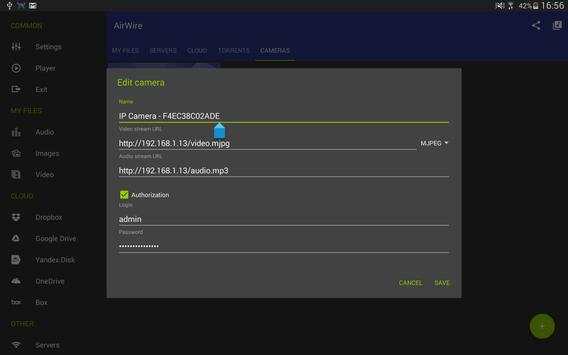
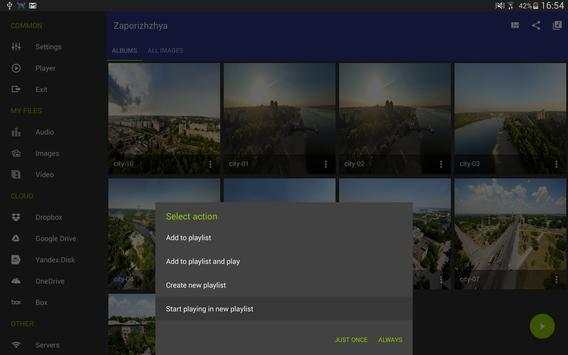
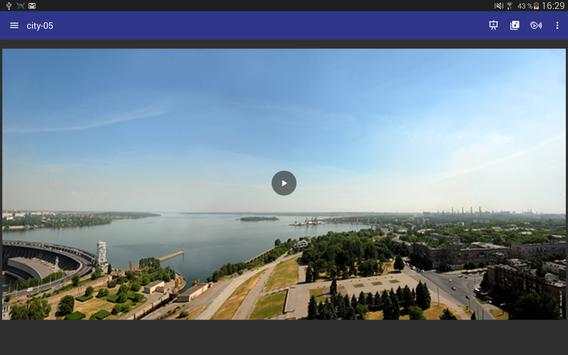
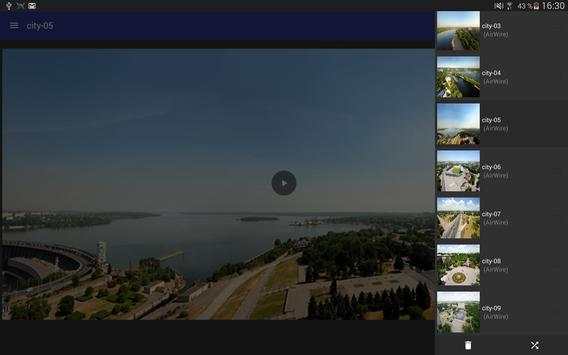
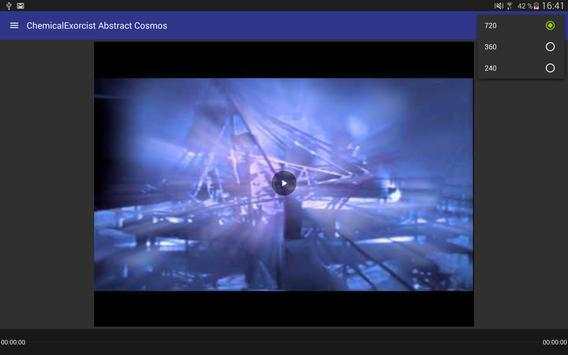
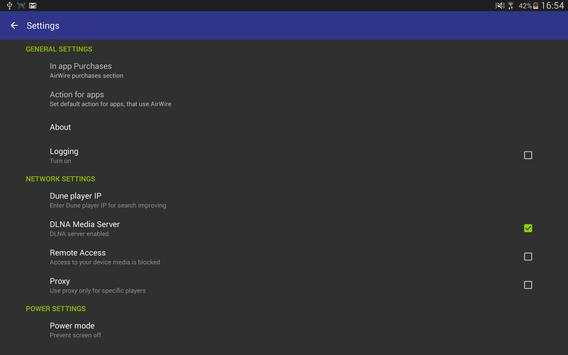
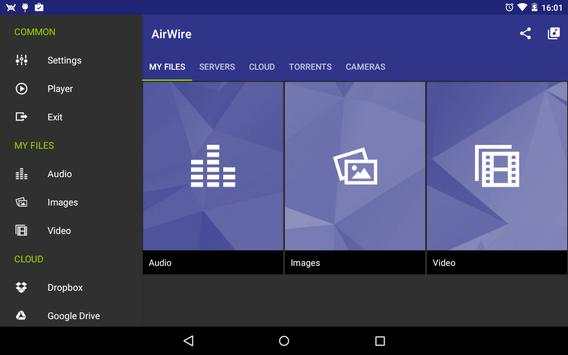
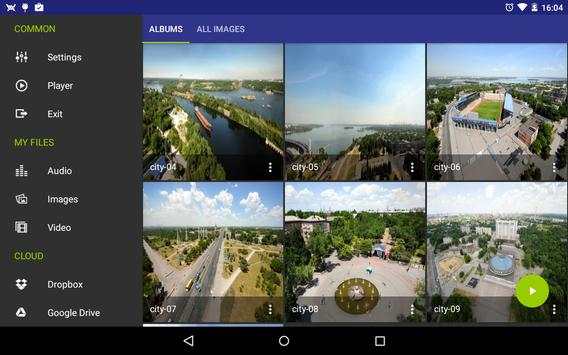
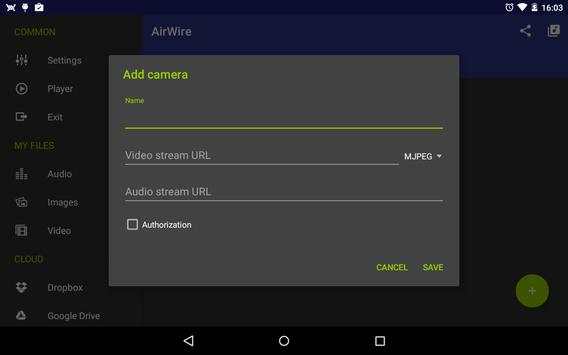
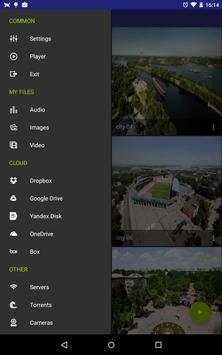
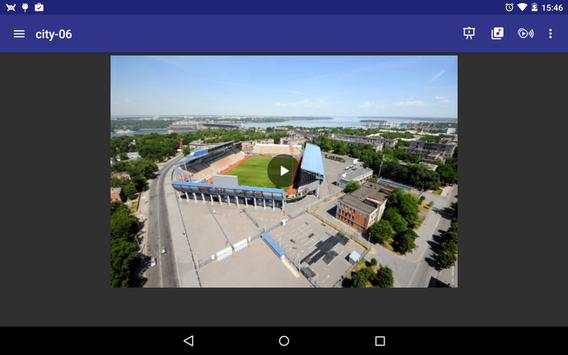
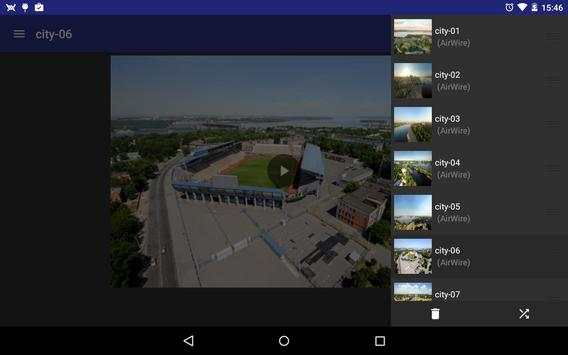
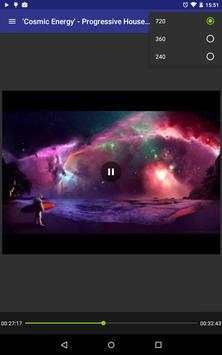
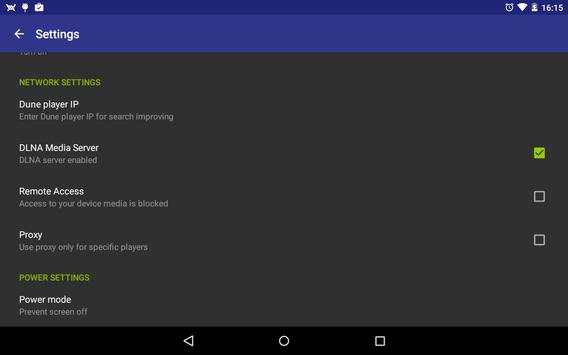
AirWire allows you to enjoy listening to music, watching favorite movies, TV series, photos on a large screen of your TV set, PC, notebook, media player, game console or other devices in any part of the world if you have a smartphone or a tablet PC.
To start using AirWire, you need no additional equipment. It is enough to have a TV set connected to the Internet or a media player and access to the Internet with the data rate not less than 4 Mbit/s.
As of today, AirWire has been tested with DLNA TVs, media players and music receivers from popular TV and HiFi brands.
------------------
FOR DEVELOPERS:
------------------
If you wish to use AirWire in your application, use the integration instructions on our website http://airwire.tv/en/site/developers
------------------
IMPORTANT:
------------------
Searching for devices can take up to 1 minute
Known issues:
• If AirWire has found no devices, check if they are connected to the same network as WiFi.
• The WiFi router should have the enabled function of traffic exchange between devices in the LAN.
• Settings of your LAN, Internet connection broadband, load level of the server from which the video is transferred can influence the video quality.
• If the application does not find your media player or TV set, check if the Digital Media Renderer (DMR) option is enabled
• Some devices partially support the DLNA standard, because of which they cannot perform some commands of the application
• Some video files and images cannot be played back since the device in which you try to open them does not support such file formats.
- new design
- bug fix
- fixed app crashing on devices running Android 3.x


