ppt reader on 9Apps

Free download latest ppt reader for Android here and enjoy it with your phone. Below you can download a list of top and latest apps related to ppt reader . 9APPS is a fast, safe app store. With 9APPS, you can save a lot of time on searching and downloading apps.

#1 PPT Reader - PPT Viewer
PPT Reader - PPT Viewer
Rating: star 2.5 | Version: 1.2 | Size: 6.9MB
PPT Reader - PPT Viewer screenshot 1 PPT Reader - PPT Viewer screenshot 2 PPT Reader - PPT Viewer screenshot 3

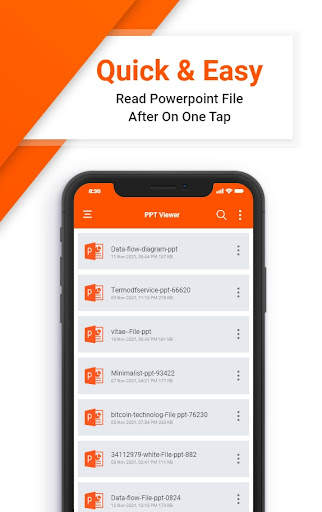
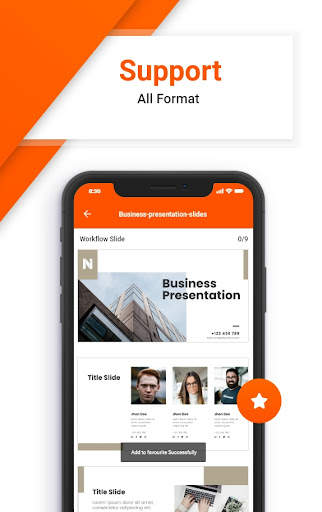
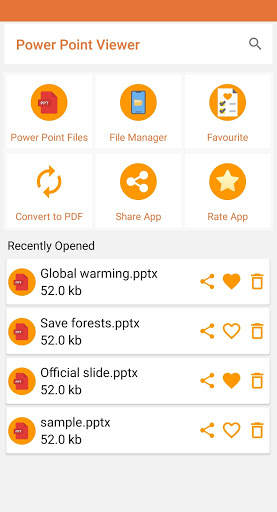
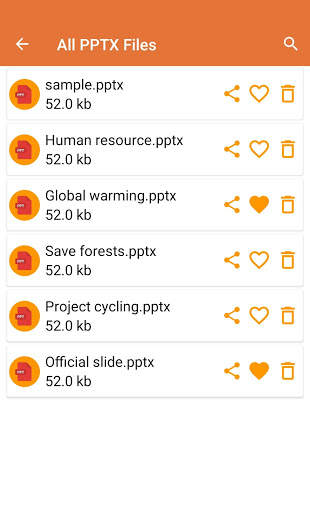
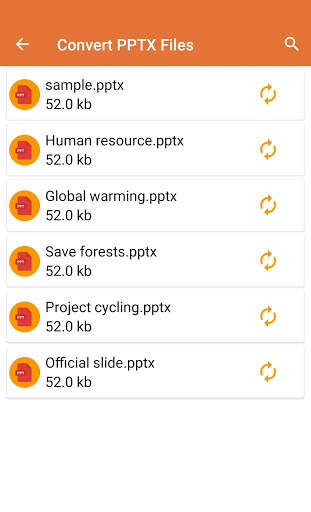
PPT Reader - PPT Viewer & Slides Viewer is a application for view and read your ppt files. PPT Reader - PPT Viewer & Slides Viewer allows you to read all files with updated compatibility, good features and stylish interface. Through PPT Reader - PPT Viewer & Slides Viewer you can read, view & search for different ppt books, college documents, and lecture slides. This is a good app for you if you are a student or work in office. PPT Reader Support reading files extremely fast with High quality view
Key features of PPT Reader - PPT Viewer & Slides Viewer
Read & view PPT & PPTx Document Files
Fast Scroll with zoom in and Zoom out
PPtx file reader for students to prepare their lectures
Easy to use & very simple UI
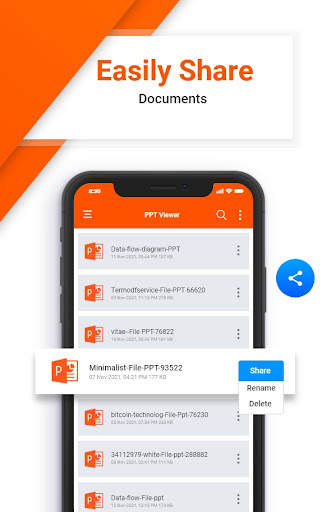
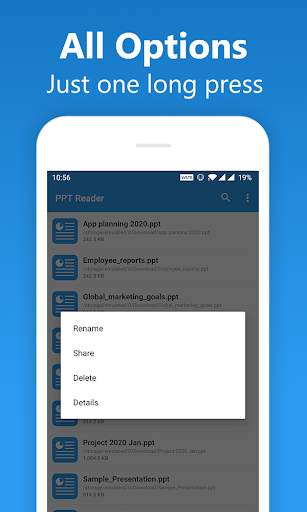
Rename, Share , and delete Options
Lightweight & require less storage
Keep Using Our PPT Reader - PPT Viewer & Slides Viewer application

...

👉 For More Detail of PPT Reader - PPT Viewer

#2 PPTX Viewer: Slides Opener and PPT reader
PPTX Viewer: Slides Opener and PPT reader
Rating: star 3.6 | Version: 3.9 | Size: 57.4MB
PPTX Viewer: Slides Opener and PPT reader screenshot 1 PPTX Viewer: Slides Opener and PPT reader screenshot 2 PPTX Viewer: Slides Opener and PPT reader screenshot 3

PPTX Viewer:スライドOpenerとPPT Reader Appには、簡単にスクロールするために、デバイス内のすべてのPPTファイルが1か所の間にリストされています。ファイルビューアは、デバイス上のプレゼンテーションファイルを表示するための簡単で高速なツールかもしれません。あなたは1つの場所であなたのPPT / PPTファイルのすべてを切り替えます。 PPTXファイルOpener PowerPoint:PPTファイルReader&File Viewerはすべてのファイルを管理してフォルダ構造ビューに配置するのに役立ちます。 File Viewerを使用すると、Androidのドキュメントを管理して検討することができます。最後に使用されたPPT PPTダウンロードにアクセスしてください。スライドデッキ任意のデバイス上での簡単なアクセスのための最近のファイルの高速ビュー。
最高のオフラインリーダーとビューア。 Free Fast Document Reader PPTX Viewer:スライドOpenerとPPTリーダーは良いアプリケーションです。 PPTビューア:PPTリーダーPPTビューアプリは、PPTファイルを調べて、すべてのタイプの.pptファイルを読み、共有するために採用されています。 PPTX Viewer:スライドOpenerとPPT Readerは、PPTX、.pptのようなファイルを表示および開くためのドキュメントビューアです。あなたが学生であるなら、あなたがあなたがさまざまなPPTブック、大学の文書、そして講義をスライドさせることができるのであれば、これはあなたにとって良いことです。すべてのPPT、PPTフォーマット文書を読み、またプレゼンテーションスライドを準備したい学生やオフィスの労働者にも役立ちます。スライドプレゼンテーションはすべてこのアプリケーションで簡単に閲覧できます。 PPTX Viewer:スライドOpenerとPPT Reader Appを使用すると、指定された文書の選択されたページに飛び降り、ファイルを共有できます。
PPTXビューアの機能:スライドOpenerとPPTリーダー
1。 PPTXファイルを開いて表示できます。
2。スライドの任意の部分にクイックジャンプします。
3。特定のページに進みます。
4。昼夜のモードが読み込まれます。
5。 PPTXファイルを他の人と共有しましょう。
6。検索、削除、PPTXファイルを表示します。
8。読みながらズームアウト
9。輝度調整
10。文書を検索してください。
11。軽量で貯蔵が少ない必要があります。
12。お気に入りに保存します。
13. PDFに変換する。

...

👉 For More Detail of PPTX Viewer: Slides Opener and PPT reader

#3 PPT Reader - View PPTX Slides, Presentations, 2020
PPT Reader - View PPTX Slides, Presentations, 2020
Rating: star 3.6 | Version: 2.0.1 | Size: 3.4MB
PPT Reader - View PPTX Slides, Presentations, 2020 screenshot 1 PPT Reader - View PPTX Slides, Presentations, 2020 screenshot 2 PPT Reader - View PPTX Slides, Presentations, 2020 screenshot 3

PPT Reader is a simple and fast tool for viewing presentation files on your device.
You browse through all of your PPT/PPTX files in one single place 📚
Major highlights of the app:
💾 Small in Size: PPT Reader is app is just 3 MB in download size which will dramatically lessen the burden on your device storage.
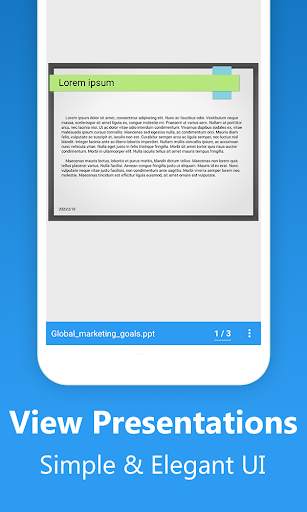
📑 Simple Interface: Read any PPT/PPTX files with a simple and elegant reader screen which has the essential controls.
🎯 Easy Navigation: Go through the PPT/PPTX file with essential navigations like going to a given page, etc.
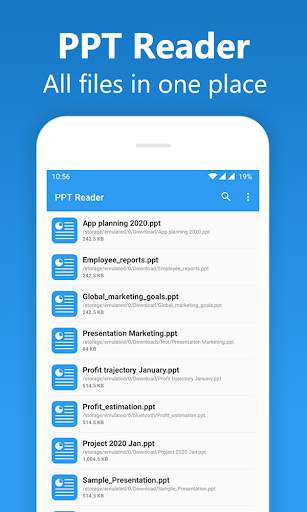
📚 Browse all PPT/PPTX files: The app lists all the PPT files in your device in a single place so that you can easily scroll through it.
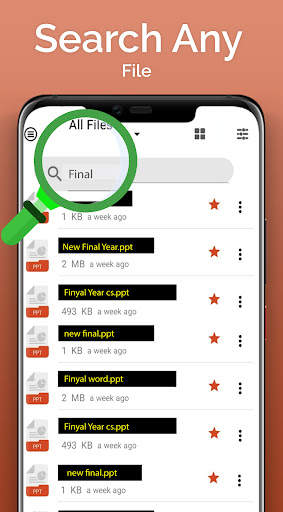
🔍 Search the List: Quickly find any desired file with the simple search option.
🛠️ Essential Options: The PPT Reader app comes with all the necessary options like Renaming, Deleting, Sharing etc.
Other features include:
- Checking the details of a PPT file
- Sorting: By name, date & size
- Refreshing the list
- List all PPT files in one single place
- Go to a specific page
- Rename, share, delete a file
Download the app today.
Enjoy reading :)
Your feedback is important to us.
Write us on feedback@skydot.tech
Please share the app with others too :)

...

👉 For More Detail of PPT Reader - View PPTX Slides, Presentations, 2020

#4 PPT Reader Manager & Slideshow

PPT Reader Manager & Slideshow
Rating: star 3.0 | Version: 1.2 | Size: 34.3MB
PPT Reader Manager & Slideshow screenshot 1 PPT Reader Manager & Slideshow screenshot 2 PPT Reader Manager & Slideshow screenshot 3

このPower Point Editorおよびプレゼンテーション作成者アプリにより、ユーザーがユーザースマートフォンでPPTファイルを作成するのに役立ちます。 PPT Viewerでは、ユーザーはモバイルデバイスですべてのプレゼンテーションを表示できます。 PowerPoint Viewerは、PPTの読み取り、スライドショーの表示、スマートフォンでどこにでも書くのに強力なアプリを使用しています。 PPT Viewerには、非常に簡単なメカニズムと多くの機能があり、SlideShow MakerがPowerPointプレゼンテーションに非常に簡単に作業できるようになりました。サイズ、タイプ、日付、名前を心配することなく、あらゆる種類のプレゼンテーションを管理します。 PPTファイルはすべて1つの場所にあるため、ユーザーが作成したら後でパワーポイントを表示、編集、読み取ります。また、スライドショーメーカーは、複数のフィルター、エフェクト、トランジション、美しいアニメーションを提供し、ユーザーがスライドショーを可能にします。 PPT Readerは、生徒に最適なアプリであり、問​​題なくスマートフォンでクラスプレゼンテーションを読んで準備できます。プレゼンテーションにより、ユーザーはプレゼンテーションのすべてを表示し、他のすべてにスライドする機能を可能にします。ユーザーは、オフィスのタスク、学校、大学の仕事、大学の課題、PPTファイルオープナーのビジネスプレゼンテーションを簡単に開くことができます。ユーザーはスライドを作成し、他の人へのスライドショーを通じて非常に簡単に表示できます。 PPTファイルオープナーとPowerPoint:PPT File Reader&ファイルビューアーは、ユーザーがスマートフォンでドキュメントを簡単に読み取り、表示、編集できる完全なオフィスアプリです。すべてのオフィスタスクのメモ、ビジネスタスク、学校の講義、チュートリアルをデバイスに簡単に開きます。 。 Slideshow Makerは、学生、ビジネスパーソンなどのためのポケット、ポータブルおよびタイムセーバーPPTビューアアプリのようなものです。ビュー& PPTプレゼンテーションを非常に簡単に編集します。洗面所のようなコンピューターから離れている間、洗面所のように。 PPT Readerアプリを使用すると、すべてのタイプのPower Pointのドキュメント拡張機能を表示します。ユーザーは、プレゼンテーション、スライド、最終年度プロジェクト、PPT、チュートリアル、PPTXファイルのオリエンテーションを変更して、編集と読みを改善することもできます。 PPT Readerユーザーの助けを借りて、PPT ReaderとPPTX Viewerアプリを通じて読み書きのスキルを向上させることができます。 SlideShow Makerアプリの助けを借りて、ユーザーは名前の変更、編集、削除、友人との共有などの複数のオプションを実行できます。 Slideshow Maker
Power Point ReaderアプリですべてのタイプのPPTファイルを表示
これで、PPTドキュメントを簡単に読み取り、編集し、共有できる
サイズ、名前、日付などのニーズに応じたすべてのPPTファイル
ユーザーは、1つの場所ですべてのドキュメントファイルを表示できます
スライドショーメーカーユーザーは、zipおよびrarファイルも表示できます
後で読むには、そのファイル
をブックマークすることができますので、強力なスライドショーメーカーとパワーポイントリーダーアプリをダウンロードして、スマートフォンのあらゆるタイプのPPTおよびPPTXファイルを簡単に読み取ることができます。このスライドショーメーカーでは、ユーザーはDoc、Excel、Wordファイルなどのすべてのドキュメントを1つの場所で表示し、お気に入りのドキュメントをブックマークできます。

...

👉 For More Detail of PPT Reader Manager & Slideshow

#5 PPT Reader - PPTX Viewer

PPT Reader - PPTX Viewer
Rating: star 3.0 | Version: 1.6 | Size: 12.1MB
PPT Reader - PPTX Viewer screenshot 1 PPT Reader - PPTX Viewer screenshot 2 PPT Reader - PPTX Viewer screenshot 3

For those desperately finding an applicable PPT viewer to use your PowerPoint documents, the PPT Reader - PPTX Viewer would satisfy your needs.
The PPT Viewer program offers many features to scan those files with only your Android smartphone for more details.
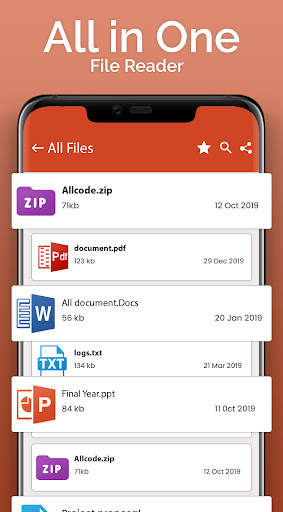
When first experiencing the PPT Viewer, you might be surprised by how lightweight and simple it is to use. More than that, PPT Reader can support a wide range of document formats, namely PPTX, PPT, TXT, XLS, PDF, PowerPoint, DOCX, DOC files, and others.
Besides, with the PPT Reader - PPTX Viewer, you can all have access to the PPTX, PPT documents, and PowerPoint slides and read them on a single page.
PPT Viewer also offers file management features to keep track of all your documents in the structure of a detailed list.
To enhance your reading PPTX experience, PPT Reader experienced developers also improve the feature of helping delete, rename, and share your presentation slides.
Do you have some of your favorite documents and files that you want to save for subsequent usage?
Use the "Add to favorite" function of the PPT Reader to automatically take the files into a particular folder. Whenever you want to read the crucial files, open this PPT viewer folder and access them fast.
For some users, besides reading, they want to share their PowerPoint slides with other groups and friends. PPT Viewer is provided to aid you in making the work smart and fast, with no barrier seen.
Best Features Of PPT Reader - PPTX Viewer
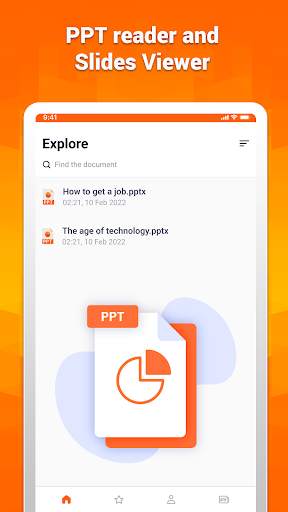
★ Powerpoint viewer - PPT reader and Slides Viewer:
The first option PPT Reader - PPTX Viewer offers their users is an exceptionally PPT, PPTX, docx viewer, and document viewer experience.
That is to say, you can open and read all kinds of PowerPoint slides with this PPT viewing App.
Have you ever been upset for being forced to leave out hundreds of pptx presentations to read? At the same time, there is no comfort device to read except the bulky and ugly computer.
That is the story of the 20th century, not this age anymore. With the exceptional PPT Reader app, a smartphone can solve our issue. It is possible to scan and extract all files stored on your mobile.
Then, PPT Reader would detect the pptx documents before providing users a complete list of those documents appearing on your mobile screen.
★ PPTX viewer - Searching PPT file:
Moreover, search for the files you want to read quickly with the PPT Reader sorting feature. You can find them according to name, date, and others.
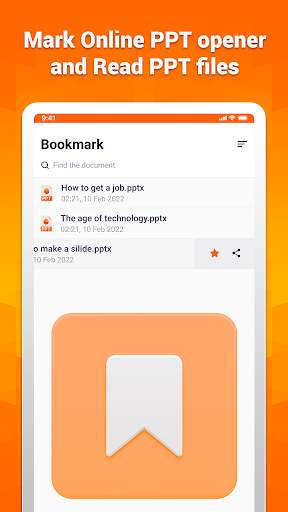
★ PowerPoint Editor - Mark Online PPT opener and Read PPT files:
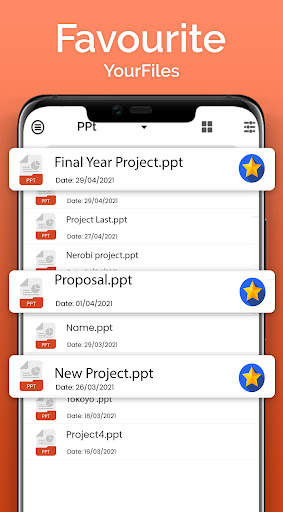
One of the best features of the PPT Reader might be it marks your favorite files.
That means PPT Reader - PPT Viewer allows you to save those documents into the Favorite presentation templates. Then, view the high-quality files immediately whenever and wherever you want.
Significantly, the PPT Reader - PPT Viewer function would be helpful for quickly opening college assignments, office PPTX documents, or university notes on your Android mobile.
Your memory might be good most time. However, do not be too confident.
Sometimes, you may suddenly forget the crucial files' names you have to present in the virtual meetings or college classes. Use the PPT Reader with its mark feature would help.
★ PPT File Reader - Convenient Slides Viewer:
PPT Reader - PPTX Viewer comes with a beautiful and easy-to-use interface.
Besides, the multi-purpose PPT Reader ultimately helps you share the files, delete the undesired ones or rename them based on your demands.
★ Documents Reader - Get Access to The Recent Files:
Suppose you don't want to start to read a document from the first page repeatedly when closing it; the PPT Reader - Recent File feature is provided.
That means you can continue to view those PPT Reader files. They are automatically saved in the PPT Viewer section.

...

👉 For More Detail of PPT Reader - PPTX Viewer

Search Results

1/20

You may like

DOWNLOAD IS NOT SUPPORTED IN WEB STORE!
Use the latest version of 9Apps to download APK&OBB file of games in one click!
DOWNLOAD 9APPS