











DOWNLOAD IS NOT SUPPORTED IN WEB STORE!
Use the latest version of 9Apps to download APK&OBB file of games in one click!
DOWNLOAD 9APPS
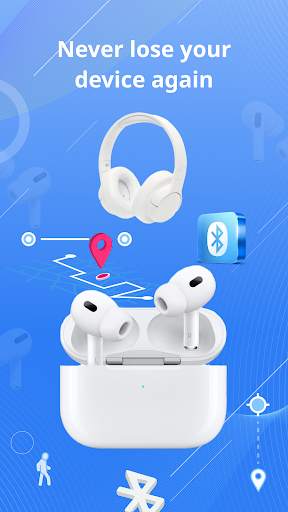
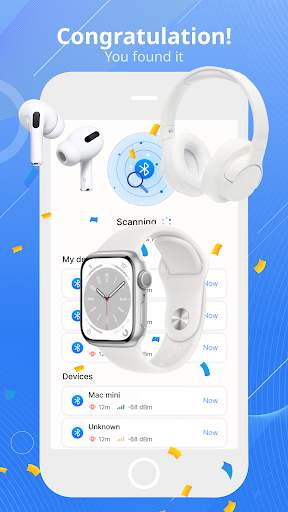
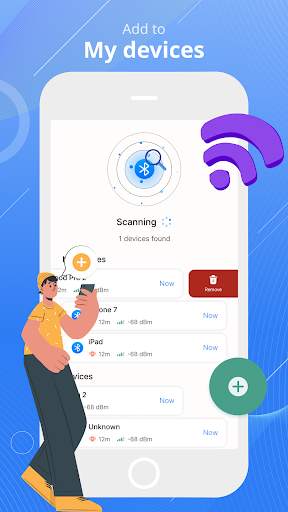
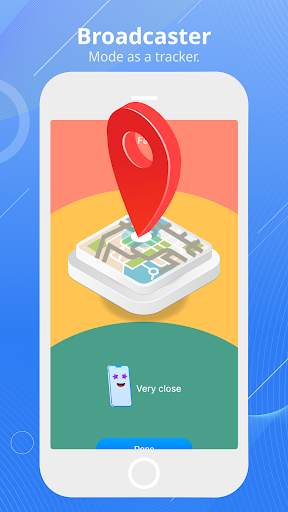
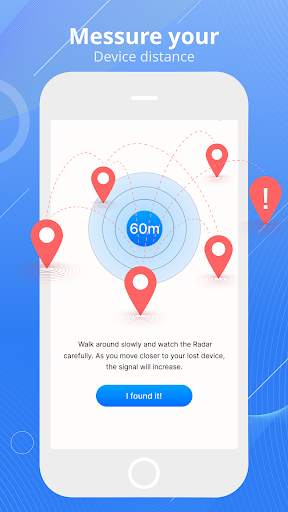
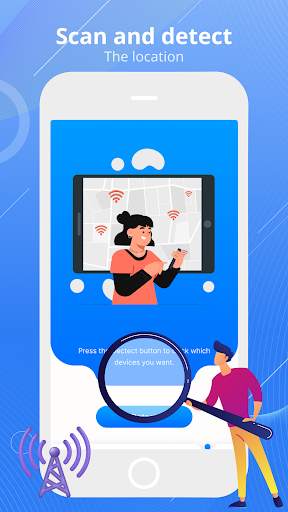
これは、フィットネストラッカーやバンド、デジタルウォッチ、Bluetoothヘッドセット、ヘッドフォンなど、失われたBluetoothデバイスを見つけるための最もクールなアプリです。アプリを使用すると、AirPods、iPhone、iPad、Apple Watch、Fitbit、およびその他のBluetoothデバイスを数秒以内に見つけることができます。これで、あらゆる種類のBluetoothデバイスを簡単に見つけることができます。Bluetoothデバイスが見つからない場合に備えて、このアプリを使用して見つけます。ワイヤレスヘッドフォン、イヤホン、Bluetoothスピーカー、携帯電話などなどのデバイスを見つけることができます。
Bluetoothデバイスロケーターの使用方法
1、携帯電話またはタブレットを再起動して、Bluetoothが正しく機能していることを確認してください
2、Bluetoothスキャナーを起動します
3、デバイスの名前が表示されるまでゆっくりと歩き回ります。これは、デバイスが近くにあることを示しています。
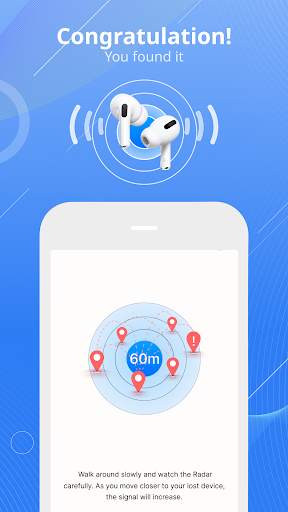
4、見つけたいデバイスを選択して、レーダー
5をクリックして、ゆっくりと歩き続けます。失われたデバイスに近づくと、インジケーターが遠くから近くに変化します。それはあなたの失われたデバイスがあなたの近くにあることを意味します!。Bluetooth Finder
bt Notifier:
クラシックスキャンデバイス:
を介してデバイスを見つけます。ユーザーが理解しやすくするためにオプションを使用する方法。
- 近くの利用可能なBluetoothデバイスをスキャンし、デバイスへの距離を表示します。
- デバイスの距離を表示します。
- Bluetoothデバイスに関する情報を表示します。(Bluetoothステータス、名前、Mac、ディスカバリーモードなど)
- 接続されたBluetoothデバイスの強度を確認します。
- すべてのペアのデバイスを表示します。BT Notifierアプリは!
フィードバック、提案、または推奨も探しています。お気軽にご連絡ください。このBT Notifier:私のヘッドフォンアプリを見つけて、最高の経験と更新をお届けできるようになります。
In version 2.0 we update the following features
- Fix bugs crash in firebase and optimize applications
We try to create the best products for users, we look forward to your contributions to making the BT Notifier application more and more perfect.


