









DOWNLOAD IS NOT SUPPORTED IN WEB STORE!
Use the latest version of 9Apps to download APK&OBB file of games in one click!
DOWNLOAD 9APPS





Step by step instructions
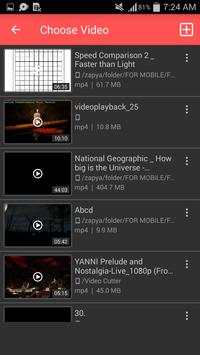
1) Choose Video from the list that you want to Cut (Long press if you want to play)
2) Select area(start & end time "in seconds") using forward and backward selector
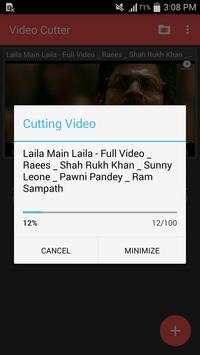
3) Hit "Cut" button and enjoy
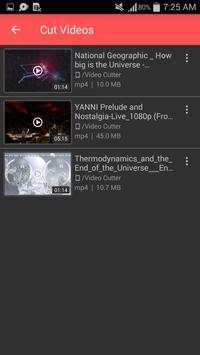
4) The cut results are stored in "/storage/emulated/0/Video Cutter" folder
Features
- Simple and natural user interface and lightweight browsers for Input and Output
- View all videos and choose one to cut
- Integrated video player to play before cutting (support play/pause)
- Fast video cutting and easy to use with user-friendly UI
- Support various types of videos (MP4, FLV, AVI and most other video formats)
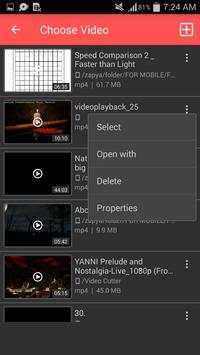
- Shows properties of video
- Able to delete input Video
- Able to delete edited Video
- Able to play video on a different player
- Cut video with selected time intervals as you like with same video quality
- Options (Play, Cancel Conversion, Replace if output file exist, Rename if output file exist)
- Run in Background
Video cutter makes the best video ever from the movie.
Used icons in this app downloaded from
www.icons8.com


Bug fixes
Improved user interface
Added more features
Added options for videos (properties, delete)


