












DOWNLOAD IS NOT SUPPORTED IN WEB STORE!
Use the latest version of 9Apps to download APK&OBB file of games in one click!
DOWNLOAD 9APPS
https://www.splashtop.com/unattended-android-remote-supportにアクセスして、Splashtopリモートサポートの無料試用版にサインアップしてください。
Splashtopリモートサポートトライアルを正常に開始した後、管理コンソールで展開コードを作成できます。
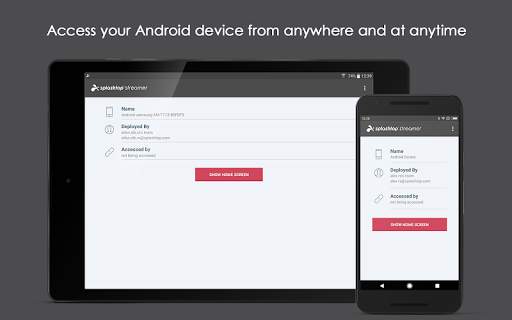
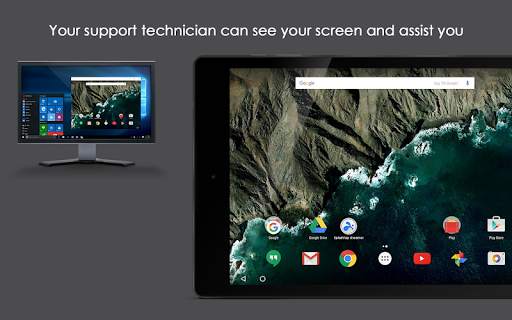
Androidデバイスにアクセスするいつでも、誰かがデバイスにいる必要なく。Androidインターフェイスとそのすべてのアプリをリモートおよび制御*できます。この機能を使用して、管理するAndroidデバイスをリモートサポートします。MDMSを使用してHELPDESK、MSP、および組織に最適です。
このアプリをAndroidデバイスにインストールし、適切なSplashtopリモートサポートサブスクリプションにサインアップしてください。
このアプリには必要です。Androidデバイスのリモート制御を有効にするためのデバイス管理許可。
*制御機能は、ほとんどのSamsungデバイス、LGおよびLenovoデバイス、および任意のAndroidデバイスを選択します。Zebra、Honeywell、およびその他の頑丈なデバイス
開始する:
1。https://www.splashtop.com/unattended-android-remote-supportにアクセスして、無料の試用版を開始してください。
2。このアプリをリモートにアクセスするデバイスにインストールします。Splashtopリモートサポート展開コードをアプリに入力します。
3。Splashtop Businessアプリ(Windows、Mac、IOS、Androidで利用可能)を使用して、Androidデバイスにリモートにアクセスします。
質問または問題?sales@splashtop.comまでメールでお問い合わせください。
システム要件
- android 5.0以降
リモートコントロールデバイスに適したアドオンアプリがない場合。)
* Support perference policy
* Centralized session recording phase 2
* Support send video with rotation
* Report the session event log to BE for the transcripts support
* OpenSSL upgrade to v3
* Splashtop add-on repository
* Sync Streamer name with native computer name
* Other optimizations and bug fixes


