











DOWNLOAD IS NOT SUPPORTED IN WEB STORE!
Use the latest version of 9Apps to download APK&OBB file of games in one click!
DOWNLOAD 9APPS
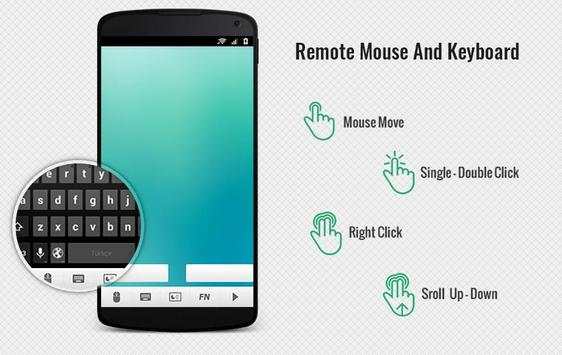
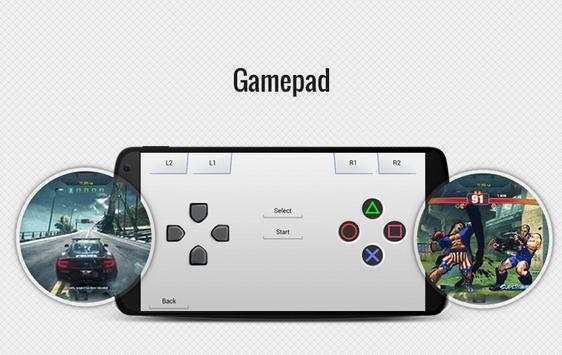
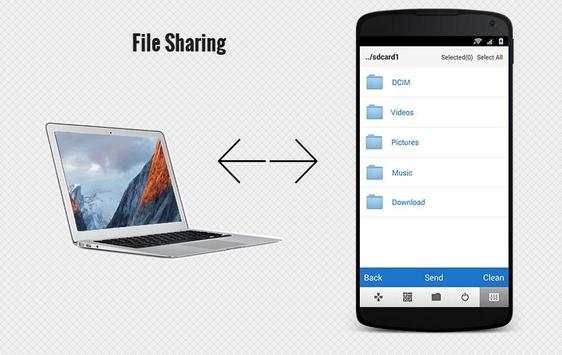
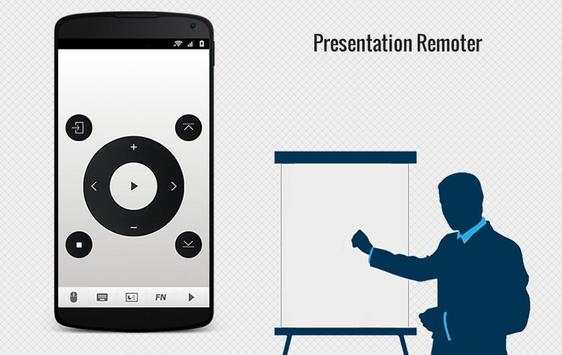
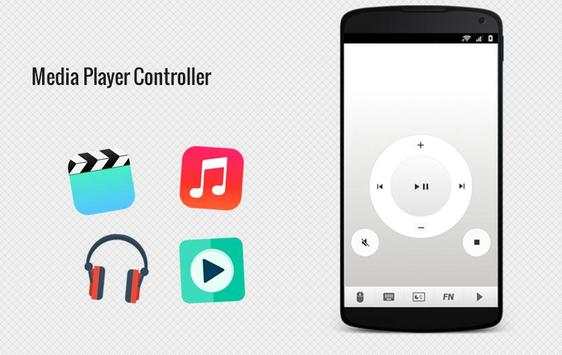
Android Mouse helps you to remote your computer. There are many great features for your use.
Only with your smart phone you can get controll of Mouse & keyboard and convert it Presenter remoter, Gamepad,
Media player controller and more.. App also supports tablets.
★ THİS İS THE BEST REMOTE CONTROLL APP EVER
For connect to pc and start using app folow steps
1)
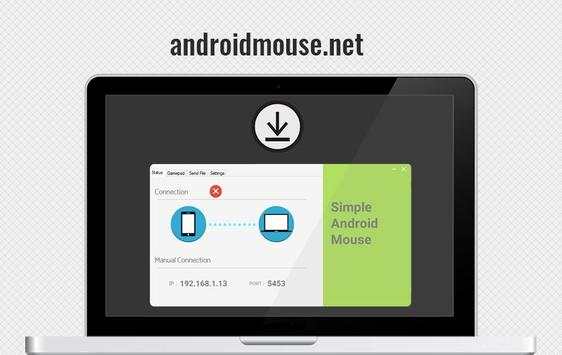
Please visit androidmouse.net to download free desktop server
and install or just click the link ->http://androidmouse.net/setup.exe
2)
Make sure to be in same WIFI or 3G network with computer.
3)
You can get started using application.
Mouse features:
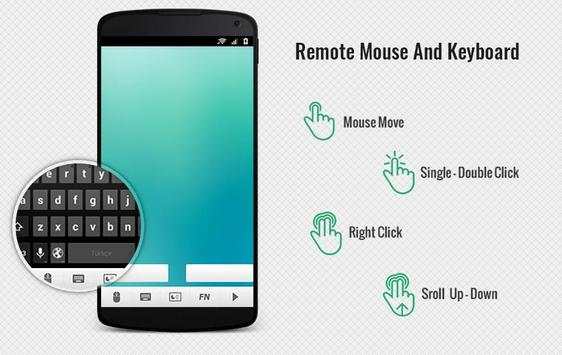
★ Single Double Click
★Right click
★Dragging
★Scrool
Keyboard features:
★ Supporting all Languages
★ Function and special keys
★ You can hold alt, ctrl and shift for combination keys
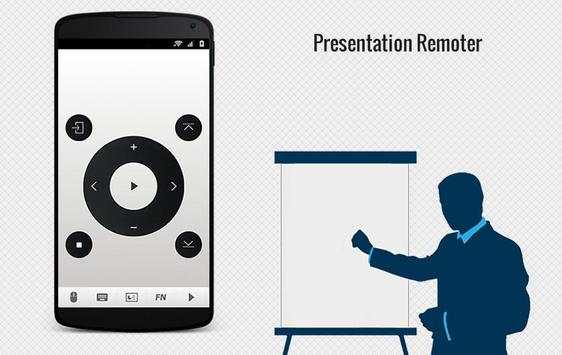
Presentation mode features
★Start & stop presentation
★Pass next previously slide
★Zoom in-out
★Go to a slide page
Other features
★Easy Connection
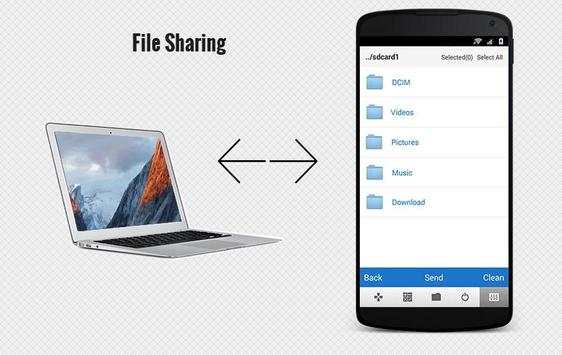
★File Transfer Pc-Android
★Supports Big files
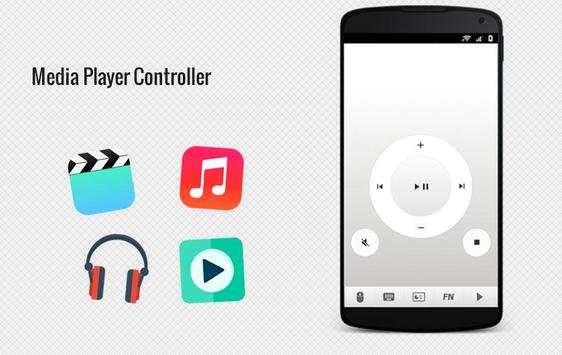
★Media Player Control
★Volume Control of Pc
★Play & stop media
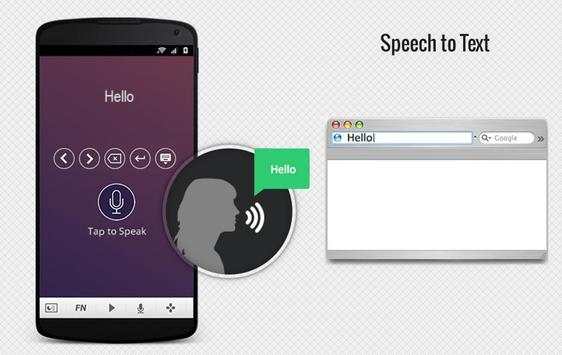
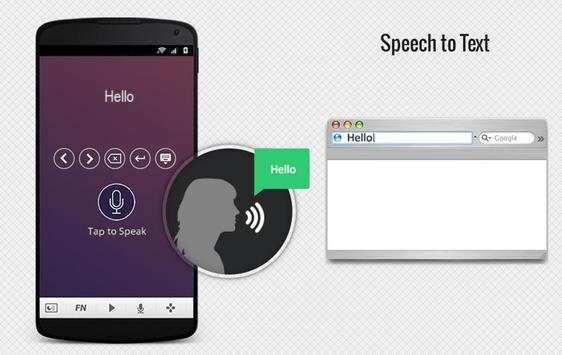
★Speech to text and helpful buttons
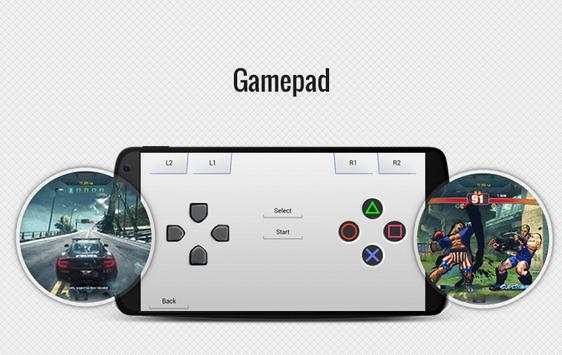
★Gamepad
★Password Protection
★Rablet support
★Multi Language: English, Turkish, Chinese , Russian, German, Hindi, Spanish, Japanese, Portuguese, Arabic,
★Shortcuts- Shut Down, Restart, Sleep..
★More..
Coming Soon (full version):
★ Live Desktop View
★ And more..
Material Design
Fixed Bugs
Fixed Connection Errors
Implemented new Android Runtime Permissions for saving file sharing.
No payment and No ad
New Desktop App V2.0 (You can download from: androidmouse.net )


