











DOWNLOAD IS NOT SUPPORTED IN WEB STORE!
Use the latest version of 9Apps to download APK&OBB file of games in one click!
DOWNLOAD 9APPS
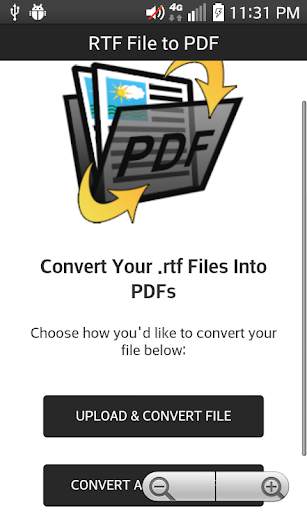
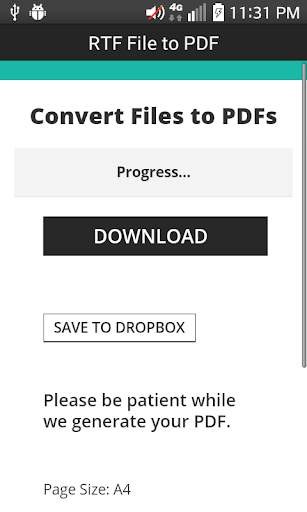
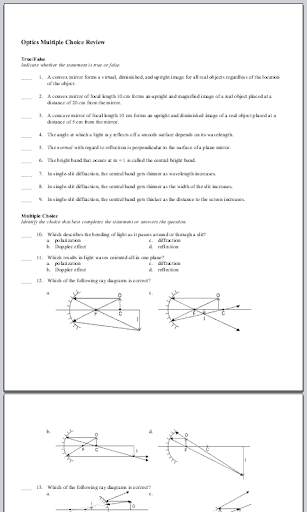
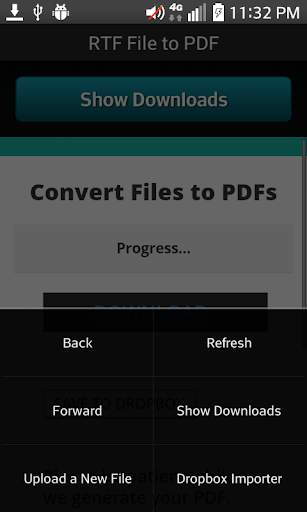
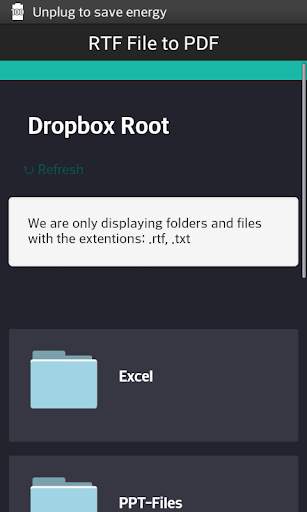
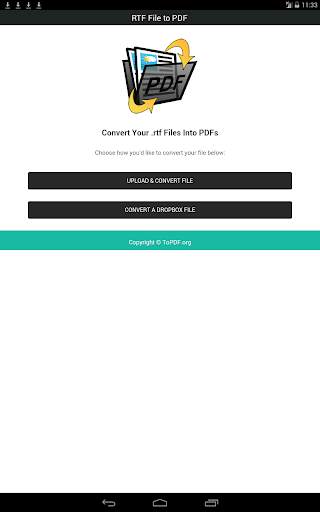
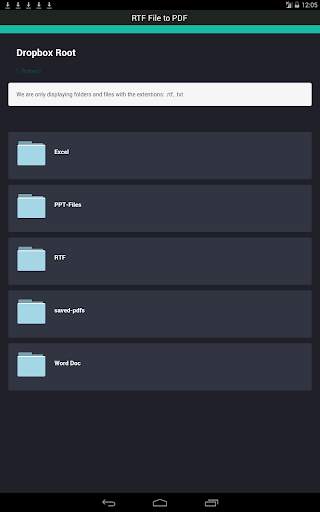
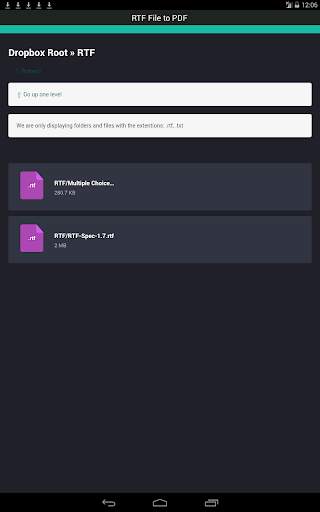
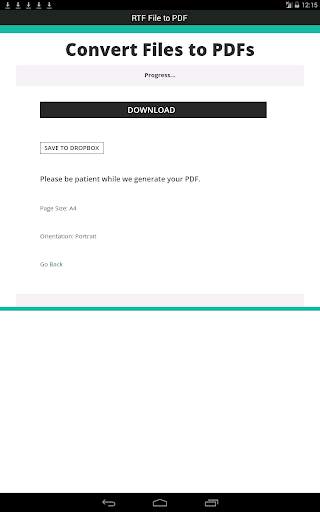
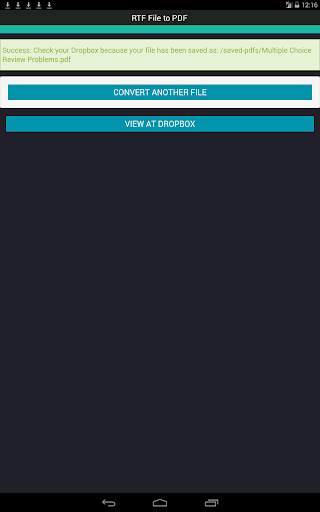
RTF File to PDF provides a way to convert Rich Text Format files; RTF files to PDF files.
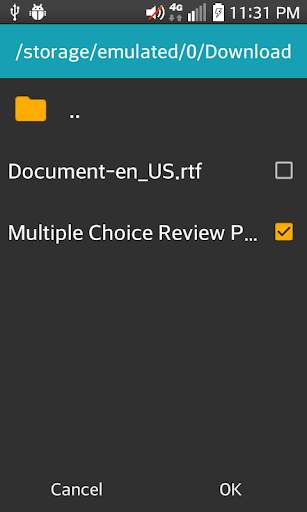
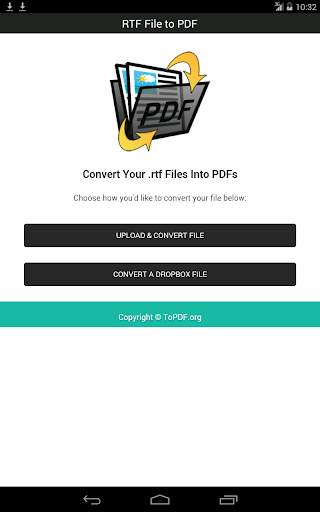
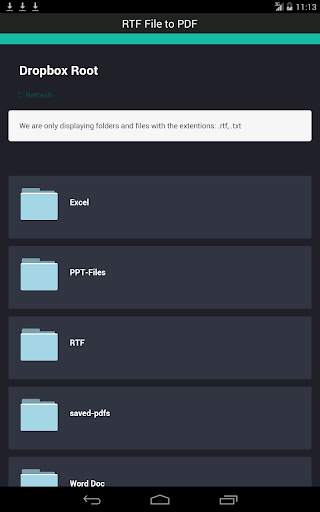
When converting your files you can choose whether to upload your documents from your external SD card or internal emulated SD card by browsing and selecting the file using the built in file browser, or by grabbing the file from your Dropbox.
Instructions:
1) Install and open the RTF File to PDF converter app and choose whether you'd like to "Upload & Convert File" or "Convert a Dropbox File".
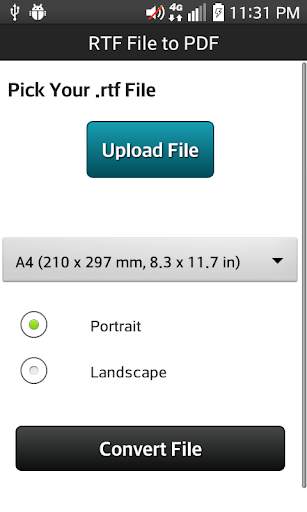
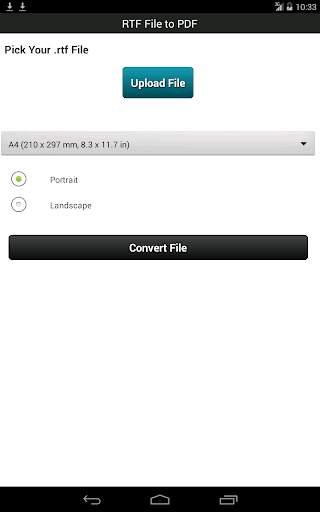
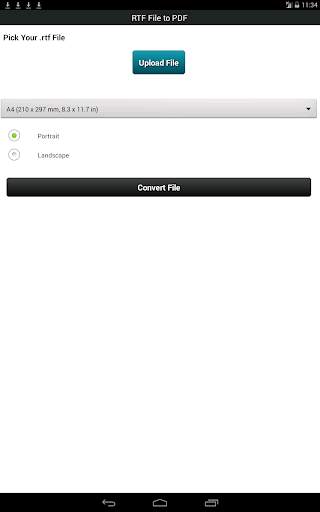
2) Select a file which has a .rtf extension.
3) Choose the page orientation (portrait or landscape).
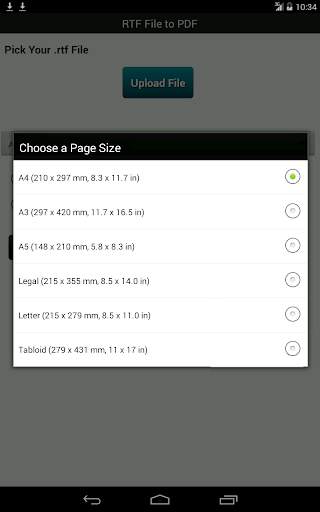
4) Choose a page size:
A4 (210 x 297 mm, 8.3 x 11.7 in)
A3 (297 x 420 mm, 11.7 x 16.5 in)
A5 (148 x 210 mm, 5.8 x 8.3 in)
Legal (215 x 355 mm, 8.5 x 14.0 in)
Letter (215 x 279 mm, 8.5 x 11.0 in)
Tabloid (279 x 431 mm, 11 x 17 in)
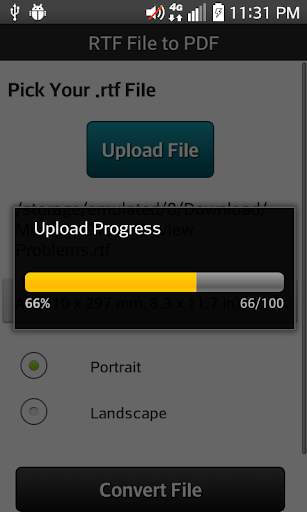
5) Click the "Convert File" button.
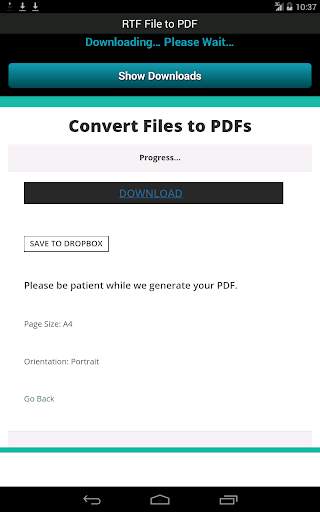
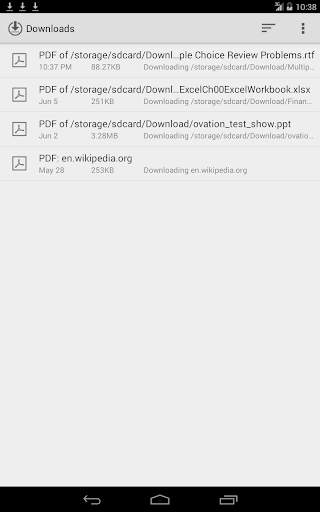
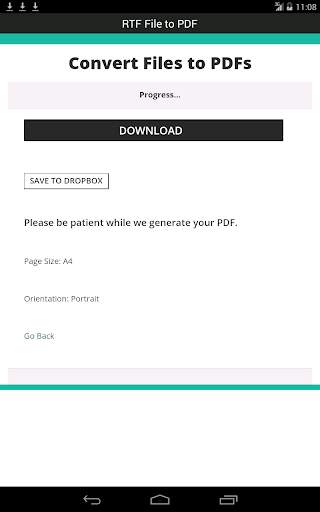
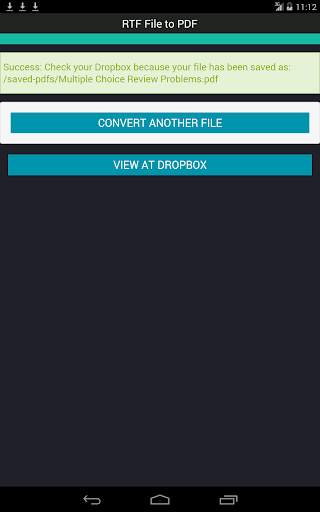
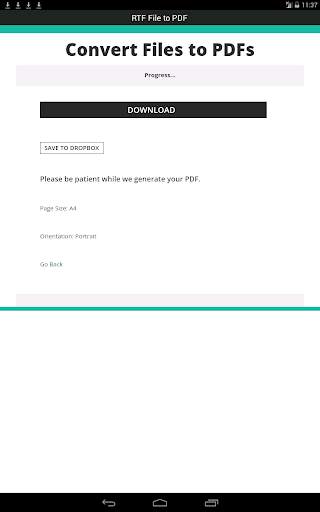
Once the PDF file has been generated, you'll have the option to download the PDF to your phone or tablet, or save it to your Dropbox account.
RTF File to PDF offers support for many different languages. It's capable of rendering Arabic, Chinese, Cyrillic, Greek, Hebrew, Hindi, Latin and other alphabets.
Improved functionality and performance.


