DOWNLOAD IS NOT SUPPORTED IN WEB STORE!
Use the latest version of 9Apps to download APK&OBB file of games in one click!
DOWNLOAD 9APPS

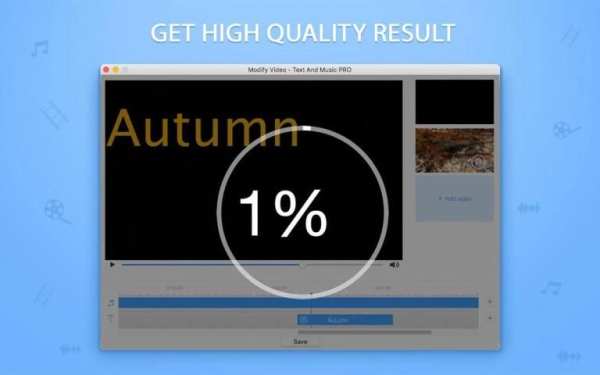
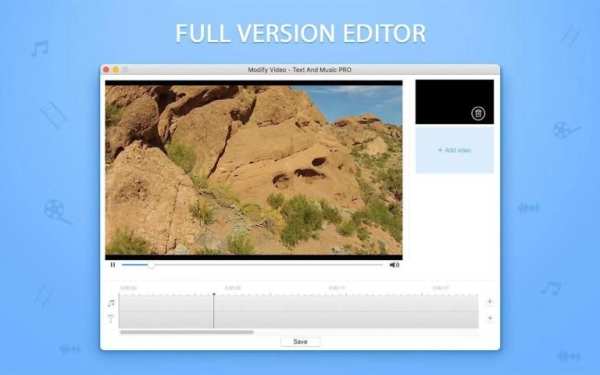
Edit your videos easily with the editing app Modify Video - Text And Music:
- MORE FONTS are available;
- Text length is extended.
Add music and texts to your clips. Just try and you'll see this tool is very easy to use...
Step 1. ADD VIDEO:
- Choose any clip you'd like to edit
- Upload SEVERAL videos to MERGE them
Step 2. CHOOSE MUSIC:
- Use the «+» opposite the Music-icon
- Upload any audio file you like
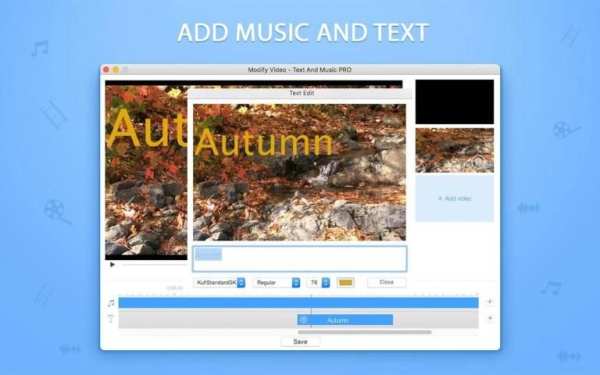
Step 3. ADD TEXT:
- Use the «+» opposite the T-icon
- Click blue text bar to edit text
- Choose font, style, size and color
- Add several texts to video time scale
TIPS:
Drag & drop your text on preview screen in order to choose for it the best position on screen in the final video;
Drag & drop blue text bars on video time scale in order to set time intervals between texts or put them right one after another.
Add music and create subtitles for your clips easily with Modify Video - Text And Music.