









DOWNLOAD IS NOT SUPPORTED IN WEB STORE!
Use the latest version of 9Apps to download APK&OBB file of games in one click!
DOWNLOAD 9APPS
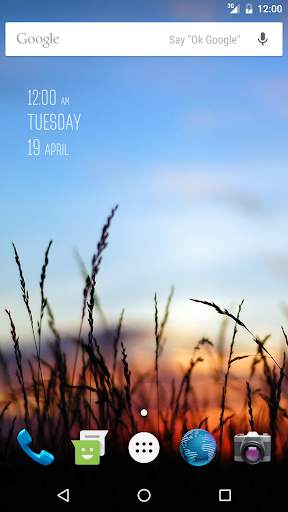
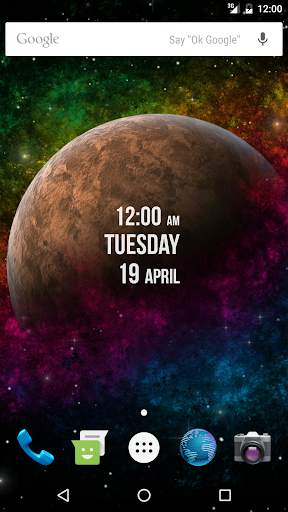
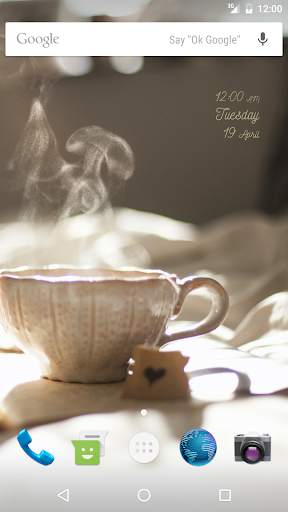
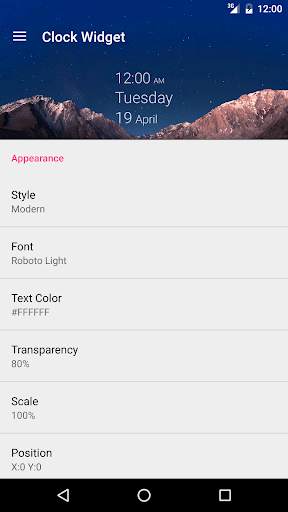
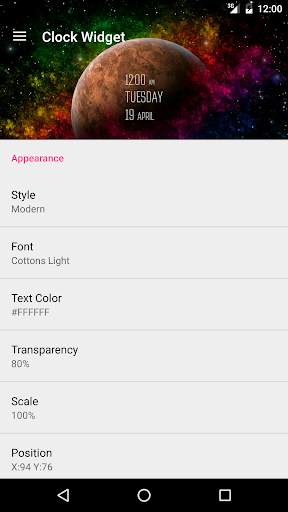
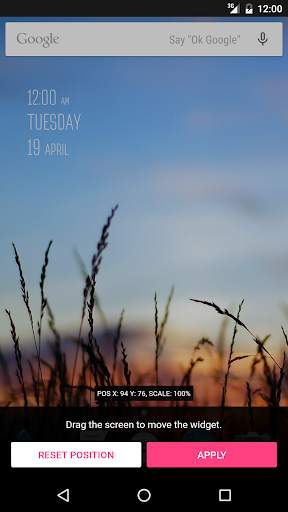
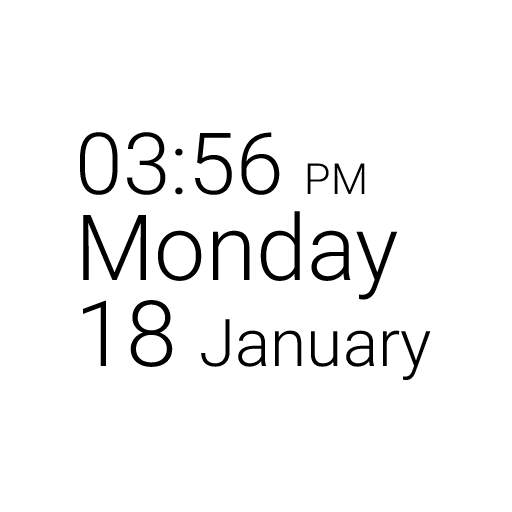
Clock Widget is a home screen digital time and date widget for Android.
Features:
- Supports Android version 4.1 and above.
- Google Material Design
- Lots of customizations
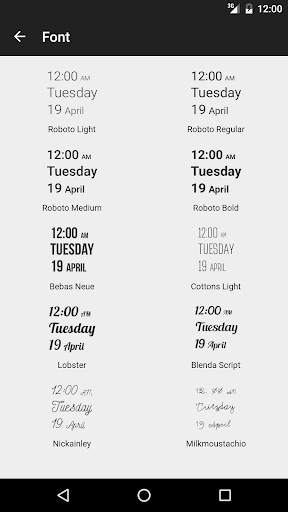
- Many fonts for clock and date
- Select widget click actions
- Tap on widget to load up alarm/widget settings page
To use the widget on Android:
- Open the app drawer
- Tap the "Widgets" tab
- Find Clock Widget and drag it to the home screen
NOTE: If you are using a Task Manager, make sure to add Clock Widget to the ignore list. When the app is killed, the time will stop updating.


Add Ubuntu fonts
Some bugs fixed


