





DOWNLOAD IS NOT SUPPORTED IN WEB STORE!
Use the latest version of 9Apps to download APK&OBB file of games in one click!
DOWNLOAD 9APPS
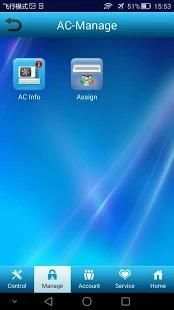
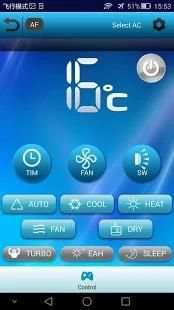
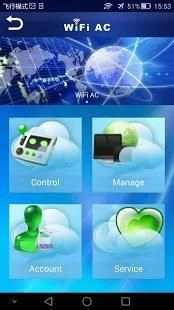
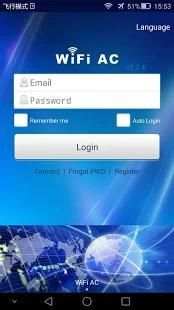
After installed the software, then open it and come to the login page, enter ‘Account’and ‘Password’, click ‘Login’. On the homepage, we can see 3 functions, ie, AC Control, AC Supervise and My Account. First , let me introduce AC control. You can remote control the the temperature, wind speed, swing, patterns, switch machine, and so on. About ac supervise, we can add ac, and also add user. On the page of ‘my account’ users can modify the login account and password.
Setelah menginstal perangkat lunak, kemudian membukanya dan datang ke halaman login, masukkan ‘Account'and‘Password’, klik‘Login’. Pada homepage, kita dapat melihat 3 fungsi, yaitu, AC Control, AC Mengawasi dan Akun saya. Pertama, izinkan saya memperkenalkan kontrol AC. Anda jauh dapat mengontrol suhu, kecepatan angin, ayunan, pola, mesin switch, dan sebagainya. Tentang ac mengawasi, kita dapat menambahkan ac, dan juga menambahkan pengguna. Pada halaman pengguna ‘akun saya’ dapat memodifikasi akun login dan password.


1.Add Italian language support.
2.Repair the problem of air conditioning control in the group control function.
3.Repair the problem of air conditioning address information failed to save.
4. Fix the list of SSIDs cannot be loaded.


