




DOWNLOAD IS NOT SUPPORTED IN WEB STORE!
Use the latest version of 9Apps to download APK&OBB file of games in one click!
DOWNLOAD 9APPS
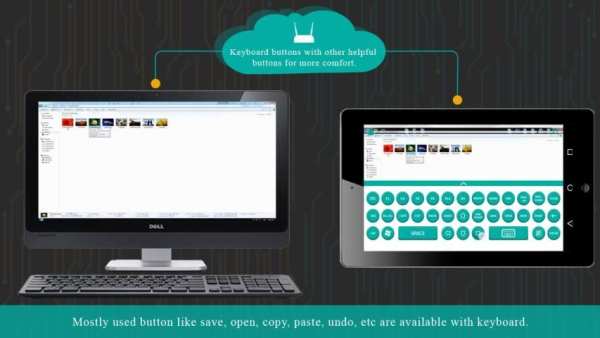
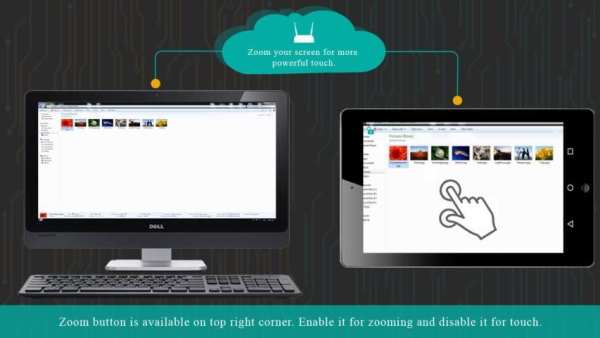
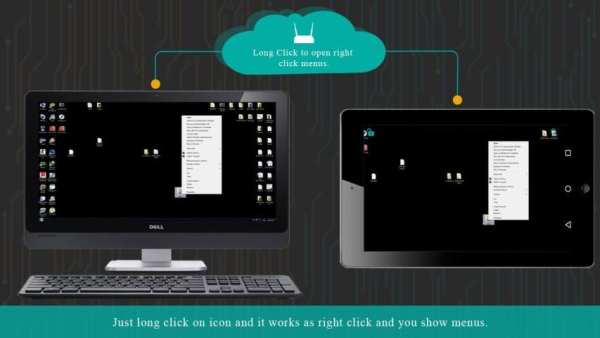
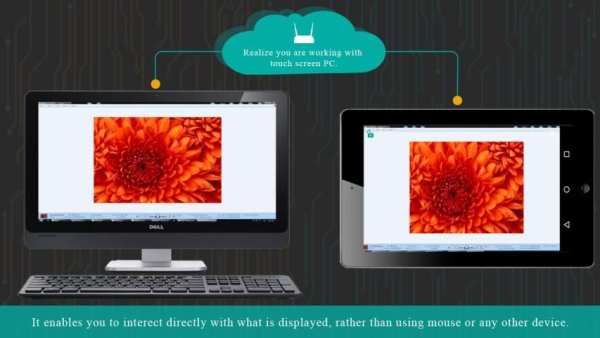
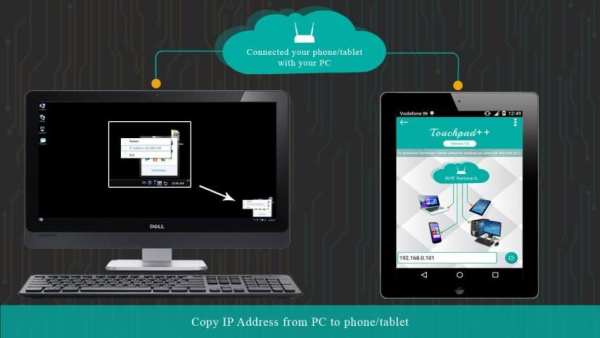
Want to feel your normal PC screen to touch screen. Then Try Touchpad++. It will realize you are working with touch screen computer. It allows you to control your PC with your phone/tablet.
How to use?
Download Touchpad++ server setup for window PC : http://bit.ly/1jfpyHO
•Install program on Pc, then Run it as administrator.
•Make sure PC and Android phone are in the same network. You can use android phone as portable hotspot and connect to PC.
•Run app on Android phone, then input IP address of PC and click “connect”.
Thank you.
Hope you Enjoy it.
Ingin merasakan layar PC normal Anda ke layar sentuh. Kemudian Coba Touchpad ++. Ini akan menyadari bahwa Anda bekerja dengan komputer layar sentuh. Hal ini memungkinkan Anda untuk mengontrol PC Anda dengan ponsel / tablet.
Bagaimana cara menggunakan?
Ambil server setup Touchpad ++ untuk jendela PC: http://bit.ly/1jfpyHO
• Instal program di PC, kemudian Jalankan sebagai administrator.
• Pastikan PC dan ponsel Android berada di jaringan yang sama. Anda dapat menggunakan ponsel android sebagai hotspot portabel dan terhubung ke PC.
• aplikasi Run di ponsel Android, maka alamat IP masukan dari PC dan klik "terhubung".
Terima kasih.
Harap Anda Nikmati.


![How to Use Google Chrome Remote Desktop [2026 Full Guide] screenshot 5](https://i.ytimg.com/vi/vCIHUbtl4yk/mqdefault.jpg)


