9Apps is the free store of application, 20,000+ users downloaded Screen Shot Capture latest version on 9Apps for free every week! More functions were added in this app. This hot app was released on 2019-09-15. I believe you’ll enjoy it after use it.
Screenshot Capture
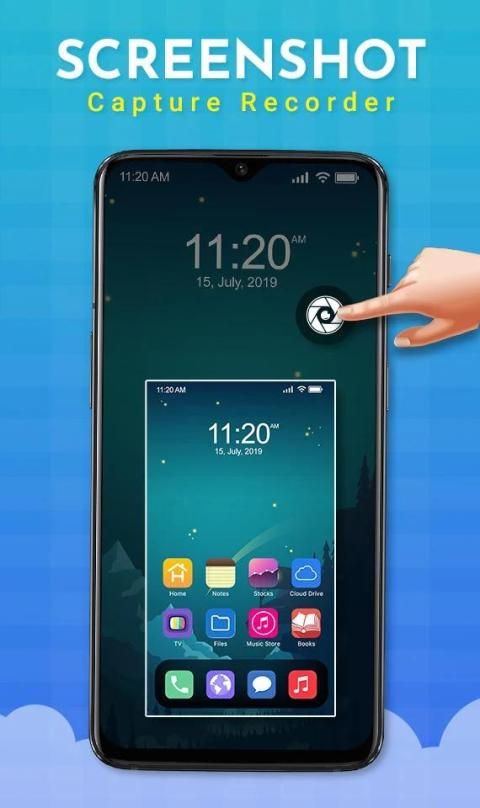
- Free screen capture is a screen capture application that can meet all your needs. Screenshot app allows you to take a screenshot on your tablet, phone or any other Android device, easily! Now, instead of having to press the hard buttons on your phone, you can optimize it with just one touch. In just a few seconds you can capture whatever screen you want, and it's really handy.
After downloading the
Screen Short App
, open the app and follow the instructions on help screen. You can easily take screenshots of other apps with this Screenshot app.
Screen Capture
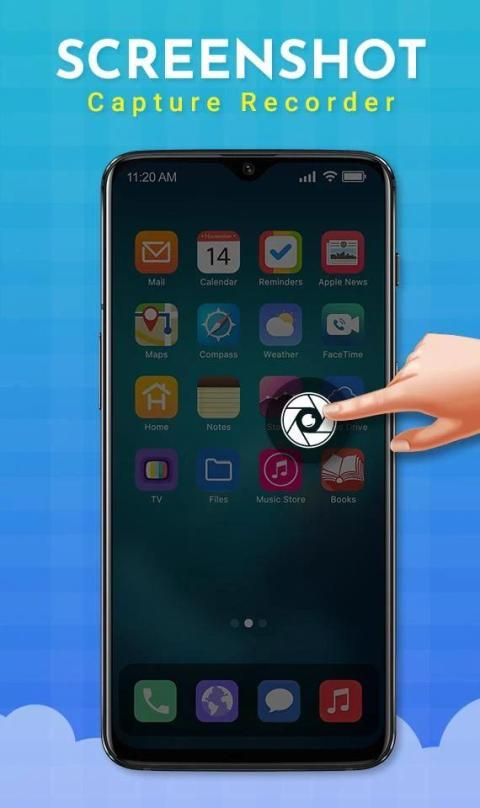
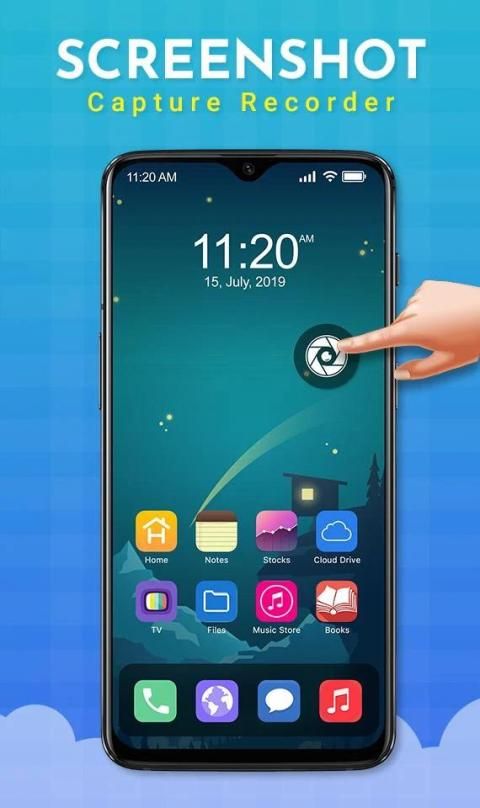
is the best, easiest and simplest way to capture, edit and share your mobile screen with friends and all. There is an "Overlay button" to capture screen that is displayed on top of everything. You can take the screenshot easily with one touch on the screen. Capture the screen in several apps such as games, wallpapers or any type of apps or videos. Floating button/gadget always remains on the top of the screen, so that you can capture easily at any time. Edit the
Screen Picture
and share it with your friends in online platform.
Screenshot Easy lets you take screenshots on your tablet, phone or other Android device the easy way! The
Screen Capture App
allows you to Capture full screen scroll pages, with the scrolling screenshot functionality. Website screenshot captures a full size web page in high quality.
Choose the way to capture the screen according to your needs between the region crop (free crop), full screen capture or the whole page screenshot with
Screenshot Taker
- Capture & Share.
Features
Easy and user friendly interface
One touch Floating button
Time interwel to capture screen
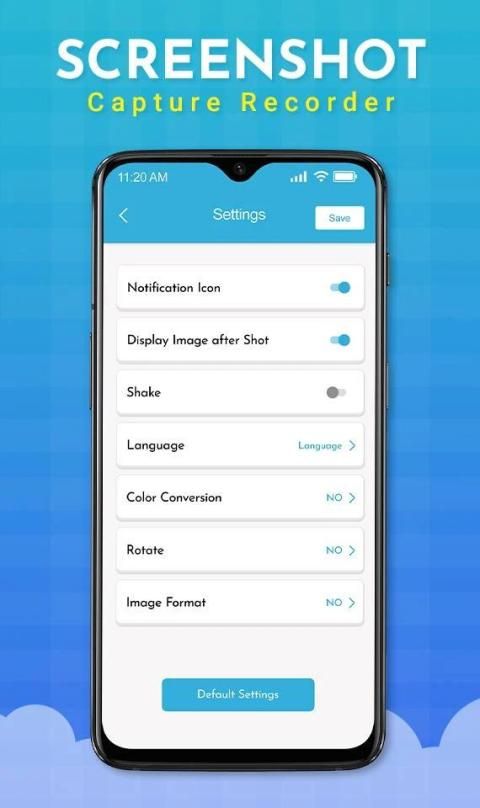
Notification icon click
Capture screenshot by one touch
No rooting required, No restrictions on use
HIGH-QUALITY screenshot, saved without any loss, support PNG format
A variety of image annotation features
6Web page whole capture, quickly save webpage as image
Support save screenshots to external SD card
Screen Capture Software
is a free, easy-to-use, no rooting required screenshot & photo markup tool. With Screen Master, you can capture screen by touching the floating button or shaking device, lets you take screenshots on your tablet, phone or other Android device the easy way!
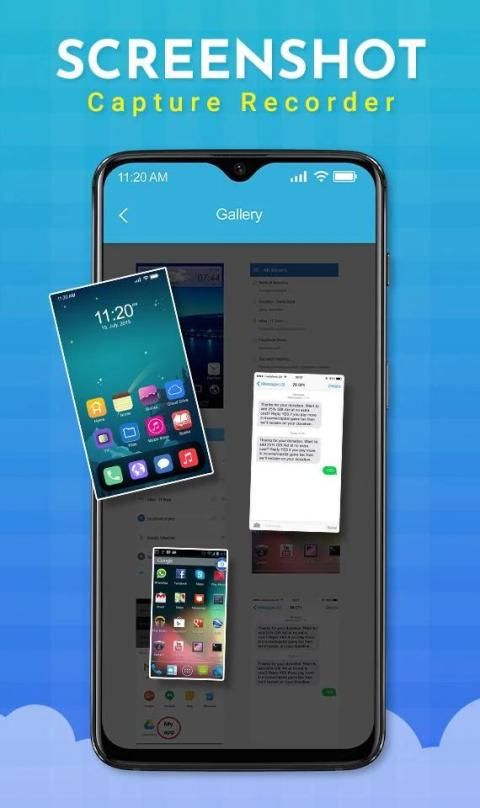
Pictures, app icons, maps, tools, contacts, addresses – no matter what’s showing up on your screen, you can capture it with this app and save screen shots in one place so you don’t have to fumble for what you need now. These screen records are very handy to have!
A
Screen Short Capture
app optimized for taking consecutive screen shots and capturing multiple moments in quick succession from video playbacks in YouTube, etc.
All you have to do is download the
Screenshot Software
and use screen shot app, screen shot app simple and convenient, now screen capture is no longer a problem thanks to the screen shot app.
Screenshot Capture is the simplest and easiest way to capture, edit and share your device's screen with friends.
Screenshot App Download
lets you select which portion of screen you want to take as screen shot. No need to crop or blur your non-essential part of screen, Take screenshot of only highlighted portion of screen and share on the single tap to share link or image.
Thanking to You for Using This App, Give Us Your Feedback, rating And Consider for Future Updates.
Thank You...
Tangkapan Layar Screenshot
- Tangkapan layar gratis adalah aplikasi tangkap layar yang dapat memenuhi semua kebutuhan Anda. Aplikasi tangkapan layar memungkinkan Anda mengambil tangkapan layar di tablet, ponsel, atau perangkat Android lainnya, dengan mudah! Sekarang, alih-alih harus menekan tombol keras pada ponsel Anda, Anda dapat mengoptimalkannya hanya dengan satu sentuhan. Hanya dalam beberapa detik Anda dapat menangkap layar apa pun yang Anda inginkan, dan ini sangat praktis.
Setelah mengunduh
Aplikasi Short Screen
, buka aplikasi dan ikuti instruksi pada layar bantuan. Anda dapat dengan mudah mengambil tangkapan layar dari aplikasi lain dengan aplikasi Screenshot ini.
Tangkapan Layar
adalah cara terbaik, termudah dan paling sederhana untuk menangkap, mengedit, dan berbagi layar ponsel Anda dengan teman dan semuanya. Ada "tombol Overlay" untuk menangkap layar yang ditampilkan di atas segalanya. Anda dapat mengambil tangkapan layar dengan mudah dengan satu sentuhan di layar. Abadikan layar dalam beberapa aplikasi seperti game, wallpaper, atau semua jenis aplikasi atau video. Tombol mengambang / gadget selalu tetap di bagian atas layar, sehingga Anda dapat menangkap dengan mudah kapan saja. Edit
Gambar Layar
dan bagikan dengan teman-teman Anda di platform online.
Tangkapan layar Mudah memungkinkan Anda mengambil tangkapan layar di tablet, ponsel, atau perangkat Android lainnya dengan mudah!
Aplikasi Pengambilan Layar
memungkinkan Anda untuk Mengambil halaman gulir layar penuh, dengan fungsionalitas screenshot yang bergulir. Tangkapan layar situs web menangkap halaman web ukuran penuh dengan kualitas tinggi.
Pilih cara untuk menangkap layar sesuai dengan kebutuhan Anda antara pemangkasan wilayah (pemangkasan gratis), tangkapan layar penuh atau tangkapan layar seluruh halaman dengan
Screenshot Taker
- Ambil & Bagikan.
fitur
Interface Antarmuka yang mudah dan ramah pengguna
Tombol sentuh Sekali sentuh
Waktu terjalin untuk menangkap layar
Klik ikon Pemberitahuan
Ambil tangkapan layar dengan satu sentuhan
Tidak perlu rooting, Tidak ada batasan penggunaan
Screenshot tangkapan layar BERKUALITAS TINGGI, disimpan tanpa kehilangan, mendukung format PNG
Berbagai fitur penjelasan gambar
Capture Pengambilan seluruh halaman 6Web, dengan cepat menyimpan halaman web sebagai gambar
Dukungan menyimpan tangkapan layar ke kartu SD eksternal
Screen Capture Software
adalah gratis, mudah digunakan, tanpa rooting tangkapan layar & alat markup foto yang diperlukan. Dengan Screen Master, Anda dapat menangkap layar dengan menyentuh tombol mengambang atau mengocok perangkat, memungkinkan Anda mengambil tangkapan layar di tablet, ponsel, atau perangkat Android lainnya dengan mudah!
Gambar, ikon aplikasi, peta, alat, kontak, alamat - apa pun yang muncul di layar Anda, Anda dapat menangkapnya dengan aplikasi ini dan menyimpan tangkapan layar di satu tempat sehingga Anda tidak perlu mencari-cari apa yang Anda butuhkan sekarang. Rekaman layar ini sangat praktis untuk dimiliki!
Aplikasi
Tangkapan Layar Pendek
dioptimalkan untuk mengambil bidikan layar berturut-turut dan menangkap beberapa momen secara berurutan dari pemutaran video di YouTube, dll.
Yang harus Anda lakukan adalah mengunduh
Screenshot Software
dan menggunakan aplikasi screen shot, aplikasi screen shot sederhana dan nyaman, sekarang screen capture tidak lagi menjadi masalah berkat aplikasi screen shot.
Tangkapan layar Screenshot adalah cara termudah dan termudah untuk menangkap, mengedit, dan berbagi layar perangkat Anda dengan teman-teman.
Unduhan Cuplikan Layar Aplikasi
memungkinkan Anda memilih bagian layar mana yang ingin Anda ambil sebagai tangkapan layar. Tidak perlu memotong atau mengaburkan bagian layar Anda yang tidak penting, Ambil tangkapan layar dari hanya bagian layar yang disorot dan bagikan pada satu ketukan untuk membagikan tautan atau gambar.
Berterima kasih kepada Anda karena Menggunakan Aplikasi Ini, Beri Kami Umpan Balik, Peringkat, Dan Pertimbangan untuk Pembaruan Masa Depan.
Terima kasih...
Bug Fixed

9Apps 4.9