
It can be said with certainty that 20,000+ users downloaded Screen Mirroring TV latest version on 9Apps for free every week! And it was enormous fun This hot app was released on 2020-01-24. 9Apps allows you to download more apps and updated daily!
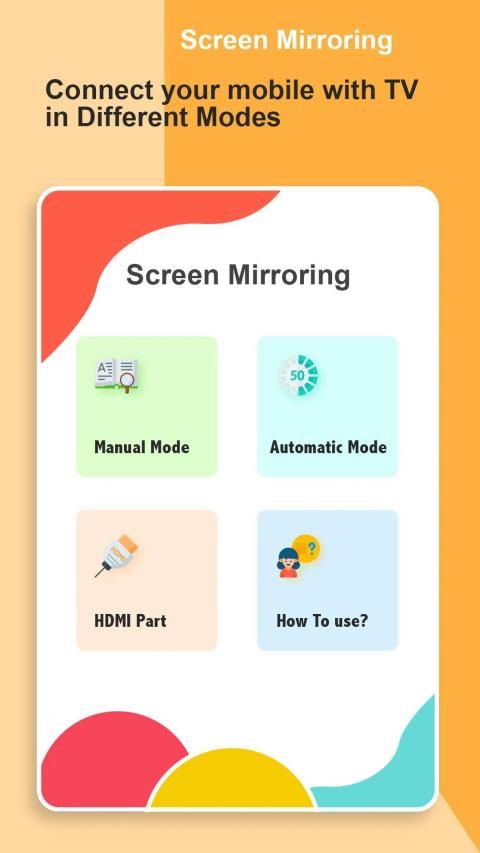
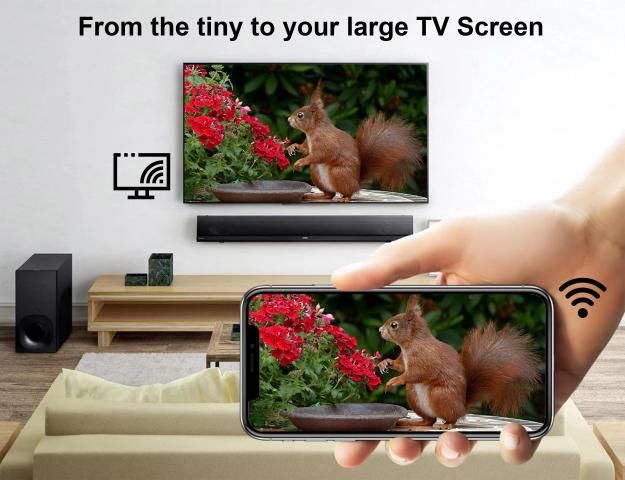
Now Connect your mobile into TV Screen without use any cable.
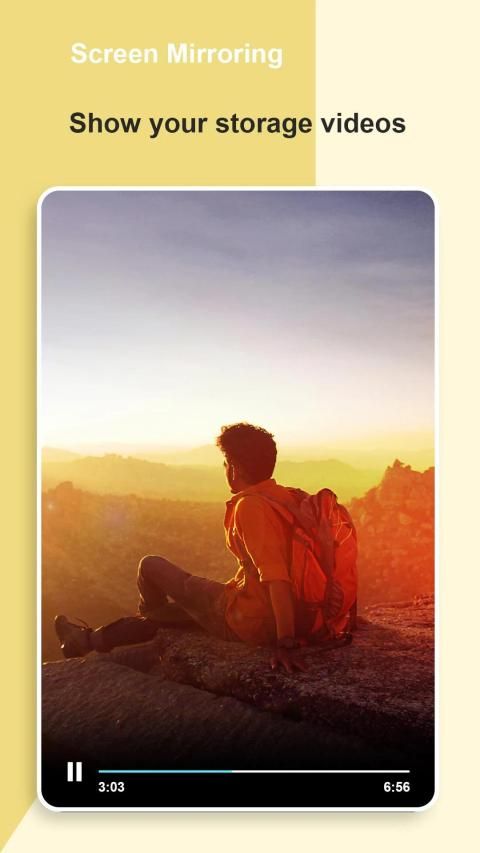
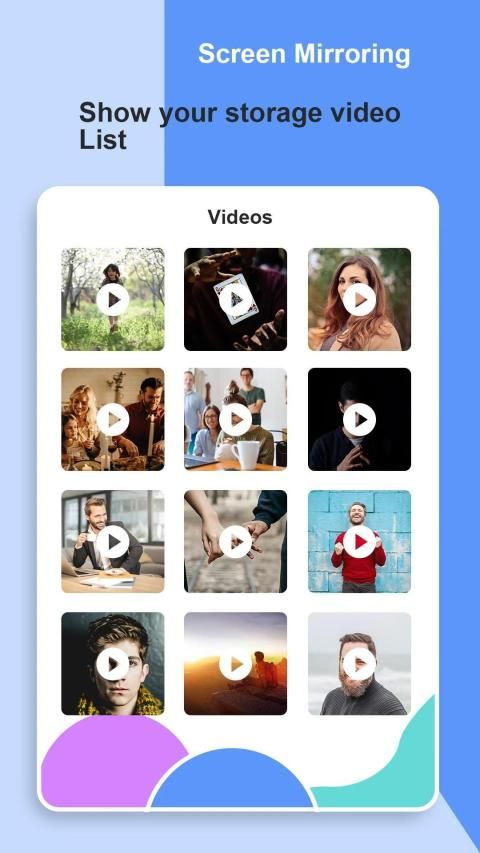
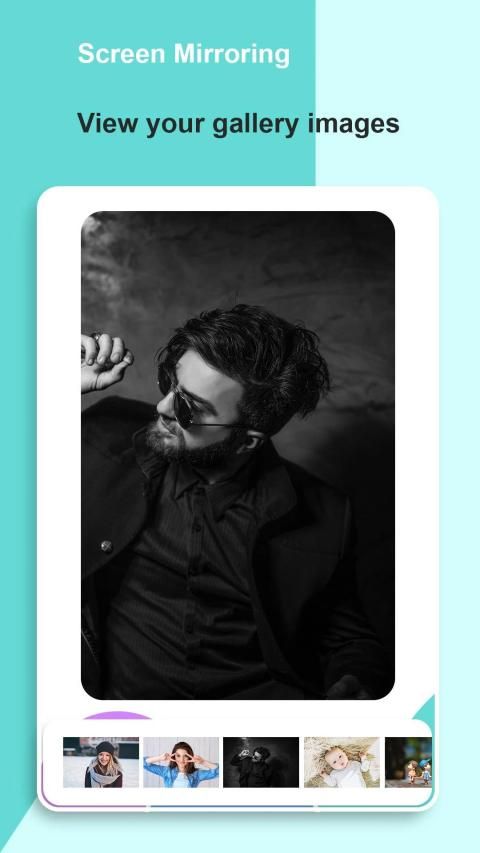
Make your mobile screen more larger with Screen Cast to watch Images, Videos & Etc.
Follow This Steps to Connect Your Phone With TV:
- Enable WIFI in your phone.
- Make sure your TV and your phone are connected with same WIFI network.
- Enable Screen Mirror (Cast Display) on your TV.
- Enable option for Wireless Display.
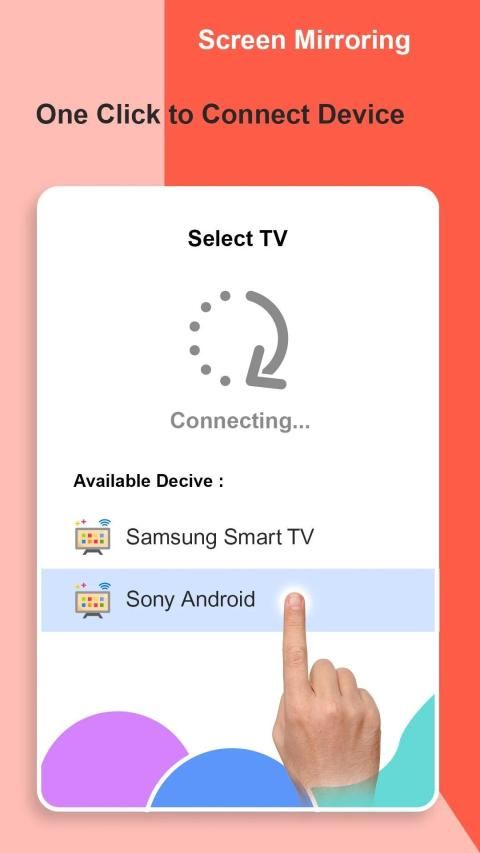
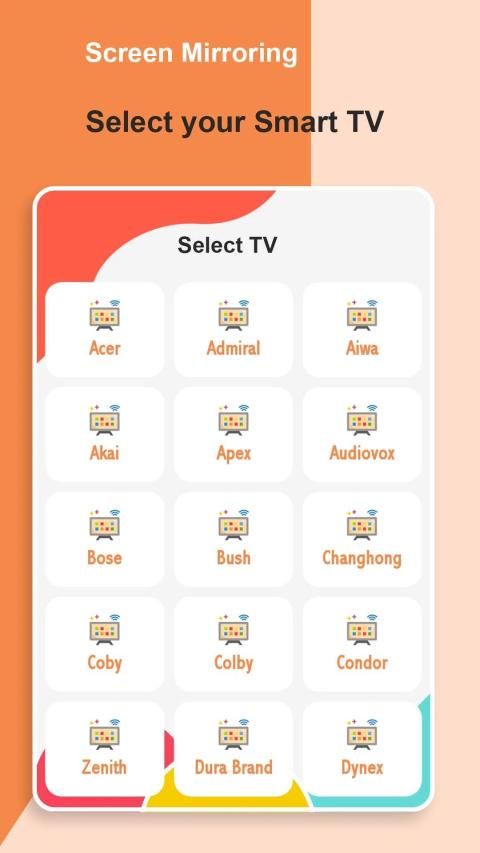
- Select your TV then press connect button.
Thanks & Enjoy.
Sekarang Hubungkan ponsel Anda ke Layar TV tanpa menggunakan kabel apa pun.
Jadikan layar ponsel Anda lebih besar dengan Screen Cast untuk menonton Images, Videos & Etc.
Ikuti Langkah-Langkah Ini untuk Menghubungkan Ponsel Anda Dengan TV:
- Aktifkan WIFI di ponsel Anda.
- Pastikan TV dan ponsel Anda terhubung dengan jaringan WIFI yang sama.
- Aktifkan Mirror Layar (Cast Display) di TV Anda.
- Aktifkan opsi untuk Display Nirkabel.
- Pilih TV Anda lalu tekan tombol hubungkan.
Terima kasih & selamat menikmati.



9Apps 4.9











