Download and enjoy our service, 10,000+ users downloaded Porta - Bluetooth & Arduino latest version on 9Apps for free every week! If you are not comfortable with the old version then you can updated it right now. This hot app was released on 2016-02-28. Just download it and use on your android phone!
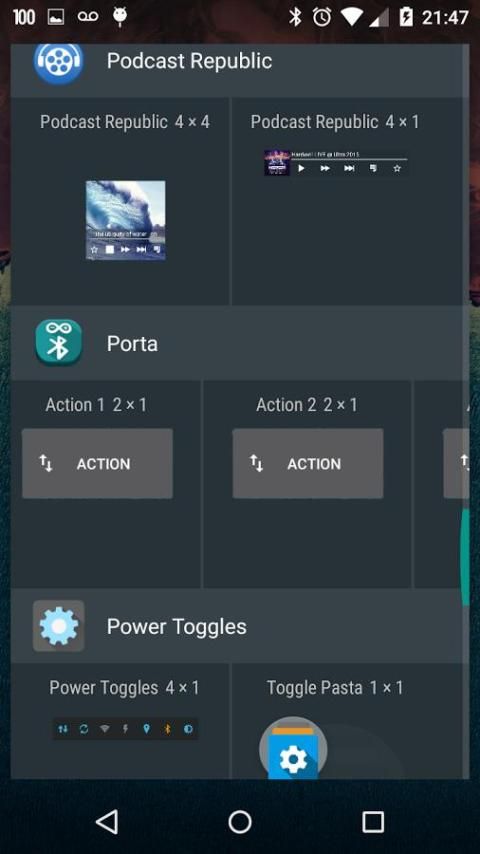
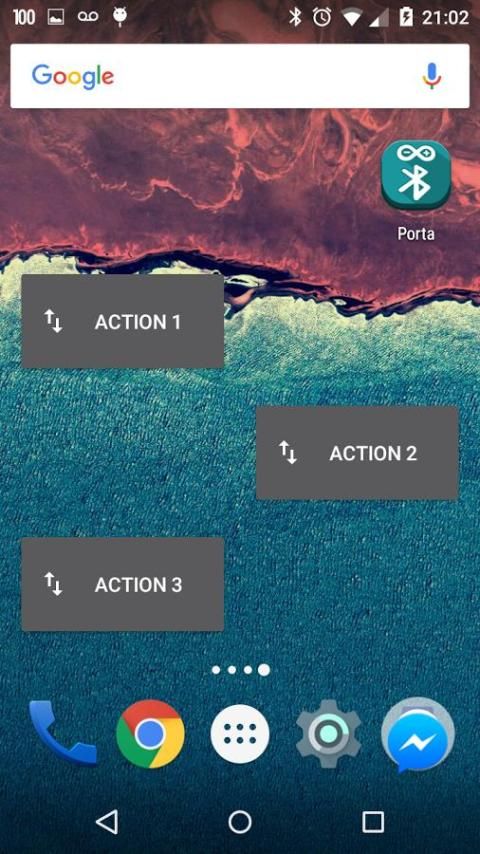
Porta has widgets, Bluetooth serial events and triple that!
* This version is free. To try new functionalities first (beta) and help the development of Porta, buy the paid version without ads!
Finnaly a pratical, easy and fast interaction with Arduino via Bluetooth:
- Set your device once!
- Set your data flow once!
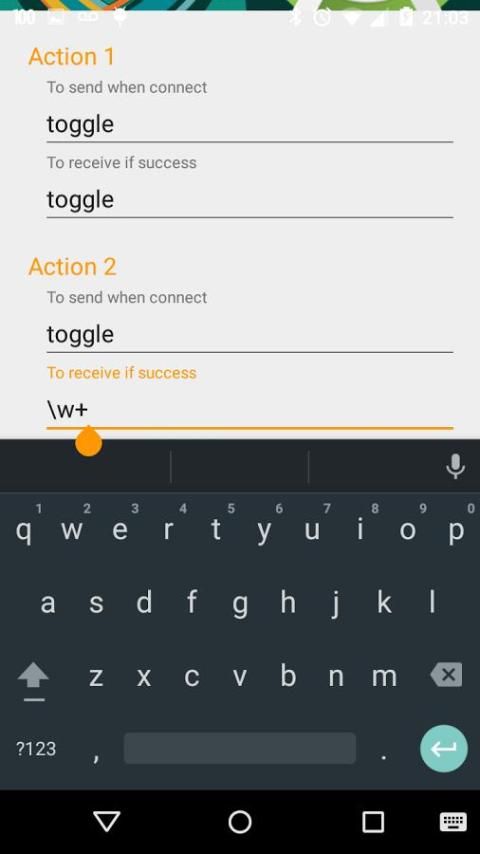
- Receive messages using regular expressions (regex)!
- Just click and go!
Detailed Instructions:
http://www.instructables.com/id/Android-and-Arduino-With-Bluetooth-Using-Porta-App/
Simple Instructions:
1 - Pair with your Bluetooth device.
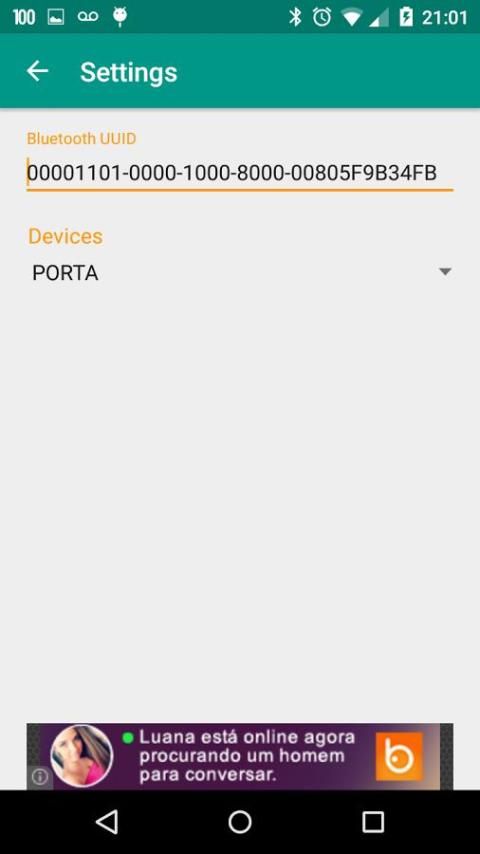
2 - Open Porta, go to Settings and select your paired device. Change UUID if needed.
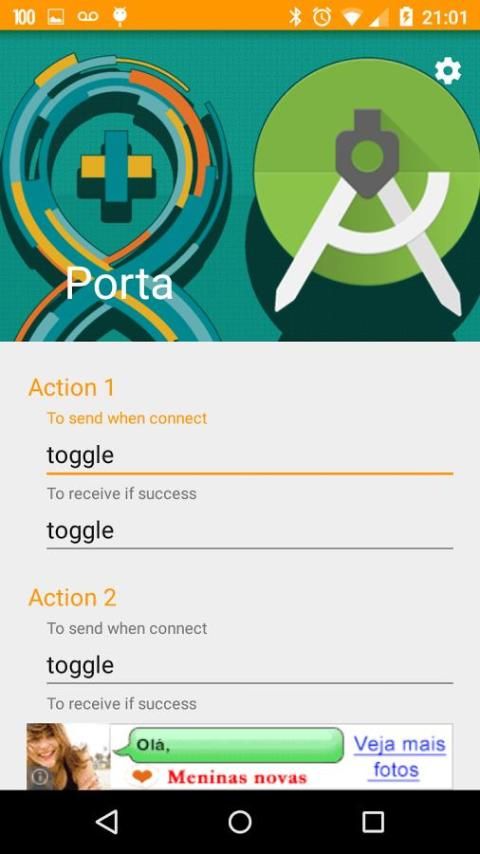
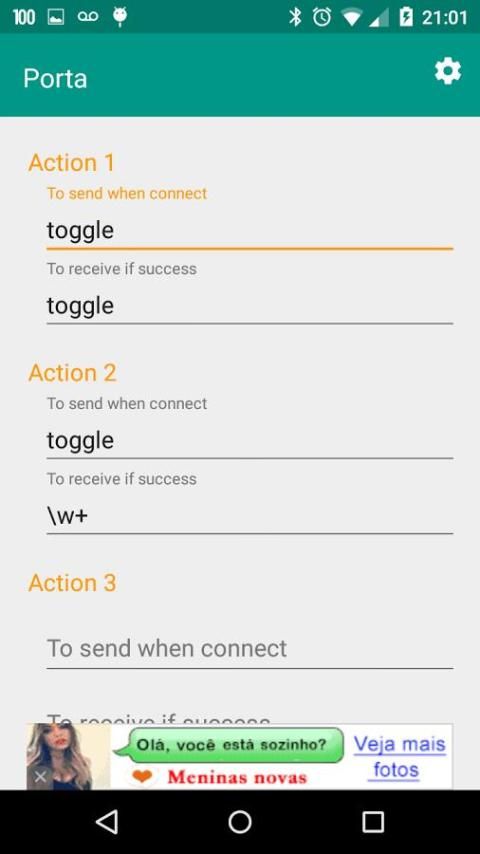
3 - Set your Action data events (to send / to receive).
4 - Put the respective Action widget in the main screen.
5 - Enjoy!
Pre-Requisites:
1 - In Arduino, ALWAYS use line-break (\n) to read and to print Serial operations.
Check this example for references:
https://github.com/raphaelbs/ArduinoPorta/blob/master/arduino-porta.ino
2 - Also in Arduino, ALWAYS reply income messages (like an acknowledgement package).
New functionalities are coming!
Give your feedback to help us improve Porta!
Porta memiliki widget, acara serial Bluetooth dan tiga kali lipat!
* Versi ini gratis. Untuk mencoba fungsionalitas baru pertama (beta) dan membantu pengembangan Porta, membeli versi berbayar tanpa iklan!
Finnaly interaksi praktis, mudah dan cepat dengan Arduino via Bluetooth:
- Menetapkan perangkat Anda sekali!
- Mengatur aliran data Anda sekali!
- Menerima pesan menggunakan ekspresi reguler (regex)!
- Cukup klik dan pergi!
Petunjuk rinci:
http://www.instructables.com/id/Android-and-Arduino-With-Bluetooth-Using-Porta-App/
Petunjuk sederhana:
1 - Pasangan dengan perangkat Bluetooth Anda.
2 - Buka Porta, pergi ke Settings dan pilih perangkat Anda dipasangkan. Mengubah UUID jika diperlukan.
3 - Mengatur acara Data Action Anda (untuk mengirim / menerima).
4 - Letakkan Action widget masing-masing di layar utama.
5 - Nikmati!
Pra-syarat:
1 - Dalam Arduino, selalu menggunakan line-break (\ n) untuk membaca dan mencetak operasi Serial.
Lihat contoh ini untuk referensi:
https://github.com/raphaelbs/ArduinoPorta/blob/master/arduino-porta.ino
2 - Juga di Arduino, selalu membalas pesan penghasilan (seperti paket pengakuan).
fungsionalitas baru datang!
Berikan tanggapan Anda untuk membantu kami meningkatkan Porta!
- Translated to Brasilian Portuguese
- Bugfixs

9Apps 4.9