






DOWNLOAD IS NOT SUPPORTED IN WEB STORE!
Use the latest version of 9Apps to download APK&OBB file of games in one click!
DOWNLOAD 9APPS
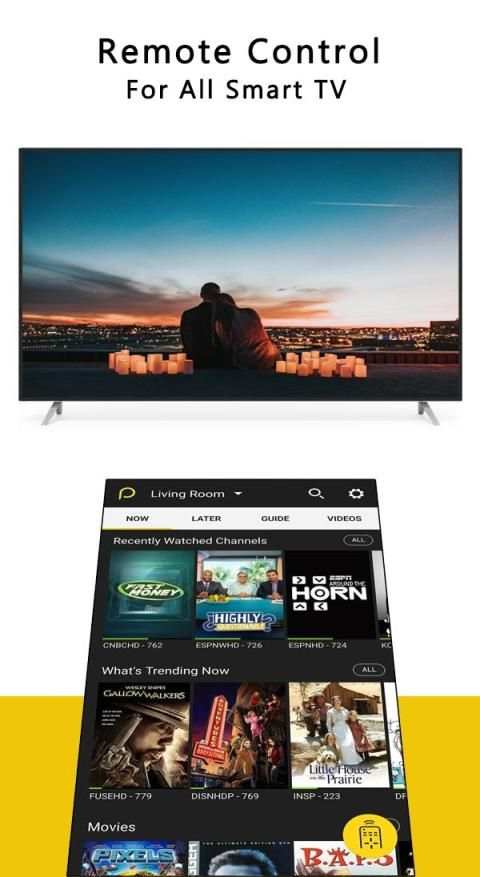
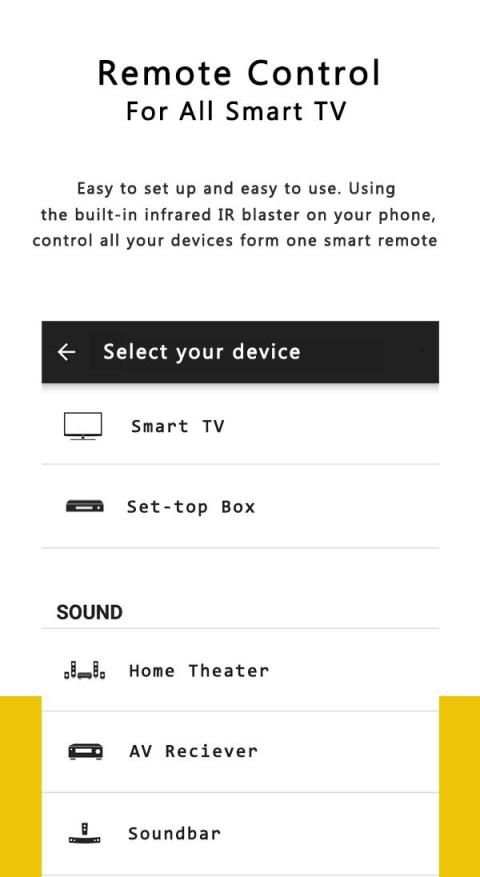
Peel Smart Remote Control is a new free Remote control for all TV Devices 2020, with Universal TV remote control features all in one app.
Universal Free TV Remote Control for Any LCD Device app is Easy to use and help you too .It is always good and easy to use, a single Universal remote control device to control all your electronic equipments.As mobile phone has become a major gadget that people always carry with them, so having an application installed on your mobile device that works as a TV remote control will make your life easier.
Smart TV functionalities of Universal remote controller are:
1. Power Control.
2. Mute / Volume Control.
3. Smart Sharing / Casting: View your Pictures and Videos, and listen to music on your TV.
4. Mouse Navigation and Easy Keyboard.
5. Input
6. Home
7. Apps installed on your TV.
8. Channel lists / Up / Down.
9. Play / Stop / Reverse / Fast Forward.
10. up / down / Left / Right Navigation.
Notes:
- Phone or Tablet with built in IR blaster is required for the Traditional IR TV devices.
- This app is compatible with the TV brands / models currently available in the app. This is an unofficial TV remote application for these Television brands.
Peel Smart Remote Control adalah Remote control baru gratis untuk semua Perangkat TV 2020, dengan fitur-fitur remote control TV Universal semua dalam satu aplikasi.
Remote Control TV Gratis Universal untuk Semua Aplikasi Perangkat LCD Mudah digunakan dan membantu Anda juga. Selalu bagus dan mudah digunakan, satu perangkat Universal remote control untuk mengontrol semua peralatan elektronik Anda. Sebagai ponsel telah menjadi gadget utama yang orang selalu membawanya, sehingga memiliki aplikasi yang diinstal pada perangkat seluler Anda yang berfungsi sebagai remote control TV akan membuat hidup Anda lebih mudah.
Fungsi Smart TV dari pengontrol jarak jauh Universal adalah:
1. Kontrol Daya.
2. Kontrol Bisu / Volume.
3. Berbagi / Mencetak dengan Cerdas: Lihat Gambar dan Video Anda, dan dengarkan musik di TV Anda.
4. Navigasi Mouse dan Keyboard Mudah.
5. Masukan
6. Rumah
7. Aplikasi diinstal di TV Anda.
8. Daftar saluran / Atas / Bawah.
9. Mainkan / Stop / Mundur / Maju.
10. Navigasi atas / bawah / Kiri / Kanan.
Catatan:
- Telepon atau Tablet dengan blaster IR internal diperlukan untuk perangkat TV IR Tradisional.
- Aplikasi ini kompatibel dengan merek / model TV yang saat ini tersedia di aplikasi. Ini adalah aplikasi remote TV tidak resmi untuk merek-merek televisi ini.


