





DOWNLOAD IS NOT SUPPORTED IN WEB STORE!
Use the latest version of 9Apps to download APK&OBB file of games in one click!
DOWNLOAD 9APPS
Steps to use:
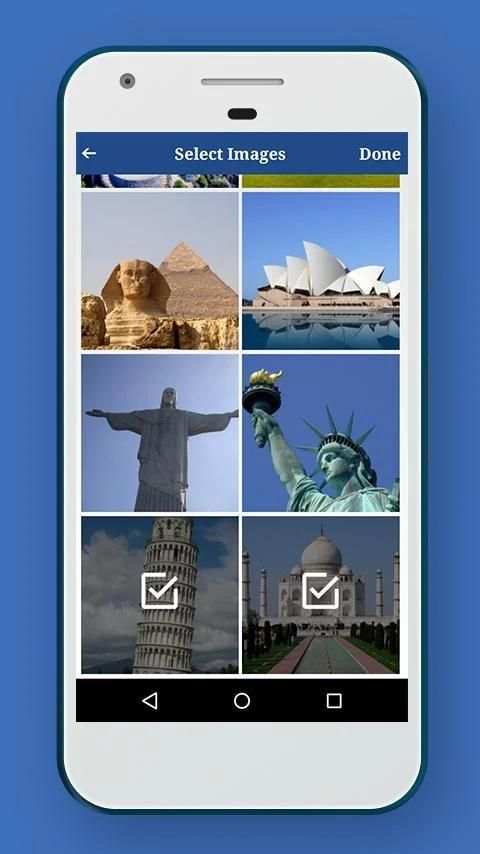
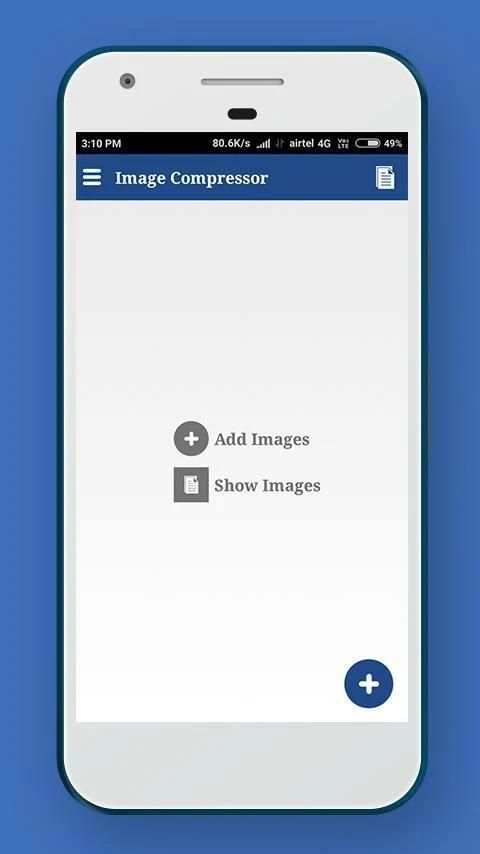
1. Select image/images from gallery with + icon.
2. Deselect unwanted images by long pressing on it.
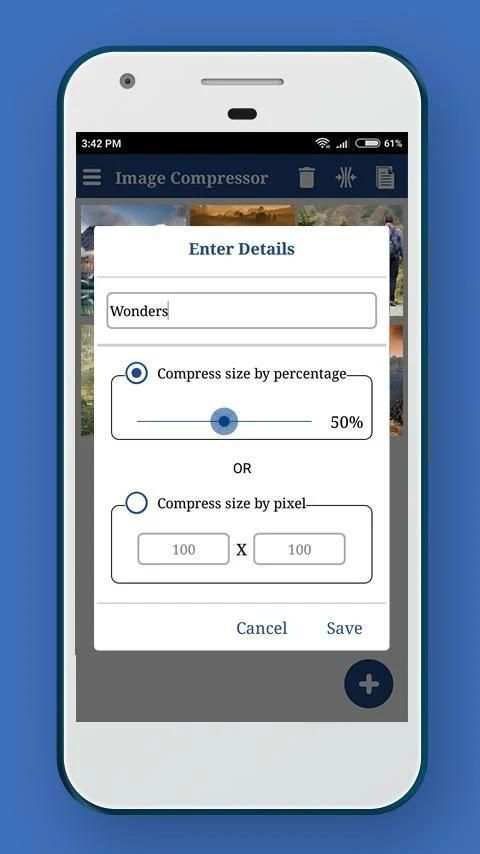
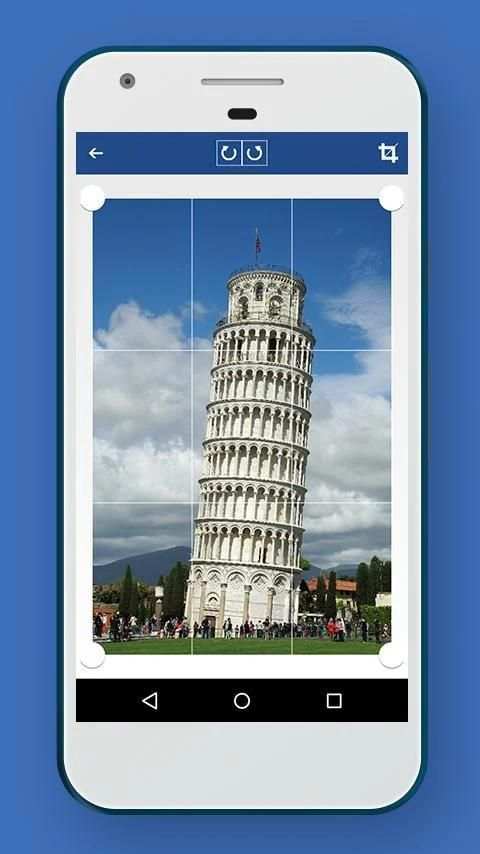
3. Compress image(s) by percentage or dimension(pixel).
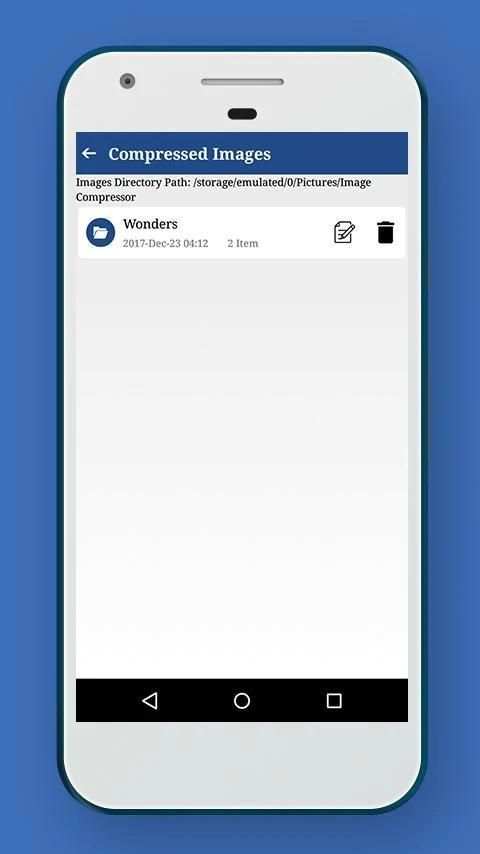
4. View list of all directories containing compressed images.
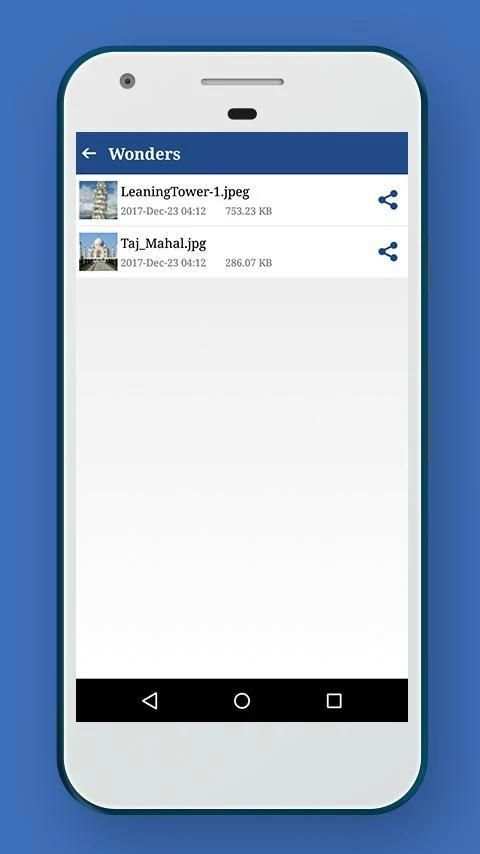
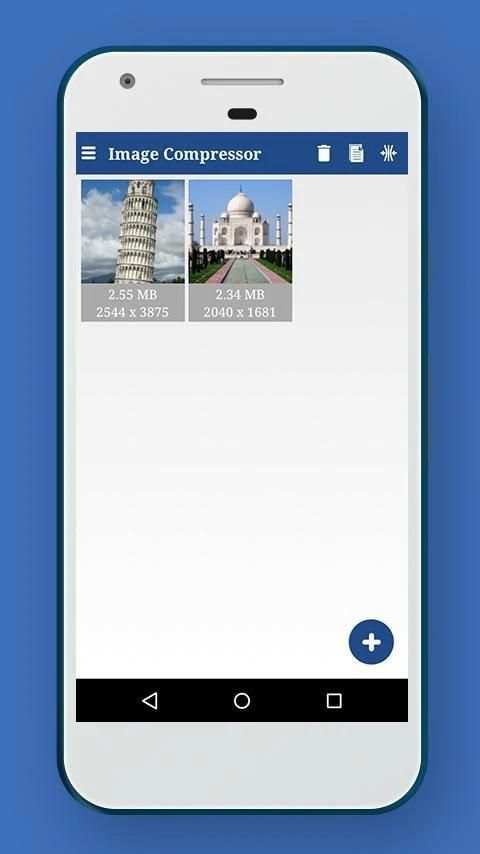
5. View list of all compressed images in each directory
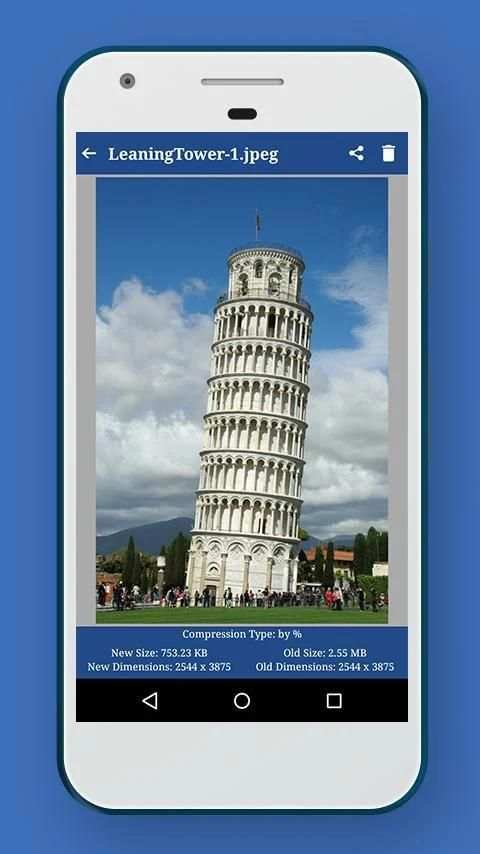
6. Preview image(s) with compression details.
7. Share or delete compressed image(s) by long pressing the image in the list.
Langkah-langkah untuk menggunakan:
1. Pilih gambar / gambar dari galeri dengan ikon +.
2. Hapus gambar yang tidak diinginkan dengan menekan lama di atasnya.
3. Compress image (s) dengan persentase atau dimensi (pixel).
4. Lihat daftar semua direktori yang berisi gambar dikompresi.
5. Lihat daftar semua gambar dikompresi di setiap direktori
6. Preview image (s) dengan rincian kompresi.
7. Share atau menghapus gambar terkompresi (s) dengan panjang menekan gambar dalam daftar.


Minor bug(s) fixed
Performance improvement