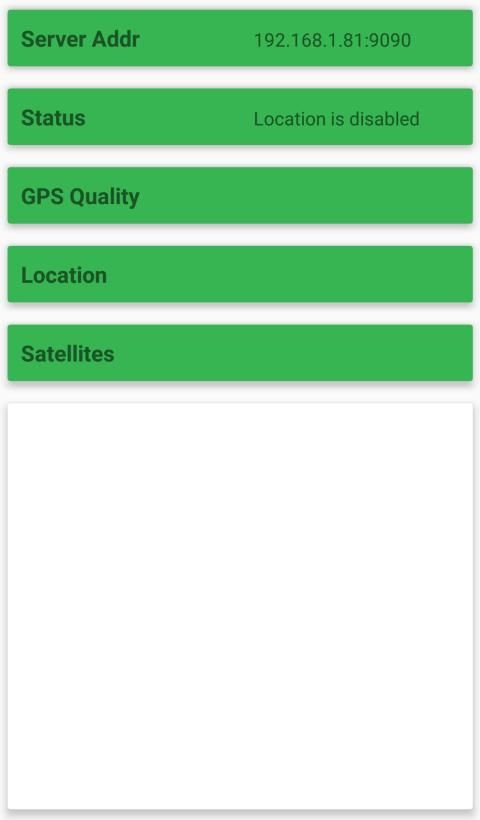
Discover apps for Android here, 20,000+ users downloaded GPSIP latest version on 9Apps for free every week! Although you probably won't notice it at first. This hot app was released on 2019-02-22. To read more info about mobile apps, you can click on 9Apps.
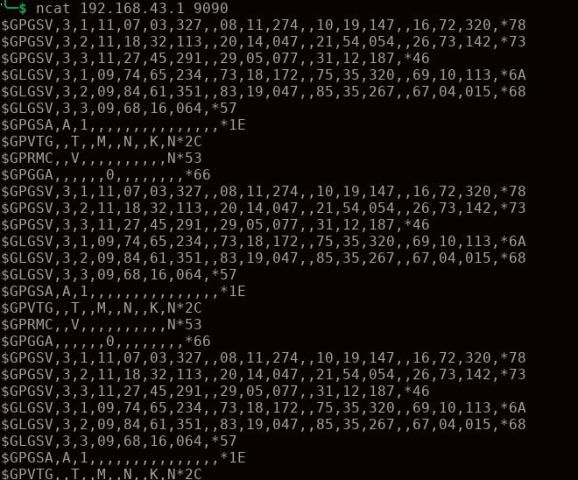
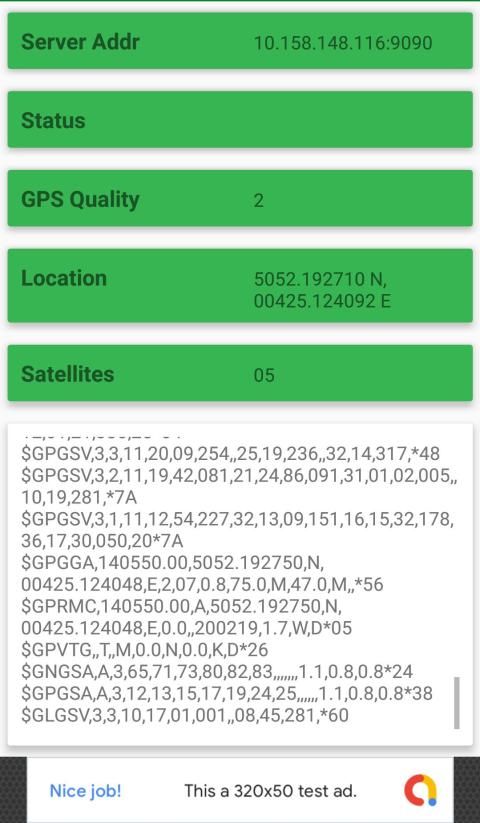
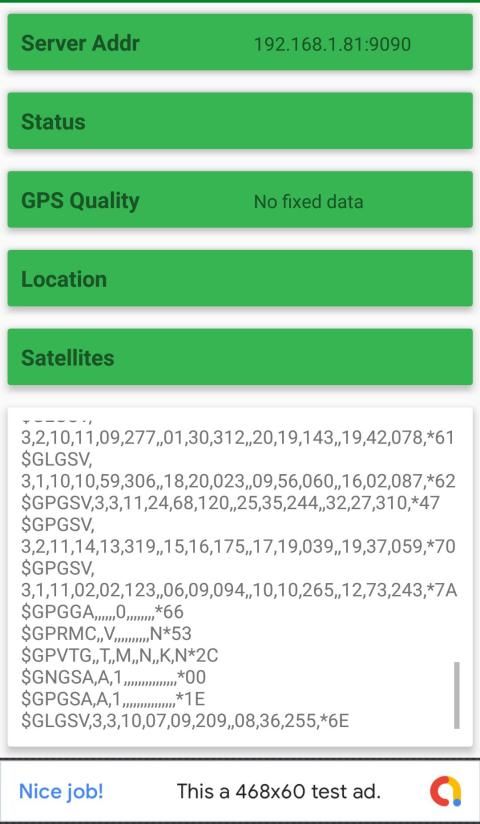
This great tool gets the raw GPS data and serves it through a TCP Socket, like a server.
To use it follow these steps:
1- Enable smartphone's WiFi (or setup a hotspot): Phone and client applications must be on the same network.
2- Open the application on your smartphone and enable location services.
3- Open a client application (a browser will suffice) and point it to the smartphone's IP Address (X.X.X.X:9090)
IP is automatically generated by the application. WIFI (not data carrier) is highly recommended, although data consumption is not very high.
Alat hebat ini mendapatkan data GPS mentah dan menyajikannya melalui TCP Socket, seperti server.
Untuk menggunakannya ikuti langkah-langkah ini:
1- Mengaktifkan WiFi ponsel cerdas (atau mengatur hotspot): Aplikasi telepon dan klien harus berada di jaringan yang sama.
2- Buka aplikasi pada ponsel cerdas Anda dan aktifkan layanan lokasi.
3 - Buka aplikasi klien (browser akan cukup) dan arahkan ke Alamat IP smartphone (X.X.X.X: 9090)
IP secara otomatis dihasilkan oleh aplikasi. WIFI (bukan operator data) sangat disarankan, meskipun konsumsi data tidak terlalu tinggi.
Bug Fixes


9Apps 4.9