







DOWNLOAD IS NOT SUPPORTED IN WEB STORE!
Use the latest version of 9Apps to download APK&OBB file of games in one click!
DOWNLOAD 9APPS
This app is only for Epson scanners. Use Epson iPrint for all-in-one printers.
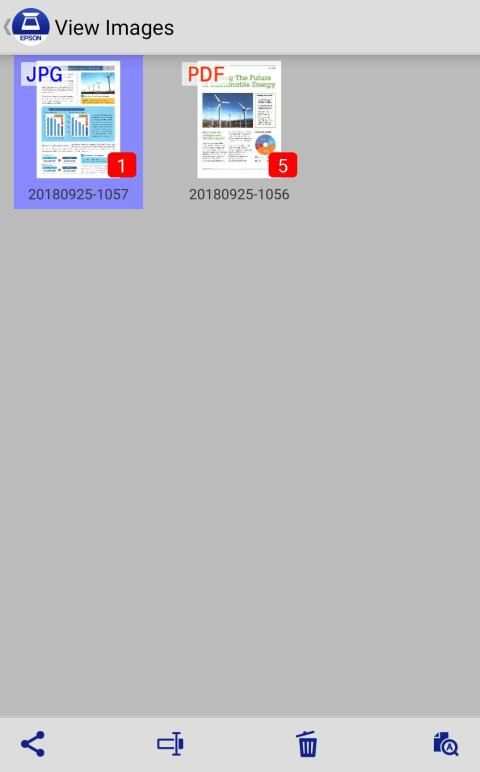
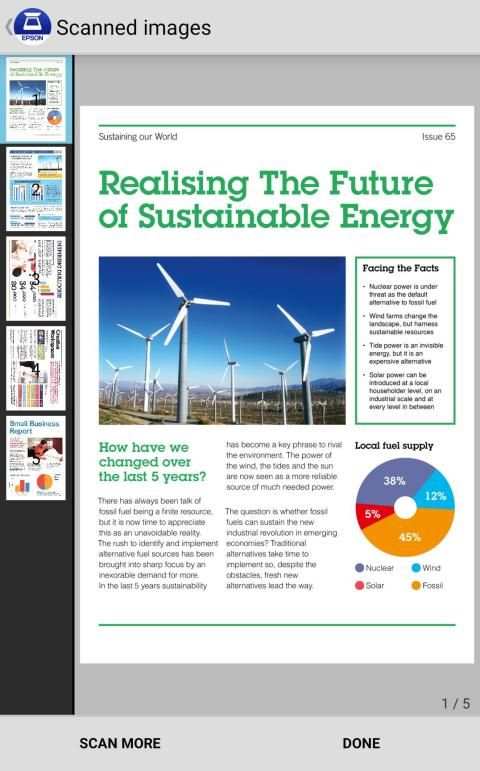
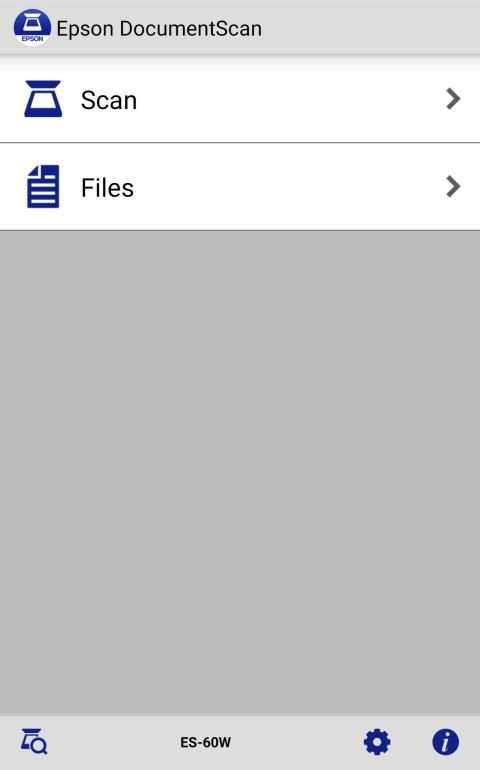
Scan documents directly to your Android™ device. You can preview the scanned data and send it to email, directly to other applications or to cloud services like Box®, DropBox®, Evernote®, Google Drive™ and Microsoft® OneDrive.
Scanners Supported
https://support.epson.net/appinfo/documentscan/en/index.html
Key Features
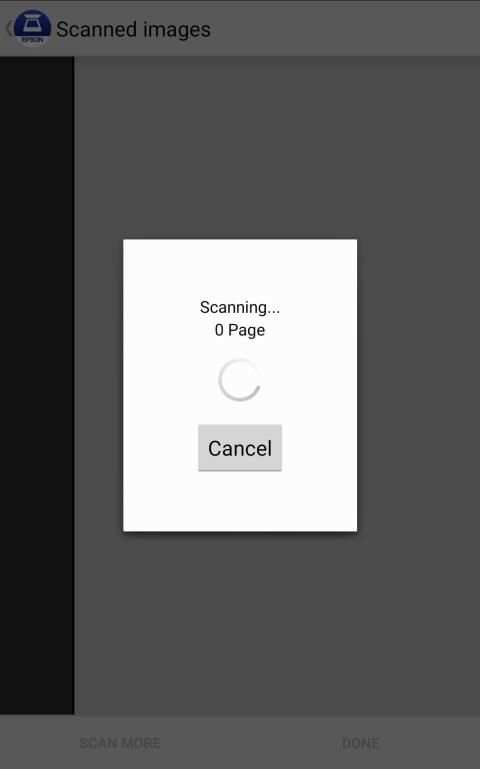
- Directly scan to your Android device
- Edit scanned pages – multi-page rotation or re-ordering
- Send scanned files via email
- Send saved data to other applications, or to cloud services including Box, DropBox, Evernote, Google Drive and Microsoft OneDrive.*
*Applications must be installed on your Android device.
- Get help with a built-in FAQ section
Advanced features
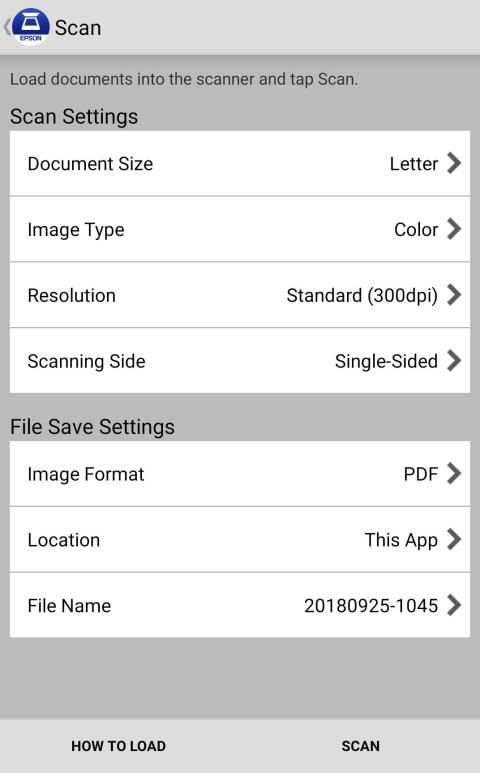
- Autosize recognition, auto image type recognition
- Multi-page rotation and re-ordering
How to Connect
Follow your scanner guide to connect your scanner via Wi-Fi® or AP direct connect mode.
EPSON and WorkForce are registered trademarks. All other product and brand names are trademarks and/or registered trademarks of their respective companies. Epson disclaims any and all rights in these marks.
We welcome your feedback. Unfortunately, we cannot reply to your e-mail.
Aplikasi ini hanya untuk pemindai Epson. Gunakan Epson iPrint untuk printer all-in-one.
Pindai dokumen langsung ke perangkat Android ™ Anda. Anda dapat mempratinjau data yang dipindai dan mengirimkannya ke email, langsung ke aplikasi lain atau ke layanan cloud seperti Box®, DropBox®, Evernote®, Google Drive ™ dan Microsoft® OneDrive.
Pemindai Didukung
https://support.epson.net/appinfo/documentscan/en/index.html
Fitur Utama
- Langsung memindai ke perangkat Android Anda
- Edit halaman yang dipindai - rotasi multi-halaman atau pemesanan ulang
- Kirim file yang dipindai melalui email
- Kirim data yang disimpan ke aplikasi lain, atau ke layanan cloud termasuk Box, DropBox, Evernote, Google Drive dan Microsoft OneDrive. *
* Aplikasi harus diinstal di perangkat Android Anda.
- Dapatkan bantuan dengan bagian FAQ bawaan
Fitur lanjutan
- Pengenalan otomatis, pengenalan tipe gambar otomatis
- Rotasi multi-halaman dan pemesanan ulang
Cara Menghubungkan
Ikuti panduan pemindai Anda untuk menghubungkan pemindai Anda melalui Wi-Fi® atau mode koneksi langsung AP.
EPSON dan WorkForce adalah merek dagang terdaftar. Semua produk dan nama merek lainnya adalah merek dagang dan / atau merek dagang terdaftar dari masing-masing perusahaan. Epson menafikan setiap dan semua hak dalam merek ini.
Kami menyambut umpan balik Anda. Sayangnya, kami tidak dapat membalas email Anda.




What’s new in Document Scan 1.3.0
Minor bug fix