Believe it or not! 20,000+ users downloaded Protego latest version on 9Apps for free every week! You get various free apps from the store. This hot app was released on 2019-02-01. I believe that if you are an android apps lover, you would not miss it.
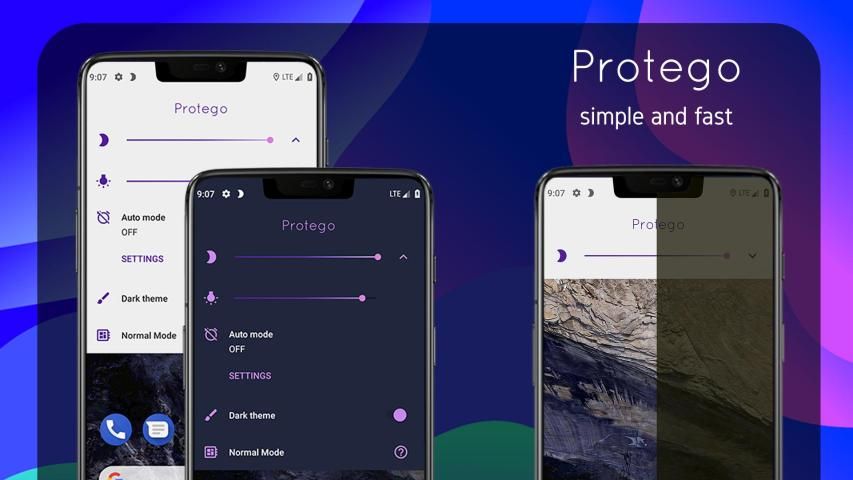
Protego is a quick and easy to use night mode blue light filter and screen dimmer for people who use their devices before they sleep.
Do you use your device before you sleep at night? You will fall in love with this night mode screen filter in no time.
Why do you require a blue light filter and screen dimmer?
- Blue light can have many harmful effects on your brain and body, including but not limited to irritation, insomnia, retinal neuron damage etc.
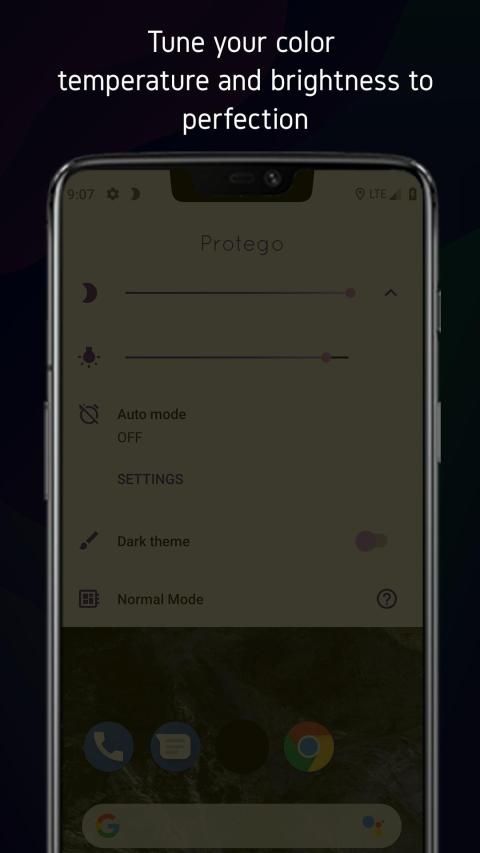
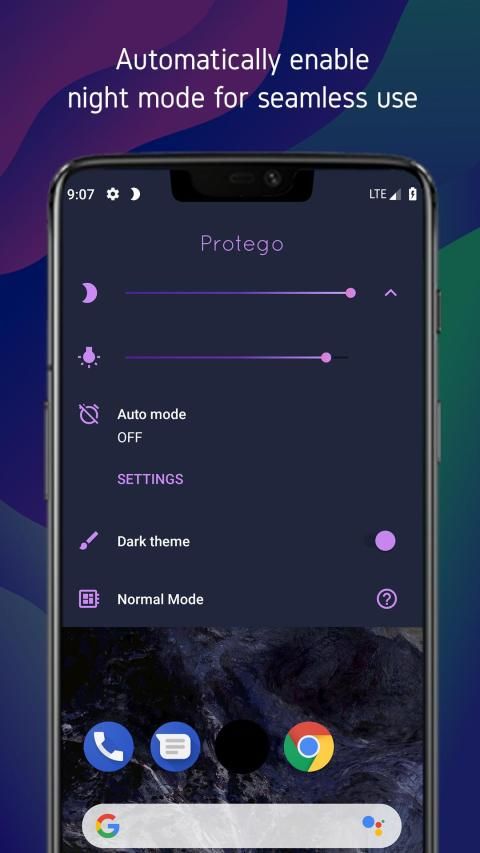
- We provide quick and easy access to blue light screen filter controls, without the hassle of entering an app. You may control your screen filter from a drop-down right from your home screen. We also provide another dropdown with controls for color temperature and night sleep mode.
Advantages of using Protego blue light screen filter-
● Reduce blue light and screen brightness to much less than the stock dimmer
● Adjust blue filter intensity
● Save battery
● Quick and easy controls
● Eye protection and overall health benefits for users who frequently use their devices in the dark or before sleep.
● Scheduled times for blue light screen filter activation (light filter scheduling may not work on some devices)
Dimmer
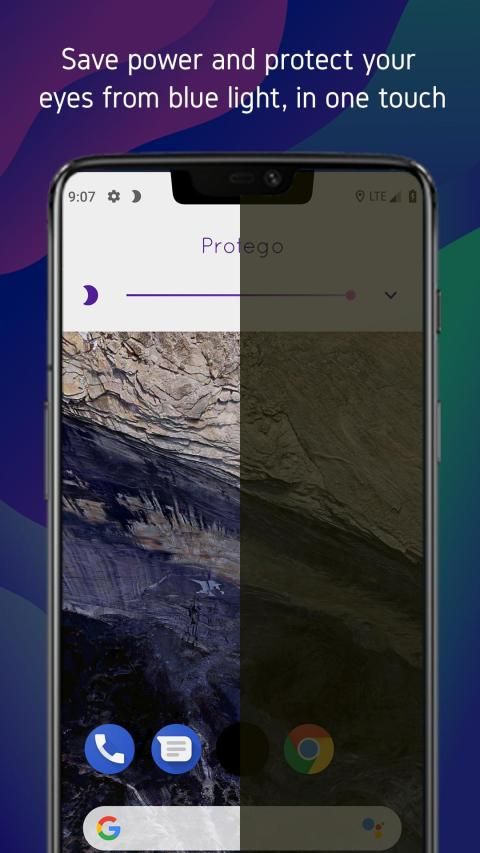
Our dimmer can turn down your screen brightness to your needs and it is independent of our blue light filter.
Blue light screen filter
You can slide this bar to pick your screen intensity and color temperature. We save your preferences locally so you don't need to bother with it again
Save battery
Dark modes and night sleep themes have been proven to save battery and our blue light screen filter works in the same way. We have tested battery improvements and have observed that a screen filtering blue light improves it.
Eye protection and health benefits
After using the blue light screen filter you will notice improvements in sleep and eye relief compared to viewing a normal display emitting blue light (even at low brightness).
Scheduled times of screen filter activation
We provide a mechanism to automatically activate the screen filter so you don't need to worry about activating it during the night.
● Disclaimer: Recently more devices do not support this feature as it requires background processes to activate as per the scheduled time. Devices with built in battery optimization may attempt to block or override this app. We have provided you with an option to request system permission to exclude this app through the settings, however some devices override this as well. We apologize if the screen filter scheduling does not work on your device but we hope that the quick access through our dropdown will help you access the blue light screen filter as effortlessly as possible.
Relevant studies supporting screen blue light filter-
Effects of blue light technology
https://en.wikipedia.org/wiki/Effects_of_blue_lights_technology
Tips:
Enable dark theme on the screen filter dropdown and adjust the blue light filter intensity during night before you sleep.
Protego adalah filter cahaya biru mode cepat dan mudah digunakan dan peredupan layar untuk orang yang menggunakan perangkat mereka sebelum tidur.
Apakah Anda menggunakan perangkat Anda sebelum tidur di malam hari? Anda akan jatuh cinta dengan filter layar mode malam ini dalam waktu singkat.
Mengapa Anda memerlukan filter cahaya biru dan redup layar?
- Cahaya biru dapat memiliki banyak efek berbahaya pada otak dan tubuh Anda, termasuk tetapi tidak terbatas pada iritasi, insomnia, kerusakan neuron retina, dll.
- Kami menyediakan akses cepat dan mudah ke kontrol filter layar cahaya biru, tanpa repot memasuki aplikasi. Anda dapat mengontrol filter layar Anda dari tarik turun langsung dari layar beranda. Kami juga menyediakan dropdown lain dengan kontrol untuk suhu warna dan mode tidur malam.
Keuntungan menggunakan Protego blue light screen filter-
● Kurangi cahaya biru dan kecerahan layar menjadi jauh lebih sedikit daripada redup stok
● Sesuaikan intensitas filter biru
● Hemat baterai
● Kontrol cepat dan mudah
● Perlindungan mata dan manfaat kesehatan secara keseluruhan untuk pengguna yang sering menggunakan perangkat mereka dalam gelap atau sebelum tidur.
● Waktu yang dijadwalkan untuk aktivasi filter layar cahaya biru (penjadwalan filter cahaya mungkin tidak berfungsi pada beberapa perangkat)
Lampu dim
Dimmer kami dapat menurunkan kecerahan layar sesuai kebutuhan Anda dan tidak tergantung pada filter cahaya biru kami.
Filter layar biru terang
Anda dapat menggeser bilah ini untuk memilih intensitas layar dan suhu warna. Kami menyimpan preferensi Anda secara lokal sehingga Anda tidak perlu repot dengan itu lagi
Hemat baterai
Mode gelap dan tema tidur malam telah terbukti menghemat baterai dan filter layar cahaya biru kami berfungsi dengan cara yang sama. Kami telah menguji peningkatan baterai dan telah mengamati bahwa penyaringan layar meningkatkan cahaya biru itu.
Perlindungan mata dan manfaat kesehatan
Setelah menggunakan filter layar cahaya biru Anda akan melihat peningkatan dalam tidur dan bantuan mata dibandingkan dengan melihat tampilan normal memancarkan cahaya biru (bahkan pada kecerahan rendah).
Waktu yang dijadwalkan untuk aktivasi filter layar
Kami menyediakan mekanisme untuk secara otomatis mengaktifkan filter layar sehingga Anda tidak perlu khawatir untuk mengaktifkannya pada malam hari.
● Penafian: Baru-baru ini lebih banyak perangkat tidak mendukung fitur ini karena memerlukan proses latar belakang untuk mengaktifkan sesuai waktu yang dijadwalkan. Perangkat dengan optimisasi baterai bawaan dapat mencoba memblokir atau menimpa aplikasi ini. Kami telah memberi Anda opsi untuk meminta izin sistem untuk mengecualikan aplikasi ini melalui pengaturan, namun beberapa perangkat menimpanya juga. Kami mohon maaf jika penjadwalan filter layar tidak berfungsi pada perangkat Anda, tetapi kami berharap akses cepat melalui dropdown kami akan membantu Anda mengakses filter layar lampu biru semudah mungkin.
Studi yang relevan mendukung layar- filter cahaya biru
Efek teknologi cahaya biru
https://en.wikipedia.org/wiki/Effects_of_blue_lights_technology
Kiat:
Aktifkan tema gelap pada dropdown filter layar dan sesuaikan intensitas filter cahaya biru pada malam hari sebelum Anda tidur.
Protego blue light filter /night mode screen filter app release


9Apps 4.9