











डाउनलोड वेब स्टोर में समर्थित नहीं है!
एक क्लिक में एपीके एंड ओबीबी फाइलें डाउनलोड करने के लिए 9Apps के नवीनतम संस्करण का प्रयोग करें
DOWNLOAD 9APPS
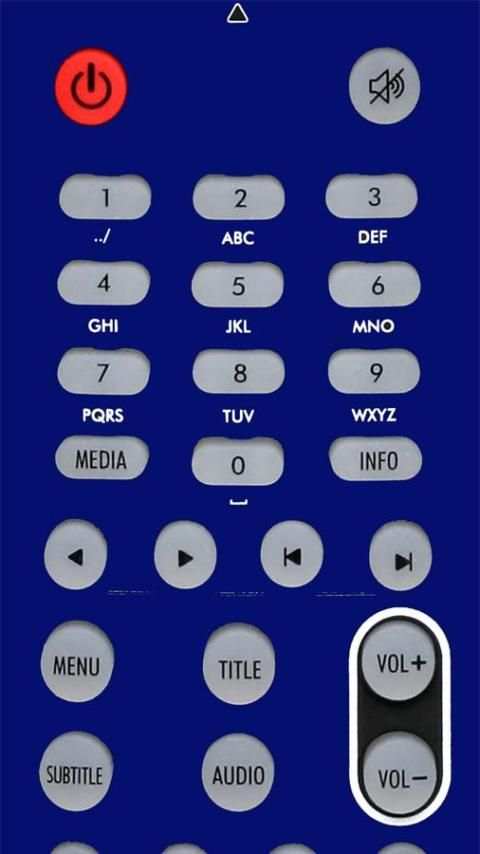
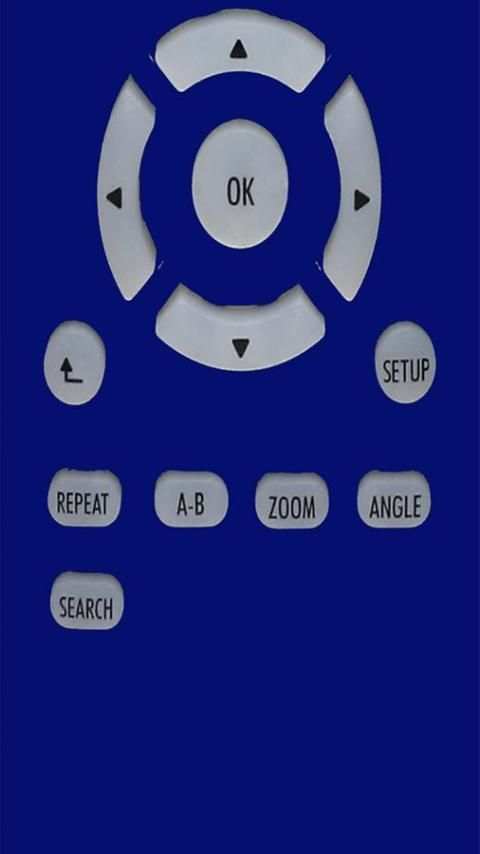
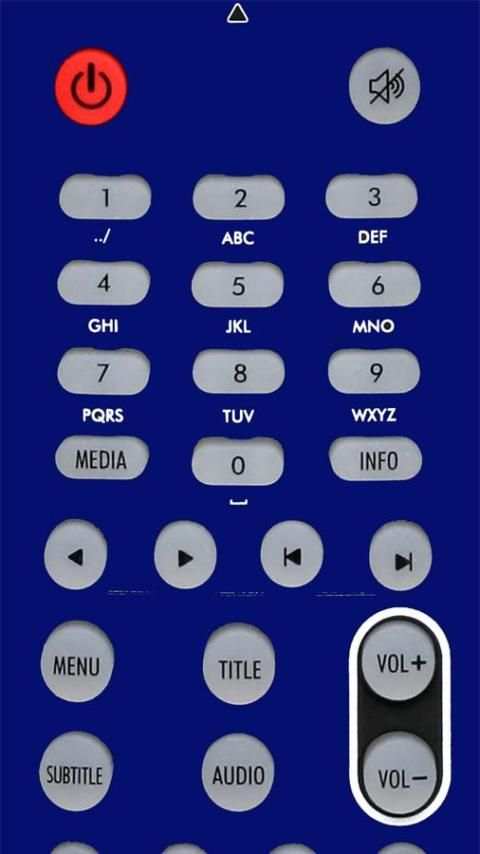
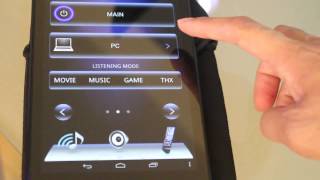
You can operate your Tv receiver and/or components connected to your own receiver with the Receiver Remote Control application. All Wifi receivers are compatible with this Receiver app RC.
To Getting Started
1) Prepare your receiver.
1-1) Connect your receiver to your network (For details on how to do this, refer to the Operating Instructions supplied with your receiver or your router.)
1-2) Select "Settings", then "Network", and then "External Control." Finally, set "External Control" to "ON."
2) Connect your samsung mobile or other android mobile touch to the same network as your receiver.
3) On the application home screen, tap "Application Settings", and select "Connection."
4) Tap on any displayed receiver that you want to operate. If no receiver is displayed, then tap "Rescan" to search for receivers on the network.
Notes
- Demo mode will be active until the application is properly configured with a Sony receiver.
- Please restart this application to synchronize with the Remote Control Receiver if you revise any settings (Input Name, Input Icon, My Library, Tuner Preset, Macro, etc.).
- For more details, refer to the "Help" in "Application Settings" on the application home screen.
The Receivers Compatible :
Sony
Eckolink
Samsat
Penacle
Revolution
GoldVision
Vision


