

Believe it or not! 30,000+ users downloaded EasyTransfer latest version on 9Apps for free every week! The App has powerful functions. This hot app was released on 2020-06-07. If you still need more information collecting extra factors, read below.
EasyTransfer is a cross-platform transmission instrument supporting face-to-face transmission, zero traffic and able to transmit any file.
Whether text, music, image or video, movie or APP, you need only several taps to transmit documents. Now, just forget the troublesome transmission cable, as well as the slow Bluetooth, the APP consuming traffic and the application requiring to install software on PC! Why hesitate? Download EasyTransfer right now!
Product Features:
[No network] Sharing at any time and in any place is available without any network and data traffic.
[Global-fast] Transmission speed is 200x Bluetooth, up to above 20M/s maximally.
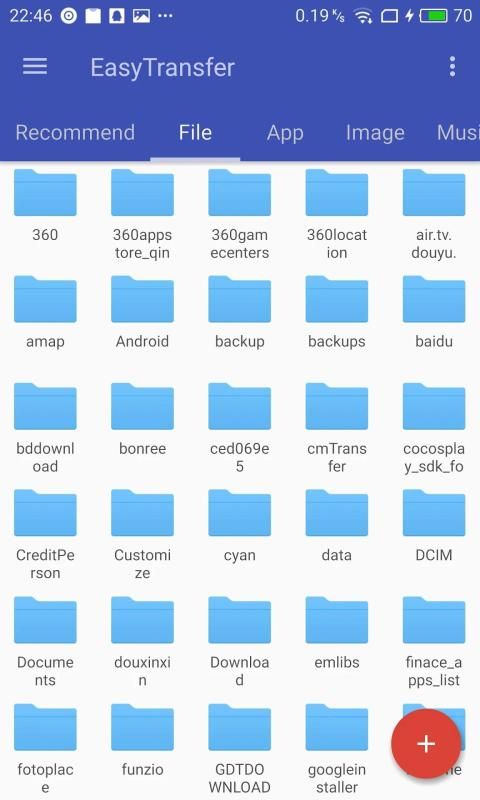
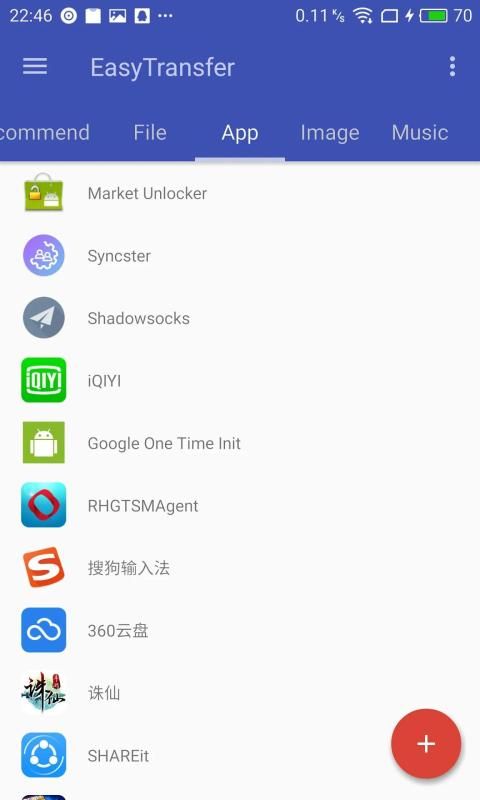
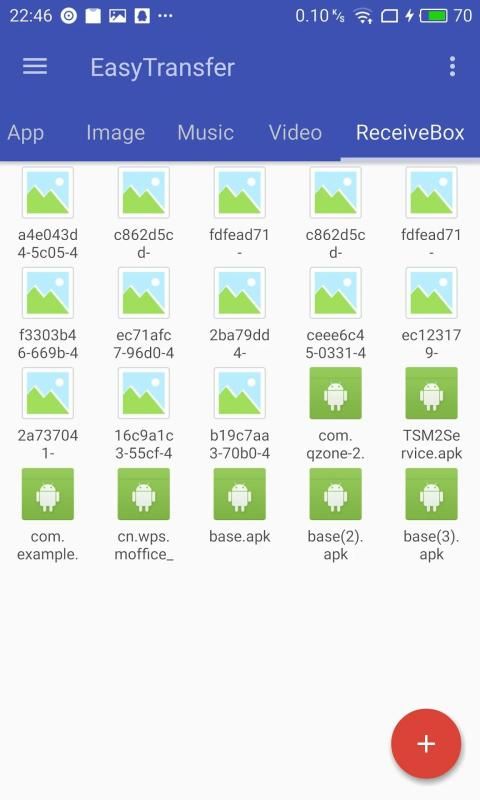
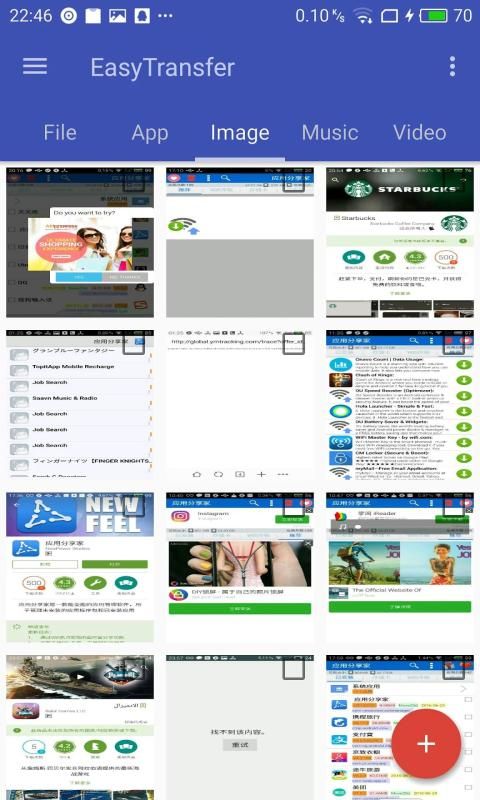
[Strong function] Image, video, music, installed APP and any file in SD card are supported.
[Easy to operate] After APP is activated, receipt and delivery between friends may be conducted at any time and in any place; one-key sharing of files is available.
[Multi-file transmission] You can transmit one file, multiple files or the whole folder, as you wish.
[Multi-system support] The mobile phones and tablets with the systems from Android 4.0 to Android 7.0 are supported.
[Multi-resolution support] The screens of Android devices with various resolutions are supported.
[Multi-language support] English, Arabic, Simplified Chinese and Traditional Chinese are supported.
[RTL layout support] RTL layout and Arabic regions are supported.
Instructions:
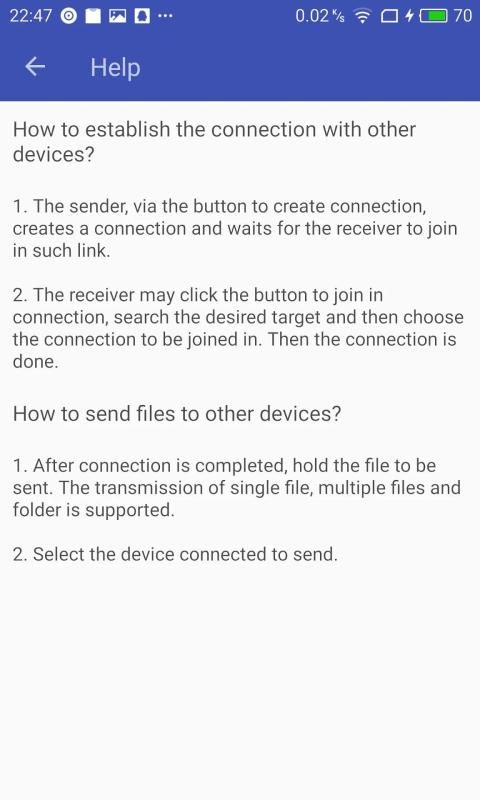
How to establish the connection with other devices?
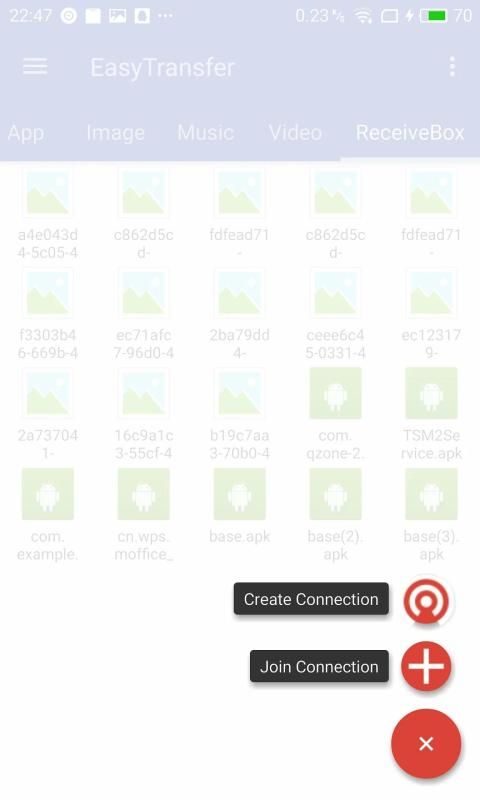
1. The sender, via the button to create connection, creates a connection and waits for the receiver to join in such link.
2. The receiver may click the button to join in connection, search the desired target and then choose the connection to be joined in. Then the connection is done.
How to send files to other devices?
1. After connection is completed, hold the file to be sent. The transmission of single file, multiple files and folder is supported.
2. Select the device connected to send.
Tips:
☆ Make sure your mobile phone and PC are connected to the same WIFI network.
☆ You may learn to use such APP with the instructions in it.
Support Us:
☆ Please do not forget to give us the good comment of 5 stars.
☆ Please recommend this APP for your friends.
☆ Please help us translate EasyTransfer.
☆ Please show us your problems or suggestions.
EasyTransfer एक पार मंच संचरण समर्थन का सामना करने वाली चेहरे संचरण, शून्य यातायात और किसी भी फाइल को संचारित करने में सक्षम साधन है।
पाठ, संगीत, छवि या वीडियो, फिल्म या एपीपी चाहे, तो आप दस्तावेजों प्रसारित करने के लिए केवल कई नल की जरूरत है। अब, बस परेशानी प्रसारण केबल, साथ ही धीमी गति से ब्लूटूथ, एपीपी लेने वाली यातायात और पीसी पर सॉफ्टवेयर स्थापित करने के लिए आवेदन की आवश्यकता भूल जाओ! क्यों संकोच? डाउनलोड EasyTransfer अब ठीक है!
उत्पाद की विशेषताएँ:
[कोई नेटवर्क] किसी भी समय और किसी भी स्थान पर किसी भी नेटवर्क शेयरिंग और डेटा यातायात के बिना उपलब्ध है।
[ग्लोबल तेजी] संचरण की गति 200x ब्लूटूथ है, ऊपर 20M करने के लिए ऊपर / ज़्यादा से ज़्यादा है।
[मजबूत समारोह] छवि, वीडियो, संगीत, स्थापित अनुप्रयोग और एसडी कार्ड में किसी भी फाइल को समर्थन कर रहे हैं।
[आसान संचालित करने के लिए] के बाद एप्लिकेशन को सक्रिय होता है, रसीद और दोस्तों के बीच वितरण के लिए किसी भी समय और किसी भी जगह में आयोजित किया जा सकता है; फ़ाइलों में से एक-कुंजी बंटवारे उपलब्ध है।
[मल्टी फ़ाइल संचरण] आप एक फाइल, कई फाइल या फोल्डर पूरे संचारित रूप में आप चाहें कर सकते हैं।
[मल्टी सिस्टम समर्थन] मोबाइल फोन और टैबलेट एंड्रॉयड 4.0 से एंड्रॉयड 7.0 सिस्टम के साथ समर्थन कर रहे हैं।
[बहु संकल्प समर्थन] विभिन्न प्रस्तावों के साथ एंड्रॉयड उपकरणों की स्क्रीन समर्थन कर रहे हैं।
[बहु भाषा समर्थन] अंग्रेजी, अरबी, चीनी और पारंपरिक चीनी समर्थन कर रहे हैं।
[आरटीएल लेआउट समर्थन] आरटीएल लेआउट और अरबी क्षेत्रों समर्थन कर रहे हैं।
निर्देश:
कैसे अन्य उपकरणों के साथ संबंध स्थापित करने के लिए?
1. इस, बटन कनेक्शन बनाने के लिए के माध्यम से, एक कनेक्शन बनाता है और रिसीवर इस तरह के लिंक में शामिल होने के लिए इंतजार कर रहा है।
2. रिसीवर, कनेक्शन में शामिल होने के लिए वांछित लक्ष्य खोज और फिर कनेक्शन में शामिल होने के लिए चयन करने के लिए बटन क्लिक कर सकते हैं। फिर कनेक्शन किया जाता है।
कैसे अन्य उपकरणों के लिए फ़ाइलें भेजने के लिए?
1. कनेक्शन पूरा हो जाने के बाद, पकड़ फ़ाइल भेजा जाना है। एकल फाइल, कई फाइल और फोल्डर के संचरण का समर्थन किया है।
2. डिवाइस भेजने के लिए लॉग इन करें।
सुझाव:
☆ सुनिश्चित करें कि आपके मोबाइल फोन और पीसी, एक ही वाईफाई नेटवर्क से जुड़े रहे हैं।
☆ आप यह निर्देश के साथ इस तरह के अनुप्रयोग का उपयोग करने सीख सकते हैं।
हमें सहयोग दीजिये:
☆ कृपया भूल हमें 5 सितारों की अच्छी टिप्पणी देने के लिए नहीं है।
☆ अपने दोस्तों के लिए इस app की सिफारिश करें।
☆ कृपया हमें मदद EasyTransfer अनुवाद करते हैं।
☆ कृपया हमें अपनी समस्या या सुझाव दिखा।
Fixed some bugs



9Apps 4.9














